87
M
ANAGING CALLS CONTACTS
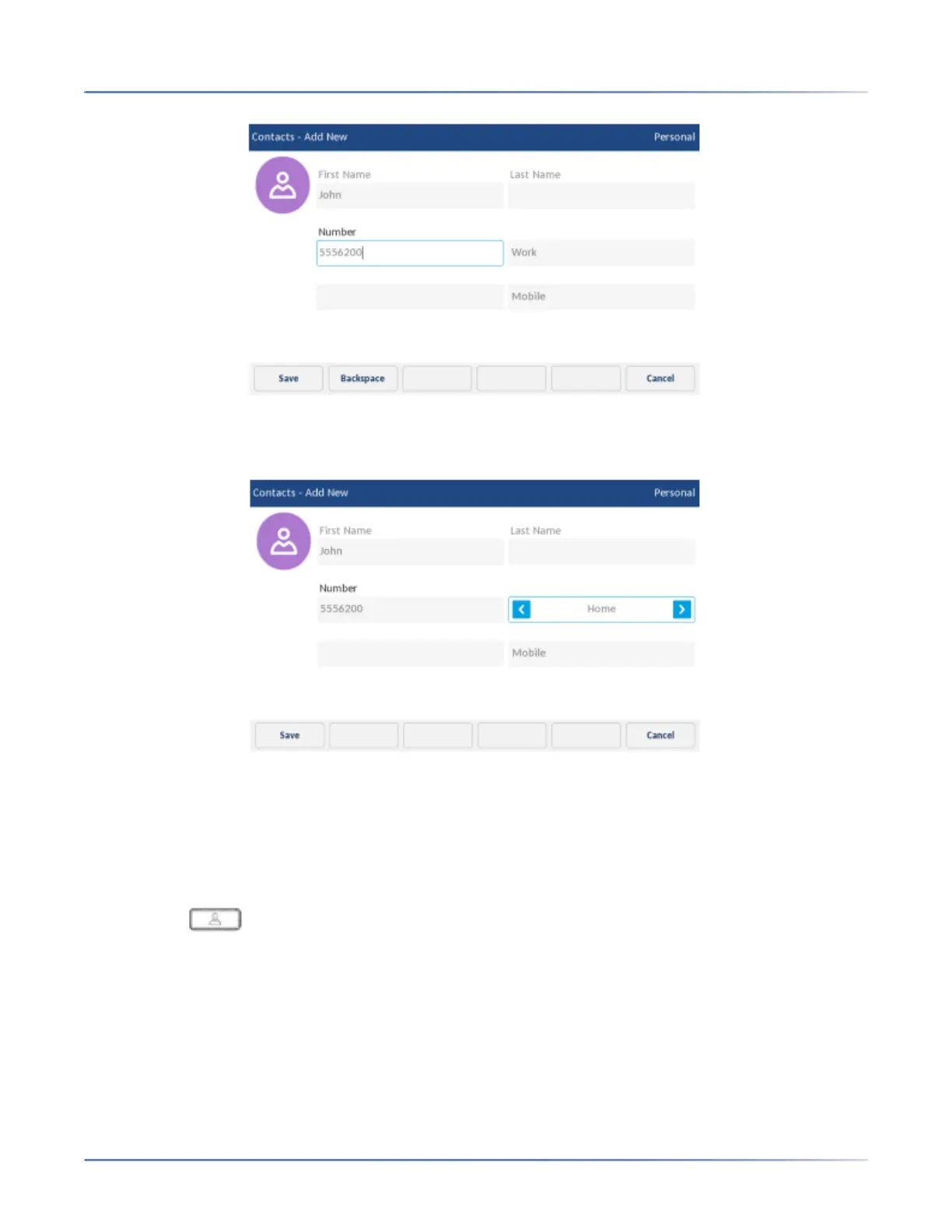
6. Tap the number type (Work/Home/Mobile) field and tap the left and right arrow buttons to switch the
type of number (either Work, Home, or Mobile).
7. (Optional) Repeat steps 5 and 6 to enter a secondary number.
8. Tap the Save softkey to save the contact to your Personal folder.
Editing an existing contact in your Personal folder
To edit an existing contact in your Personal folder:
1. Press the (Contacts) key.
2. (Optional) Tap the search bar, enter the first letters of the contact’s name, and tap the blue return
button to initialize the search function.
3. Tap contact you want to edit.













 To Next Page