85
M
ANAGING CALLS CONTACTS
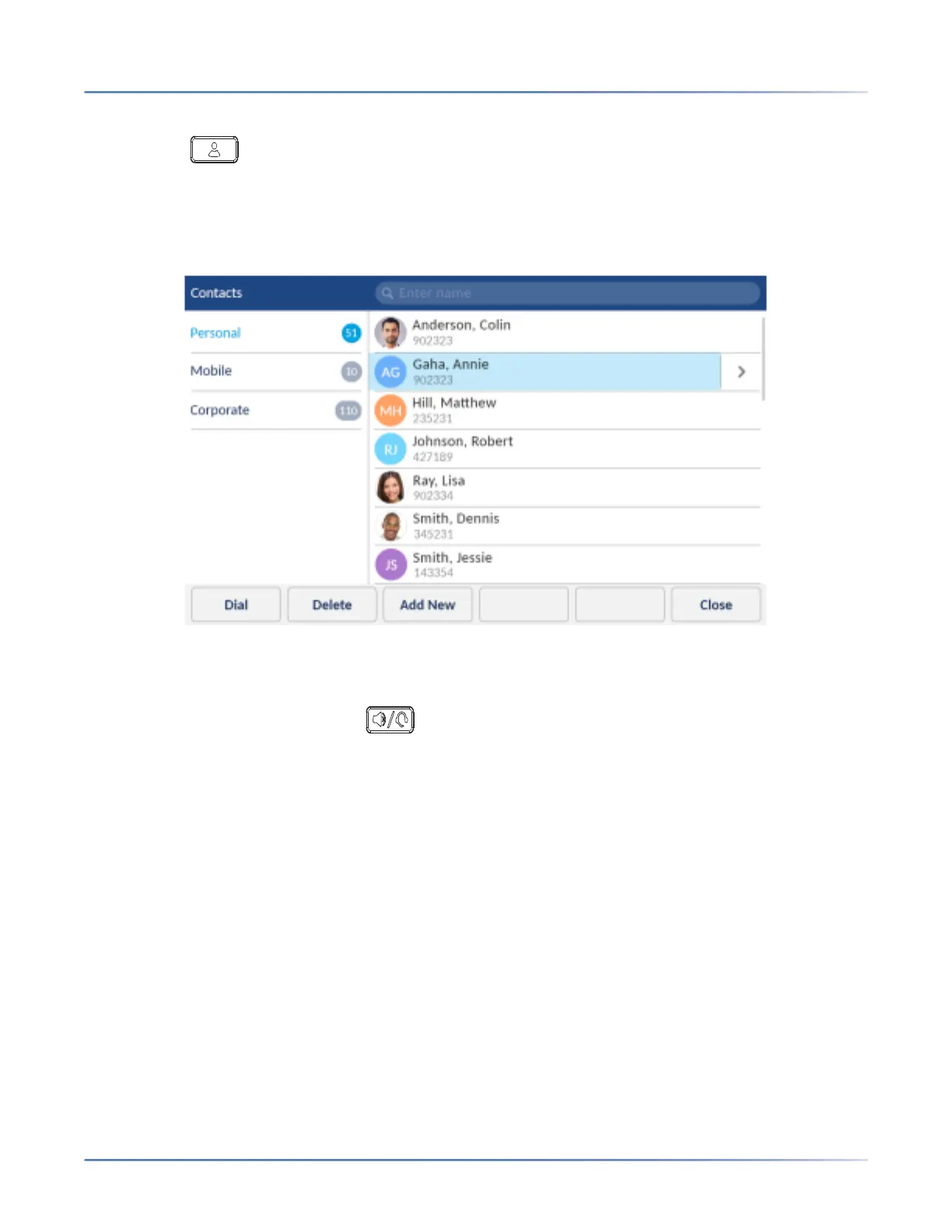
To dial a contact’s phone number.
1. Press the (Contacts) key.
2. (Optional) Tap the search bar, enter the first letters of the contact’s name, and tap the blue return
button to initialize the search function.
3. Tap the contact you want to call.
4. (Optional) If the contact has multiple phone numbers defined, press the right arrow button to navigate
to the contact card and tap the phone number you wish to call.
5. Tap the Dial softkey or press the (Speaker/Headset) key for speaker or headset operation
or
or Pickup the handset for handset operation.
Personal folder features
The Personal folder contains the contacts (up to 50) that have been created or copied directly to the
phone using the phone UI.
From the Personal folder you can search for a personal contact, place a call to the selected personal
contact, add new personal contacts, delete all personal contacts, delete individual personal contacts, or
edit existing personal contacts. You can also view contact details (e.g. avatar, name, and numbers) by
navigating to the contact card.













 To Next Page