74
H
ANDLING CALLS PLACING A CALL ON HOLD
Handling calls
When you are connected to a call, you can use hard keys on the phone to perform various actions, such
as placing a call on hold or muting the microphone. Softkeys can also be used to perform actions such as
transferring calls or creating multi-party conference calls.
Placing a call on hold
You can place an active call on hold by pressing the (Hold) key.
To place a call on hold (while on an active call):
1. Press the (Hold) key.
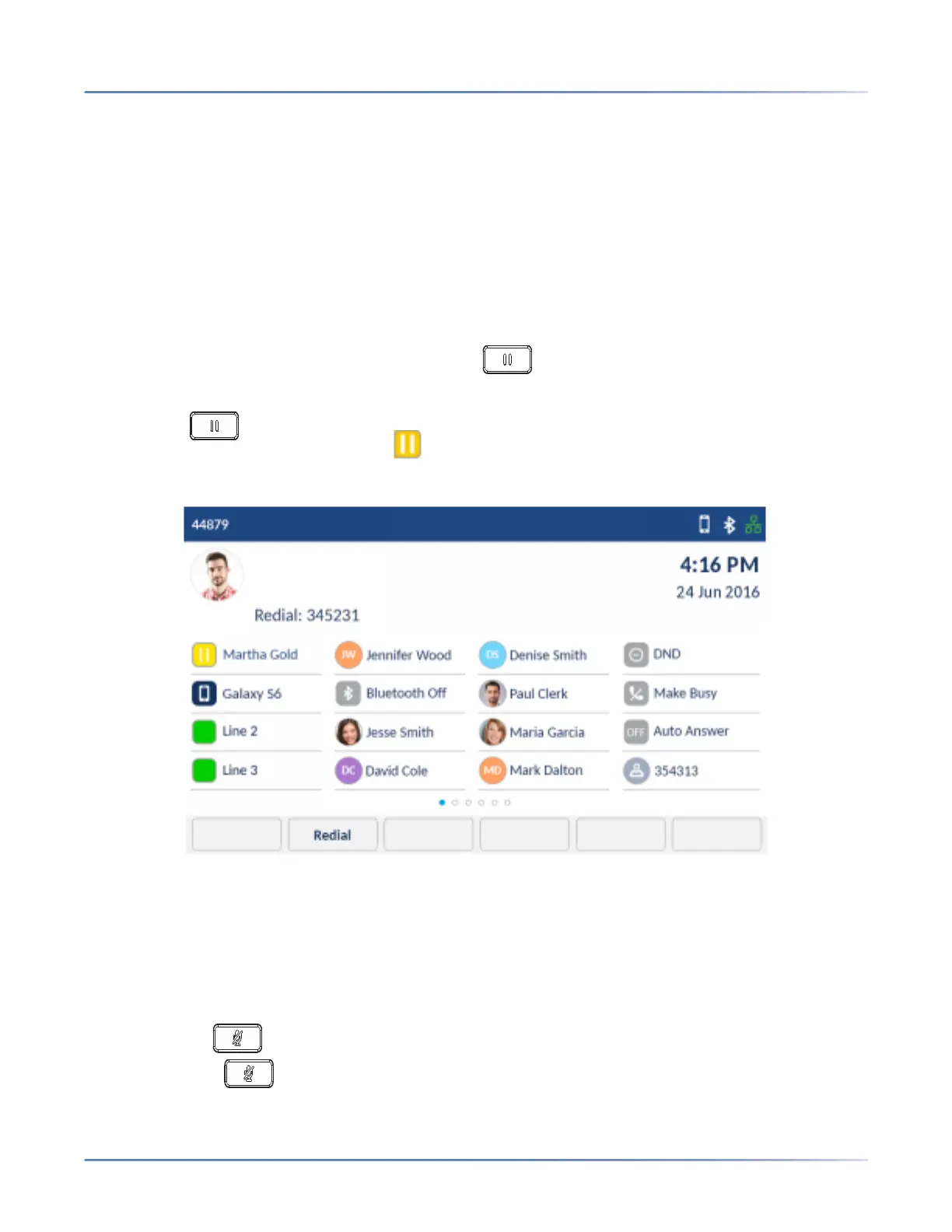
Your applicable Line key flashes the (Hold) icon indicating the call is on hold. To let your caller
know that they are on hold, music plays softly (if this has been set up on your call server).
NOTE: After a prolonged period of time on hold, the held call may automatically switch to an incoming
call to remind you that the call was on hold.
2. To retrieve a call on hold, tap the applicable Line key or Float Key (see page 64).
Muting the microphone
You can use the (Mute) key to mute the microphone on the handset, headset, or speakerphone.
When you use the (Mute) key on your phone, you cannot be heard on an active call or on a confer-
ence.













 To Next Page