81
M
ANAGING CALLS CONTACTS
General functions
Accessing and navigating the Contacts application
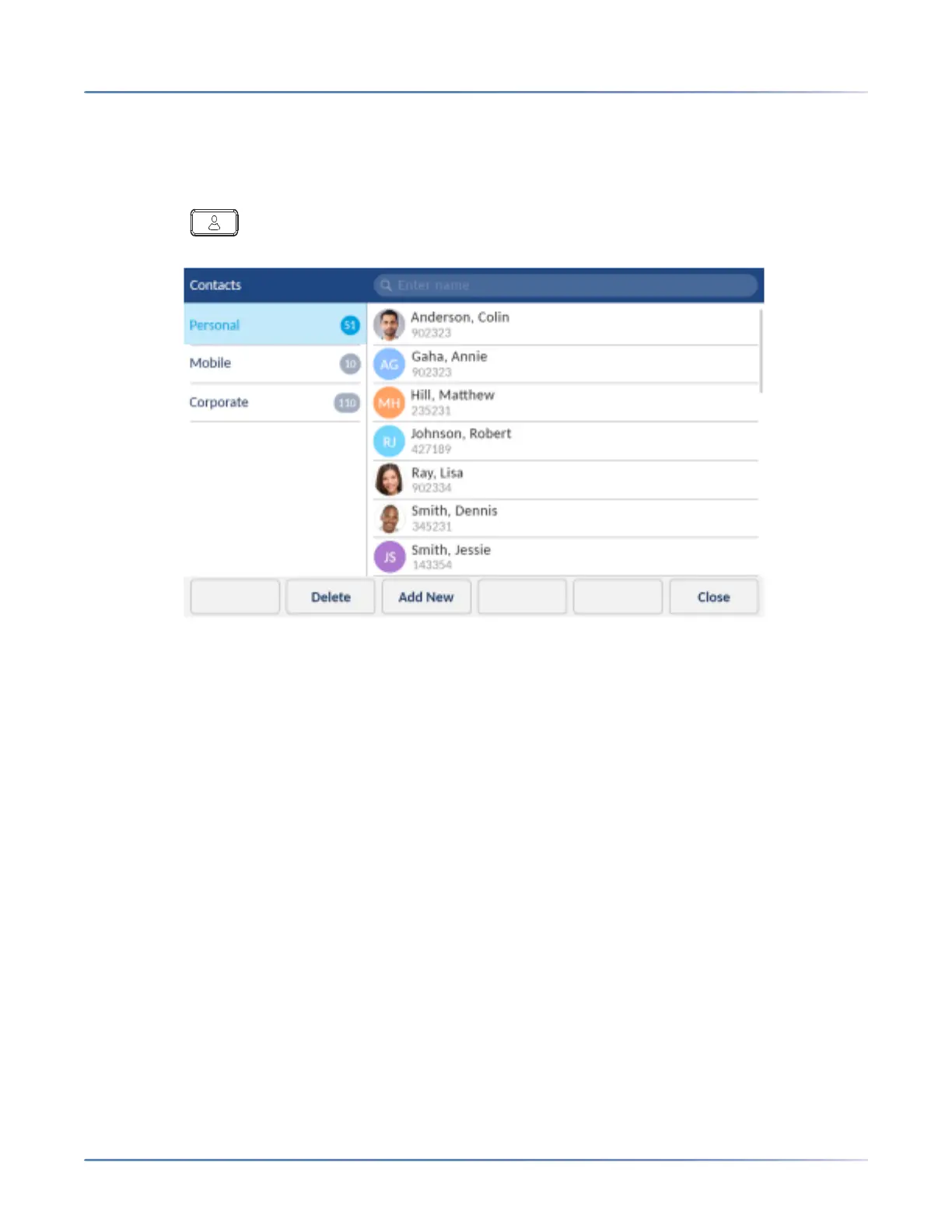
To access and navigate the Contacts application:
1. Press the (Contacts) key.
2. Tap the contact folder you wish to view.
NOTE: If any of the folders are empty, a "Directory empty" message displays on screen.
3. Swipe up and down to scroll through the list of contacts.
4. Tap to select a contact.













 To Next Page