57
C
ONFIGURING AND USING PROGRAMMABLE KEYS
Configuring and using programmable keys
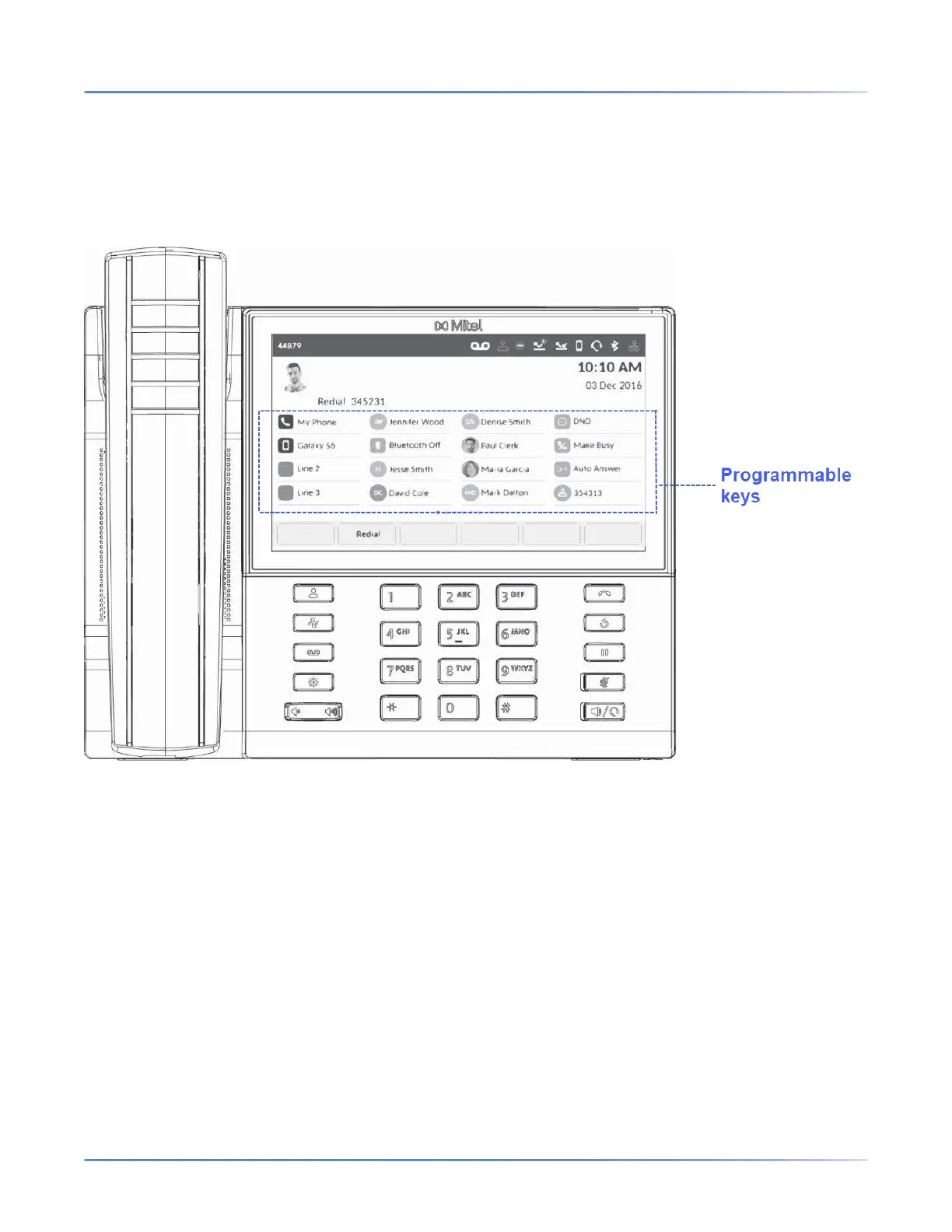
Your Mitel MiVoice 6940 IP phone has 96 (16 visible at one time) programmable, multi-function,
self-labeling keys allowing you to program and use up to 96 functions.
NOTE:
1. If Mitel M695 Programmable Key Modules (PKMs) are attached to the phone, you can configure up
to an additional 28 keys on each PKM.
2. The Mitel MiVoice 6940 IP phone allows up to three PKMs on each phone. For more information about
PKMs, see “Mitel M695 Programmable Key Module (PKM)”.
If enabled by your System Administrator, you can program or edit the following functions on the program-
mable keys by pressing and holding the respective programmable key for the configured duration:
• Speed Call
• Phone Lock
• Call Forward Always
• Mobile Line
• Account Code Non Verified
• Account Code Verified













 To Next Page