75
H
ANDLING CALLS TRANSFERRING A CALL
You can also mute the microphone on the handset, by pressing the handset’s mute key located between
the handset’s volume control keys.
To indicate a muted microphone, the LED beside the (Mute) key turns on.To switch mute on or
off, press the (Mute) key.
NOTE: If you place a muted call on hold, the phone automatically takes the call off mute when you recon-
nect to the call.
Transferring a call
There are two types of call transfers that can be performed on the Mitel MiVoice 6940 IP phone:
• Unattended Transfer:
An unattended transfer is when you transfer a call directly to another extension without consulting with
the person receiving the call. To do this, complete the transfer immediately after you have entered the
number. The call goes directly to the extension or outside line to which you transferred.
• Attended transfer:
You also have the option to consult with the person to which you are transferring the call, before you
complete the transfer. To do this, remain on the line until the receiving party answers the call. After
consulting with the receiving party, you can either complete the transfer or cancel the transfer to go
back to the original call.
To transfer a call:
1. Ensure you are on active call with the party you wish to transfer.
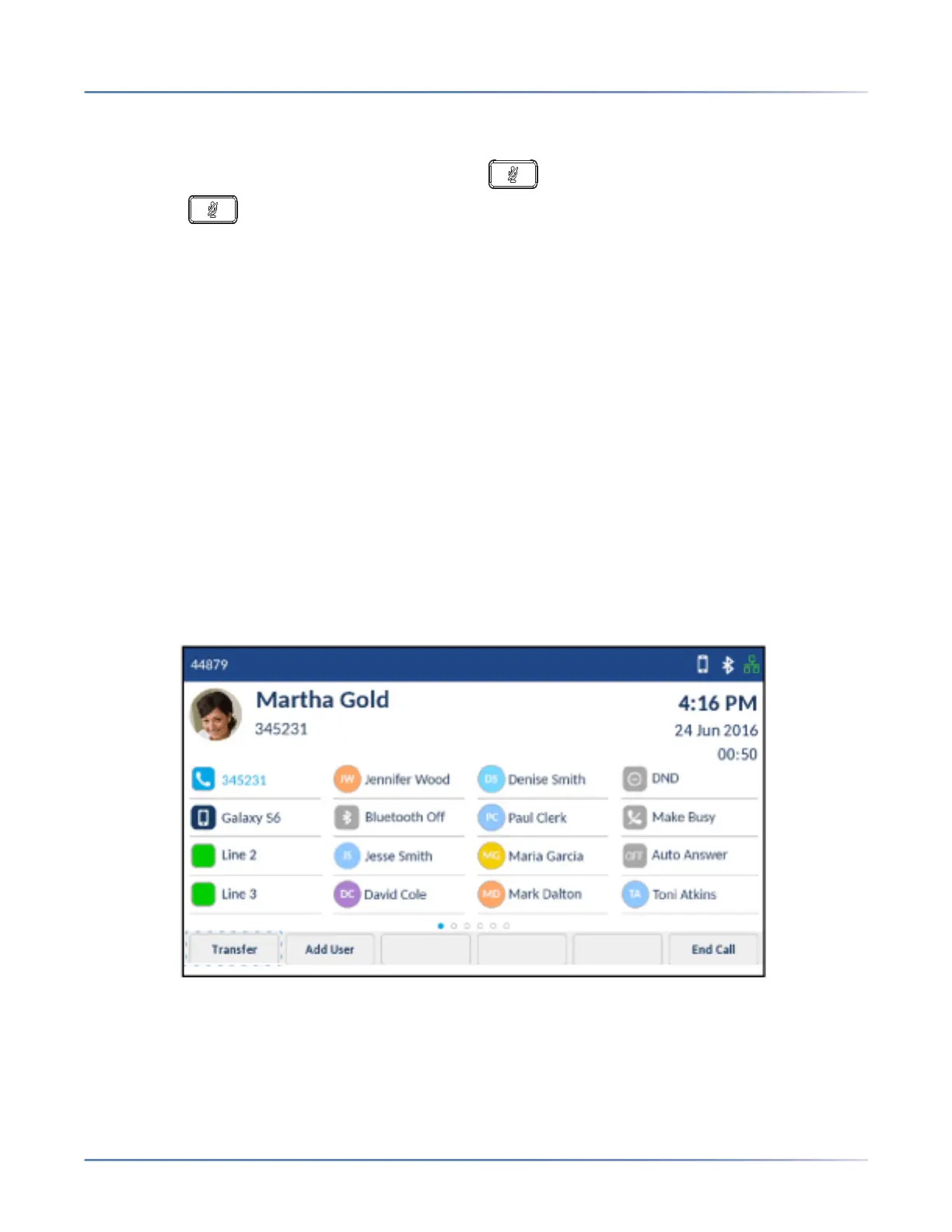
2. Tap the Transfer softkey.
The active call is placed on hold.













 To Next Page