32
C
USTOMIZING YOUR PHONE BLUETOOTH
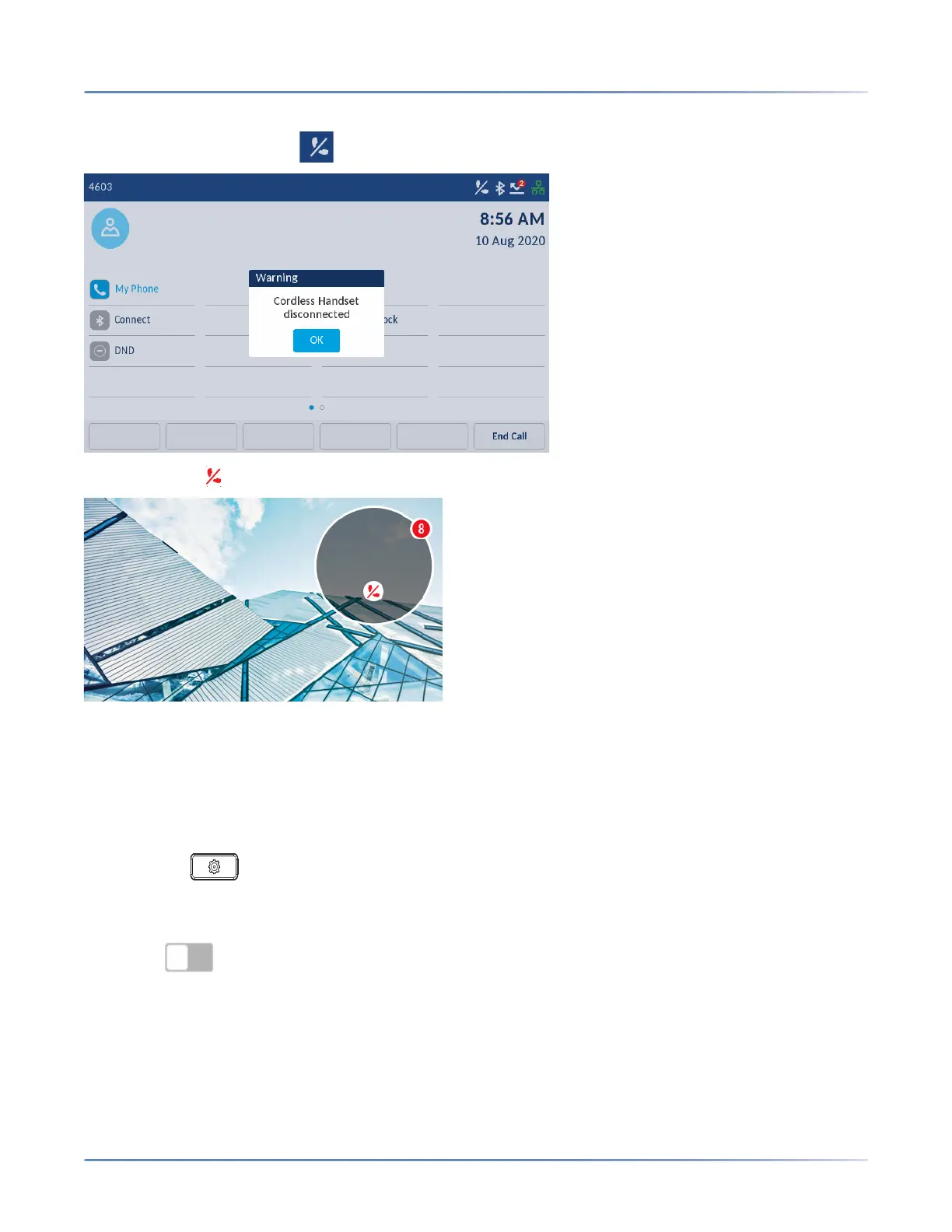
When a paired Bluetooth Handset loses connectivity with the 6940 IP Phone, a warning message displays
on the Home screen and an icon appears in the status bar. Tap OK to clear the message.
Additionally, an icon appears on the screen saver bubble when the phone is in screen saver mode.
When the Bluetooth Handset is successfully re-connected, all notifications for connectivity loss disappear
from the phone.
Forgetting a Bluetooth device
To forget a Bluetooth device:
1. Press the (Settings) key on the phone to enter the Settings menu.
2. Tap the Bluetooth icon.
3. Ensure Bluetooth functionality is enabled. If it is not enabled, swipe the Bluetooth toggle
switch to the right to enable Bluetooth functionality.













 To Next Page