77
H
ANDLING CALLS CREATING A MULTI-PARTY CONFERENCE CALL
To create a multi-party conference call:
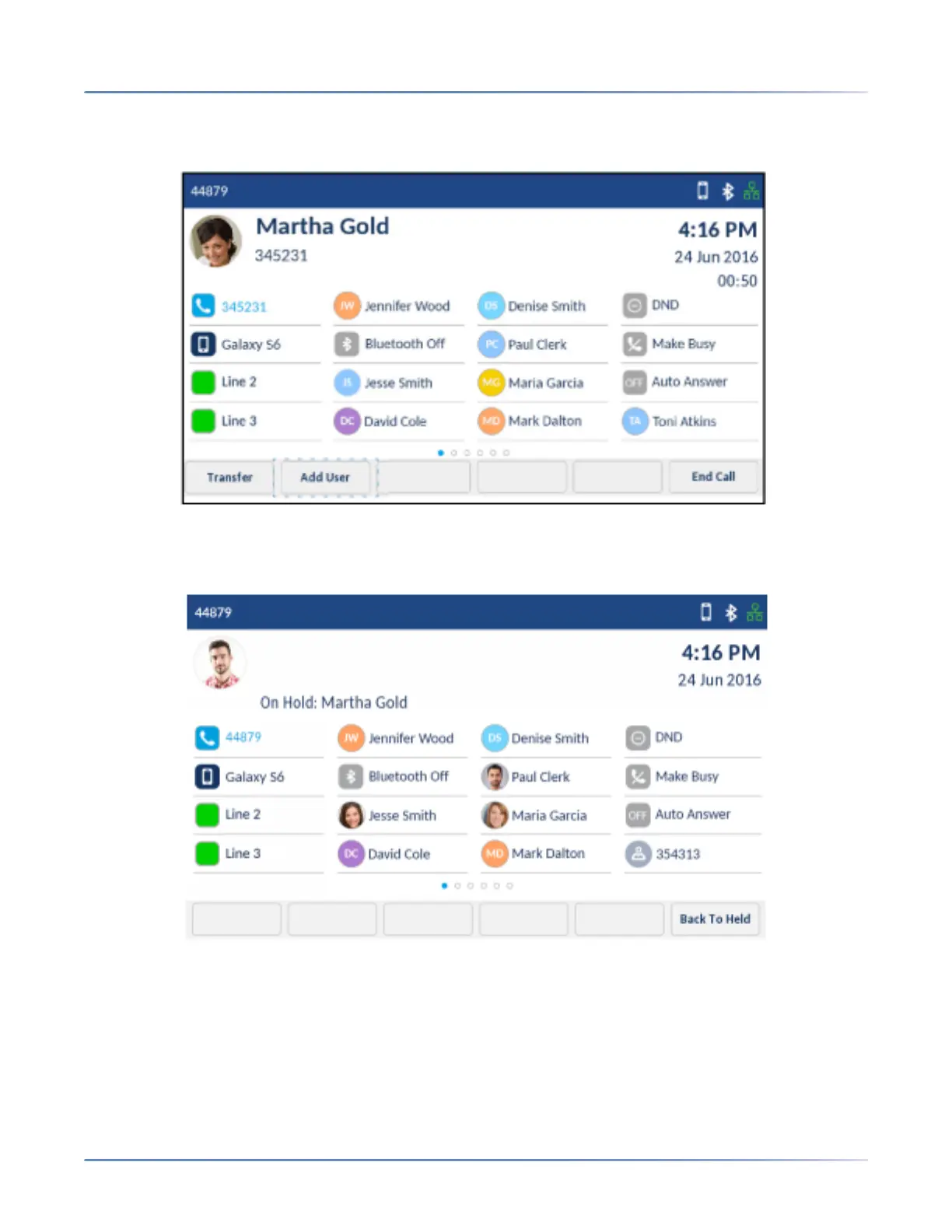
1. Ensure you are on active call with one of the parties with whom you wish to create a conference.
2. Tap the Add User softkey.
The active call is placed on hold.
3. Enter the conference target’s number.













 To Next Page