78
H
ANDLING CALLS CREATING A MULTI-PARTY CONFERENCE CALL
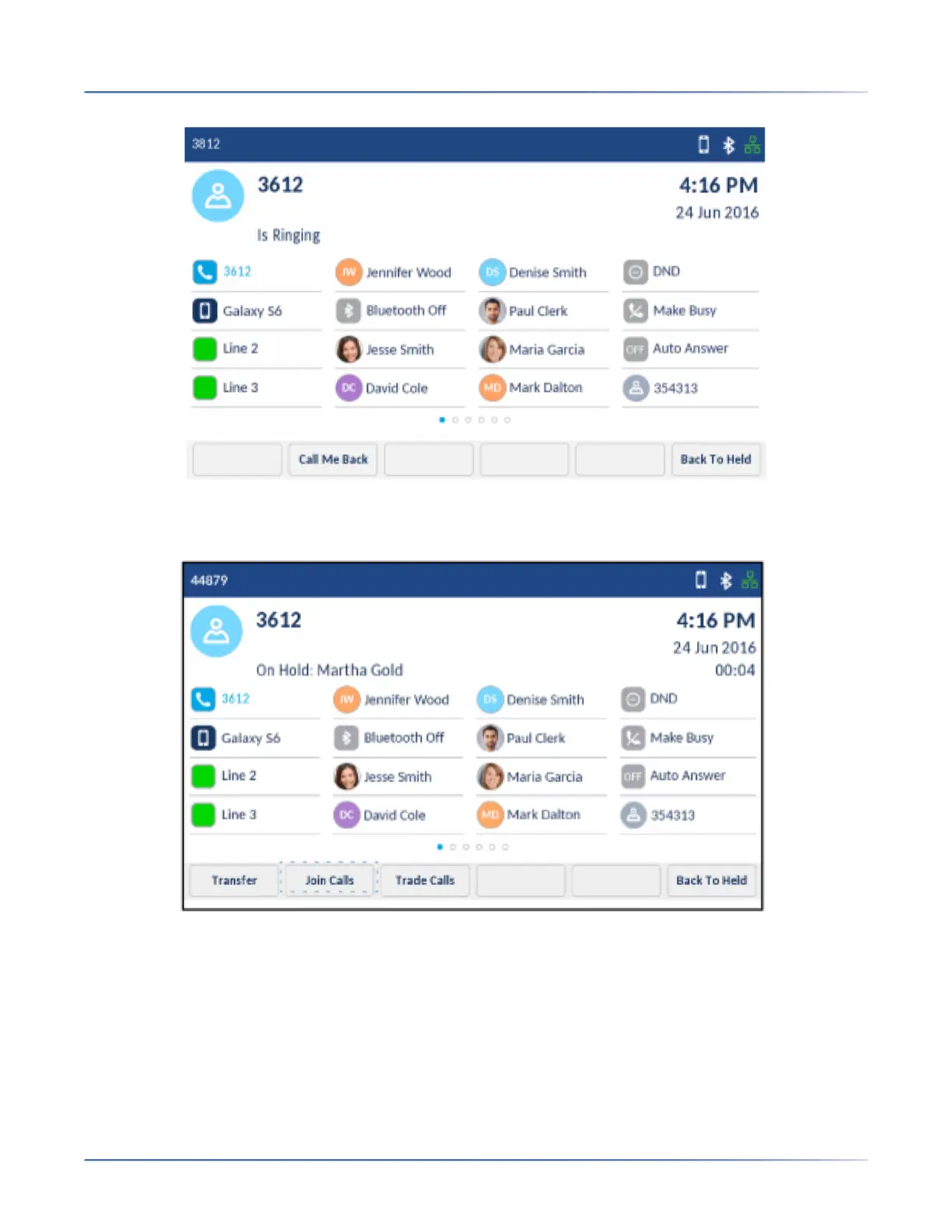
4. Wait for an answer, consult, and then tap the Join Calls softkey to create the three-way conference
call.
NOTE:
a. Tapping the Trade Calls softkey swaps the active call with the other party currently on hold.
b. Tapping the Split softkey splits the conference call by placing all callers on hold except for the
initial caller.
5. Repeat steps 2 to 4 to add additional parties to the conference.
NOTE: If you want to create a conference call with two parties you are already in calls with (on
different line appearances), tap the Add Held softkey and then tap the applicable Line key with the
held call.













 To Next Page