63
C
ONFIGURING AND USING PROGRAMMABLE KEYS OTHER FEATURES
4. Tap the Save softkey.
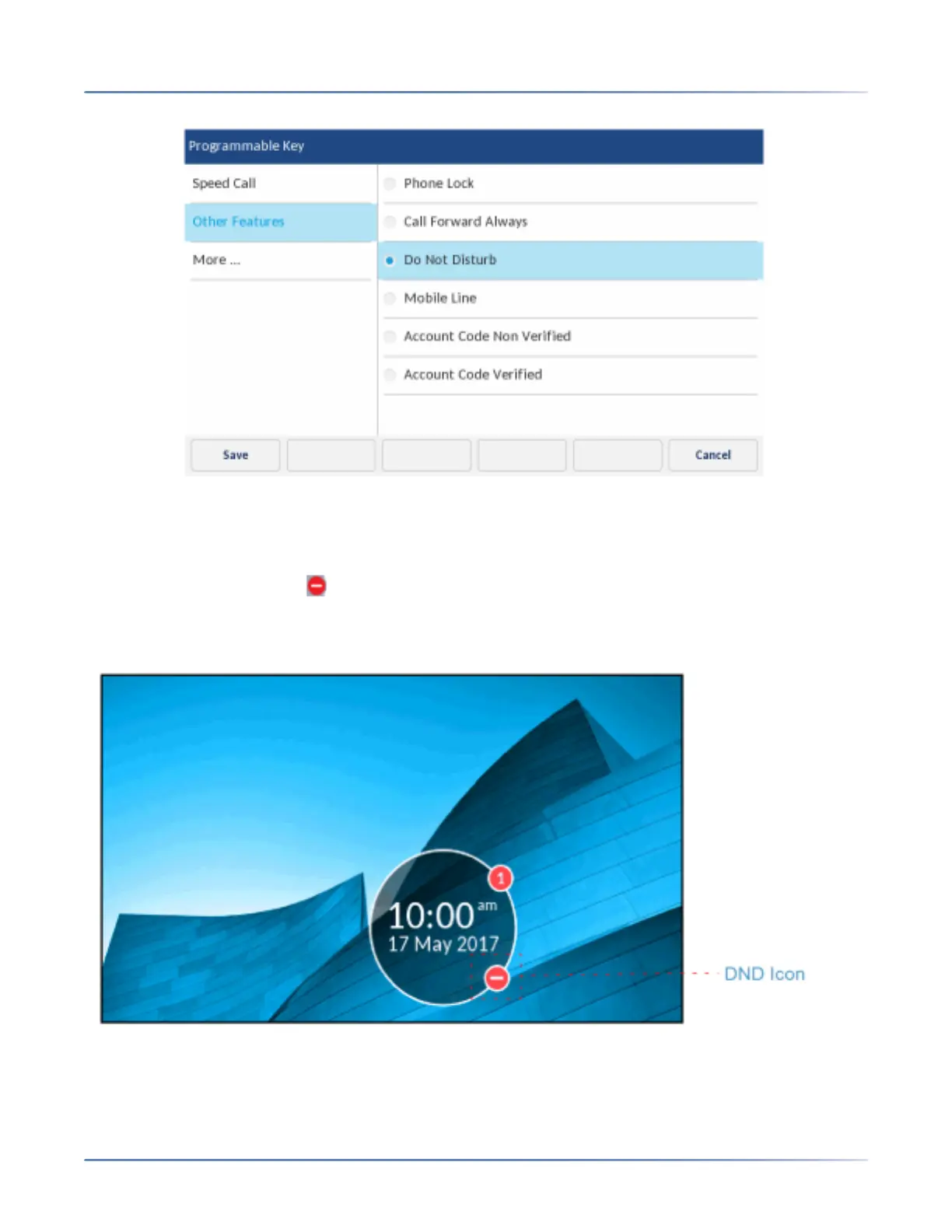
To enable Do Not Disturb:
1. Tap the key that you have programmed with Do Not Disturb functionality.
When DND is enabled, a (DND) icon is displayed in the status bar and the Do Not Disturb key
turns red.
NOTE: The DND icon is displayed on the Screen Saver.













 To Next Page