Mitel SIP-DECT Multi-Cell for MiVoice Connect Planning and Installation Guide
21
BASE STATION MECHANICS
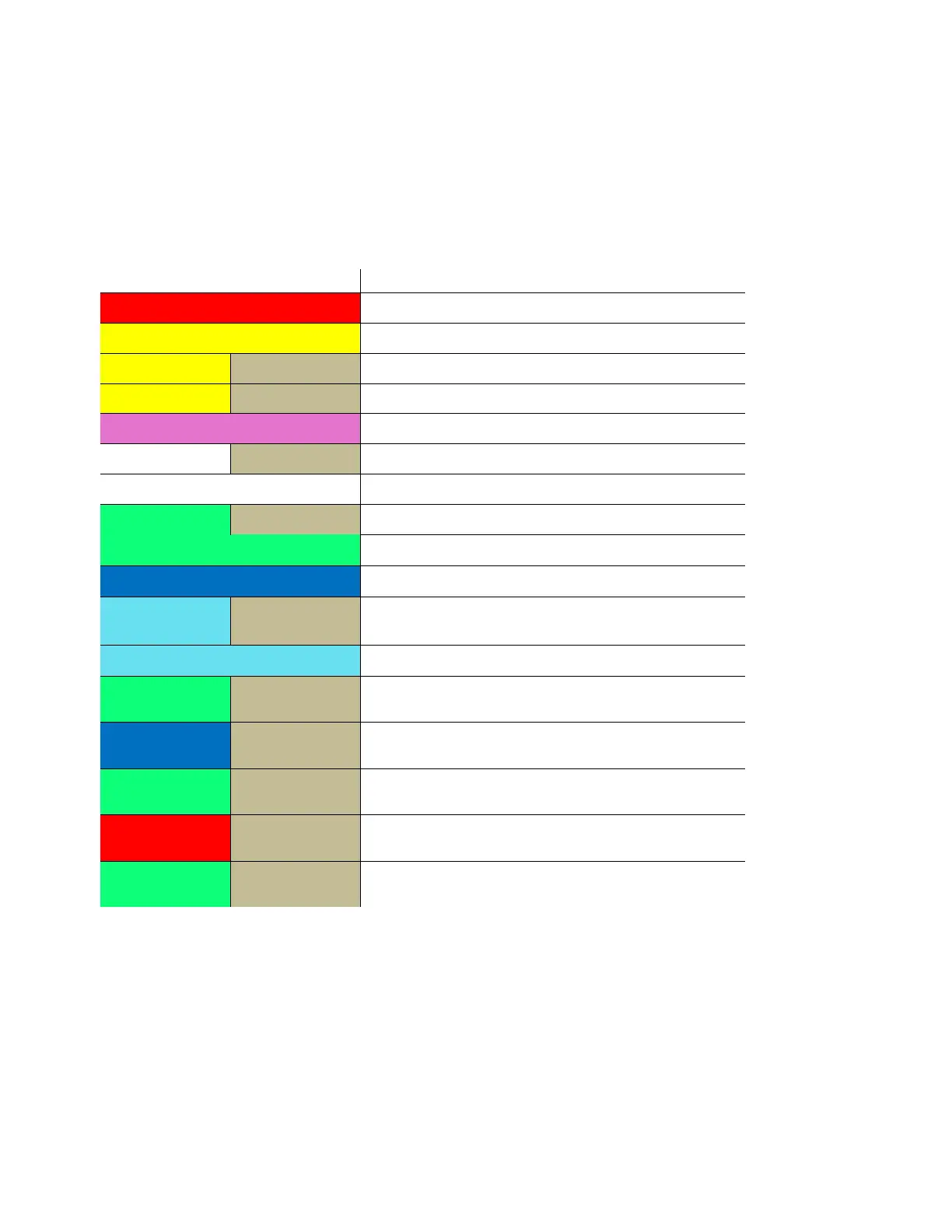
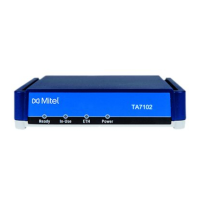
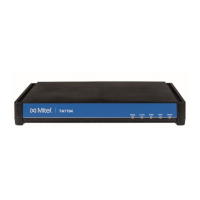
The base station front panel has an LED indicator that signals the different functional states
of the base unit and occasionally of the overall network. The indicator is off when the base
unit is not powered. The table below summarizes the various LED states:
System up and Running (with or without OMM)
DECT inactive (not synced yet)
1s 1s
DECT inactive (not synced yet) + WLAN “on
0,1
0,1
Button pressed: 0 sec < t < 3 sec = no action
0,1
0,1
Button pressed: 3 sec < t < 8 sec = Activate
0,1
0,1
Button pressed: 8 sec < t < 10 sec = no action
0,1
0,1
Button pressed: 10 sec < t < 15 sec = Factory
0,1
0,1
Button pressed: 15 sec < t < oo = no action
INSTALLATION
Follow these guidelines when installing the base station:
1. Record the MAC address of the base station. The MAC address is listed on the bottom
panel of the base.
2. Determine the best location that will provide an optimal coverage, considering the
construction of the building, architecture, and building materials.


 To Next Page