Mitel SIP-DECT Multi-Cell for MiVoice Connect Planning and Installation Guide
29
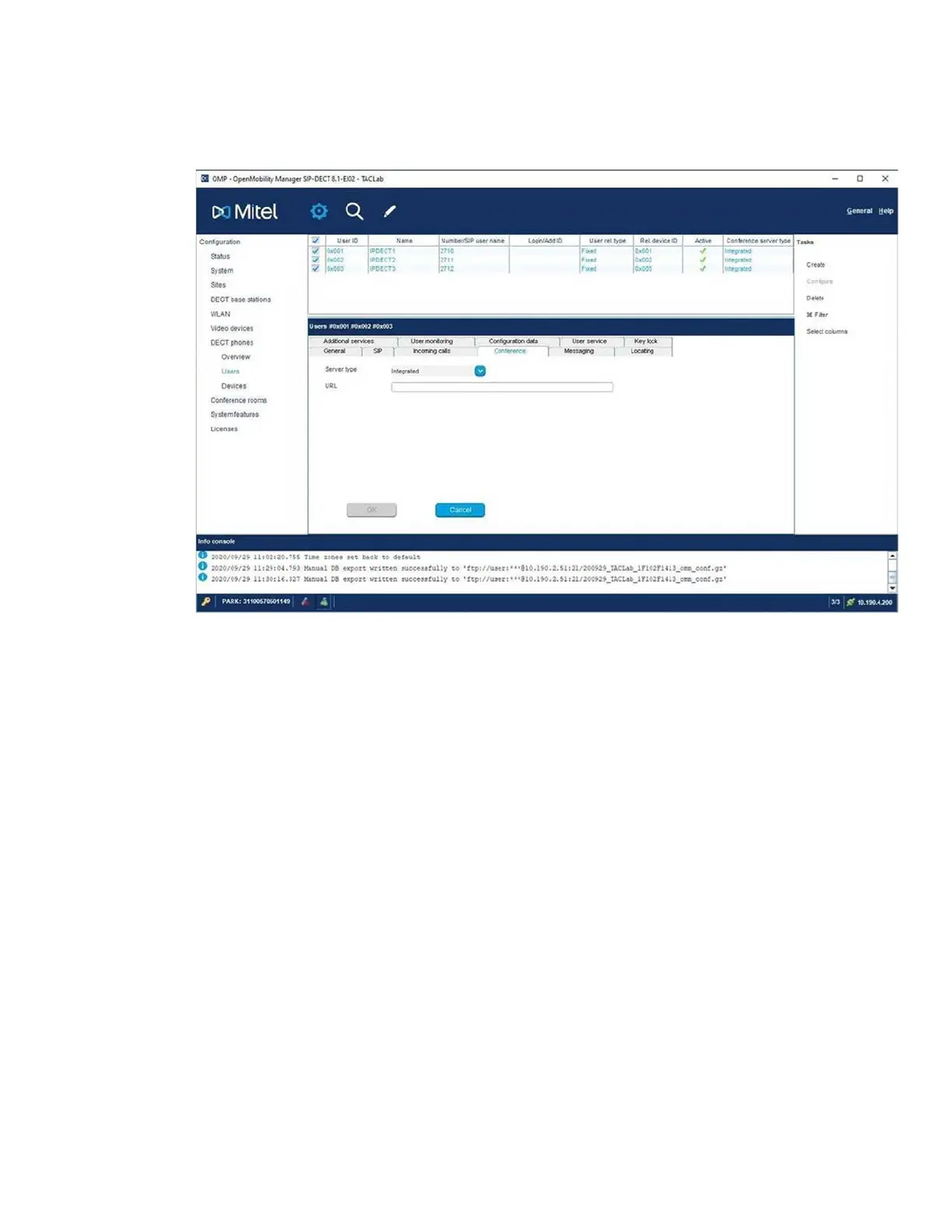
• Select all your users, click Configure > Conference tab and set the Server
type to Integrated mode.
• Navigate Conference Rooms and click Create and provide a Conference
ID. Add details of the user created in step 1 in Director and set port to 4060.
CONFIGURING SYSTEM SETTINGS
The OMM System settings menu provides the basic settings to operate the SIP-
DECT system.
To configure System Settings:
1. Open a browser and connect to OMM (OpenMobility Manager).
2. Login with the user: omm and password: omm for the initial configuration.
The OMM forces you to change the login, which then also applies to the OM
Configurator.
NOTE: The OMM Web service provides basic parameters to setup the system,
which is sufficient for this example scenario.
3. Click System > System Settings.
NOTE: Ensure the Advanced checkbox in the top bar is selected.


 To Next Page