Mitel SIP-DECT Multi-Cell for MiVoice Connect Planning and Installation Guide
25
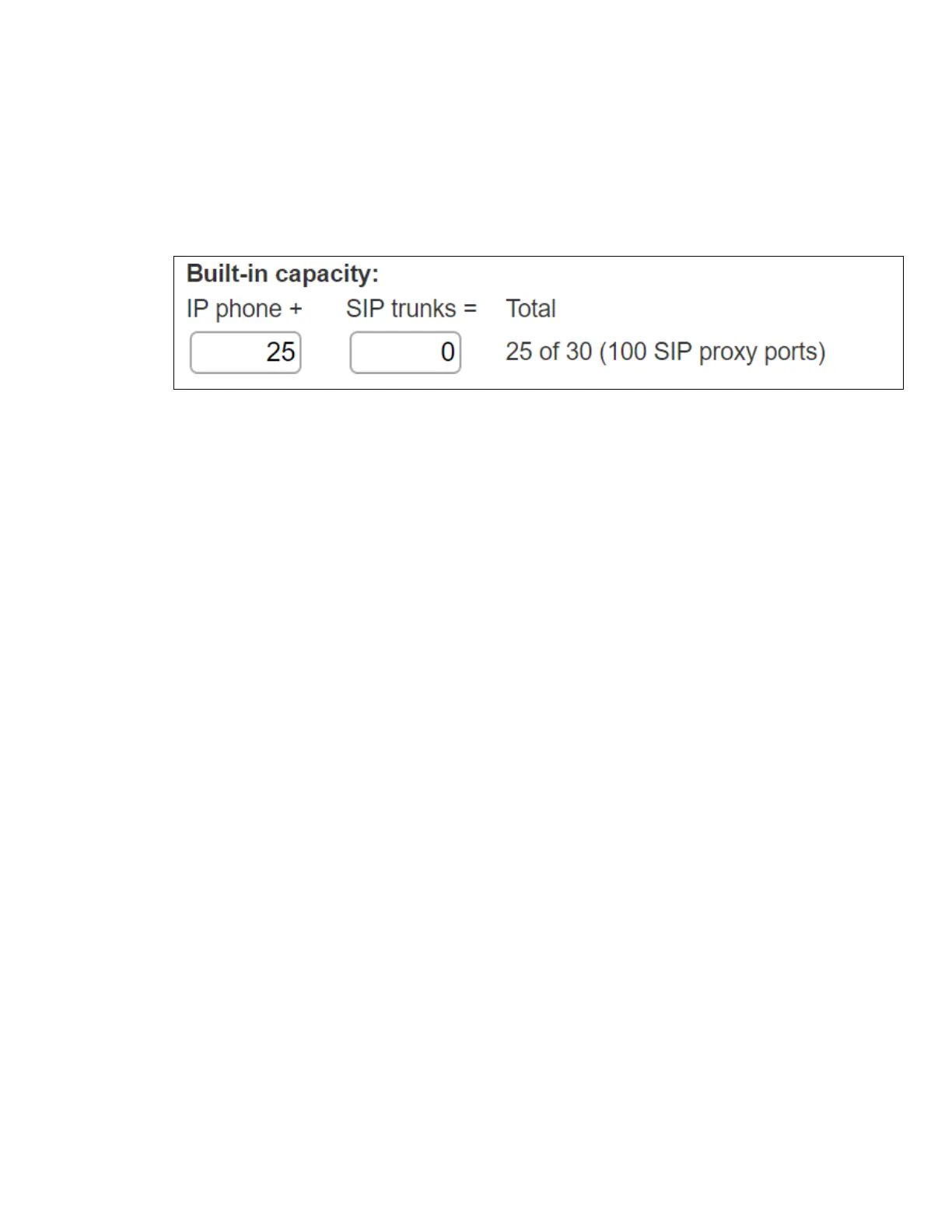
If the Mitel Switch that you have selected has “built-in” capacity for IP phones and
SIP trunks, you can also remove 5 ports from the total number available to
provide the “100 SIP Proxy” configuration necessary. Every 5 ports you remove
from the total available will result in “100 SIP Proxy” ports being made available.
The following example shows 5 ports removed from total available resulting in
100 SIP Proxy ports being available.
CONFIGURING IP PHONE ADDRESS MAP
To configure IP phone address map:
4. Open a browser and navigate to http://<Server name or IP address>/
Director/login.asp to launch Mitel Connect Director.
5. Navigate to Administration > Telephones > IP Phone Address Map.
6. Click New,
7. Under GENERAL, enter the IP address of the base station in Low IP address and
High IP Address.
8. Click Save.
CONFIGURING CALL CONTROL OPTIONS
To configure call control options:
1. Open a browser and navigate to http://<Server name or IP address>/
Director/login.asp to launch Mitel Connect Director.
2. Navigate to Administration > Features > Call Control > Options
3. Verify the parameters located under the SIP section.
4. Realm: The realm is used in authenticating all SIP devices. Changing this value will
require a reboot of switches serving as SIP extensions. It is not necessary to modify
this parameter
5. Enable SIP Session Timer: Ensure this parameter is checked
6. Session interval: Session interval value indicates the SIP session registration period.
There is no need to modify the default value of 1800 seconds.


 To Next Page