Planning and Installation Guide Mitel SIP-DECT Multi-Cell for MiVoice Connect
32
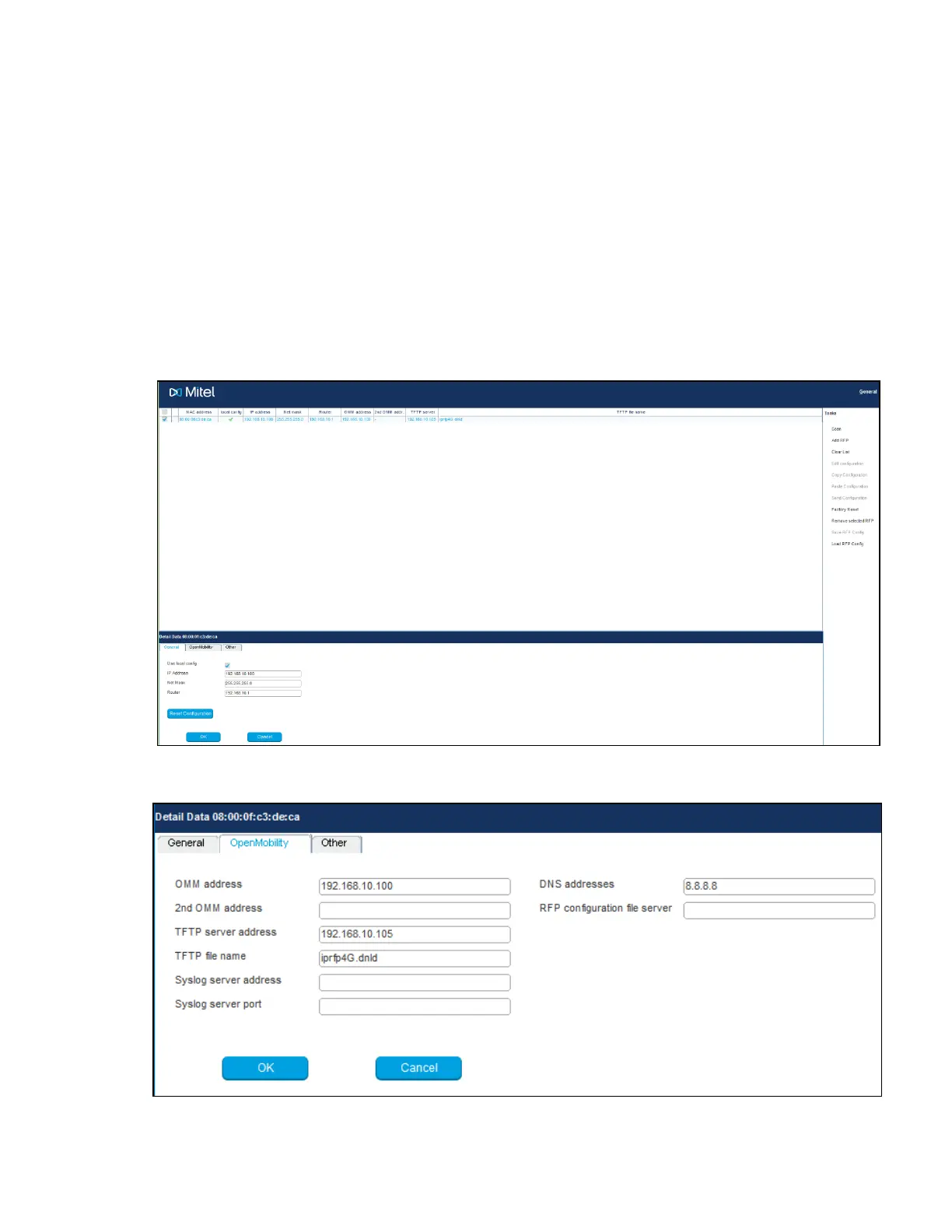
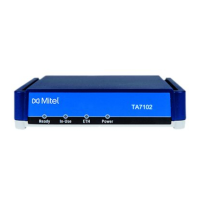
6. Enter the configuration parameters for the RFP and click OK when all configuration
parameters are entered.
7. Click Send Configuration to apply the configuration to the DECT base station. This
would start up OMM on RFP.
8. To configure the next unit, select another base station entry from the table, set the
appropriate parameters and click OK.
9. Click Send Configuration.
NOTE: OM Configurator requires the Java Runtime Environment (JVE) version
1.7 or higher.


 To Next Page