Instruction Manual #122162 44
7. Maintenance & Troubleshooting
7.1 Maintenance
7.1.1 Scheduled Maintenance
There is no scheduled maintenance for either the SENTRY 1510 or the TIM 100/120. The
innovative and simple design of the SENTRY system allows for years of dependable,
maintenance-free service.
7.2 Troubleshooting
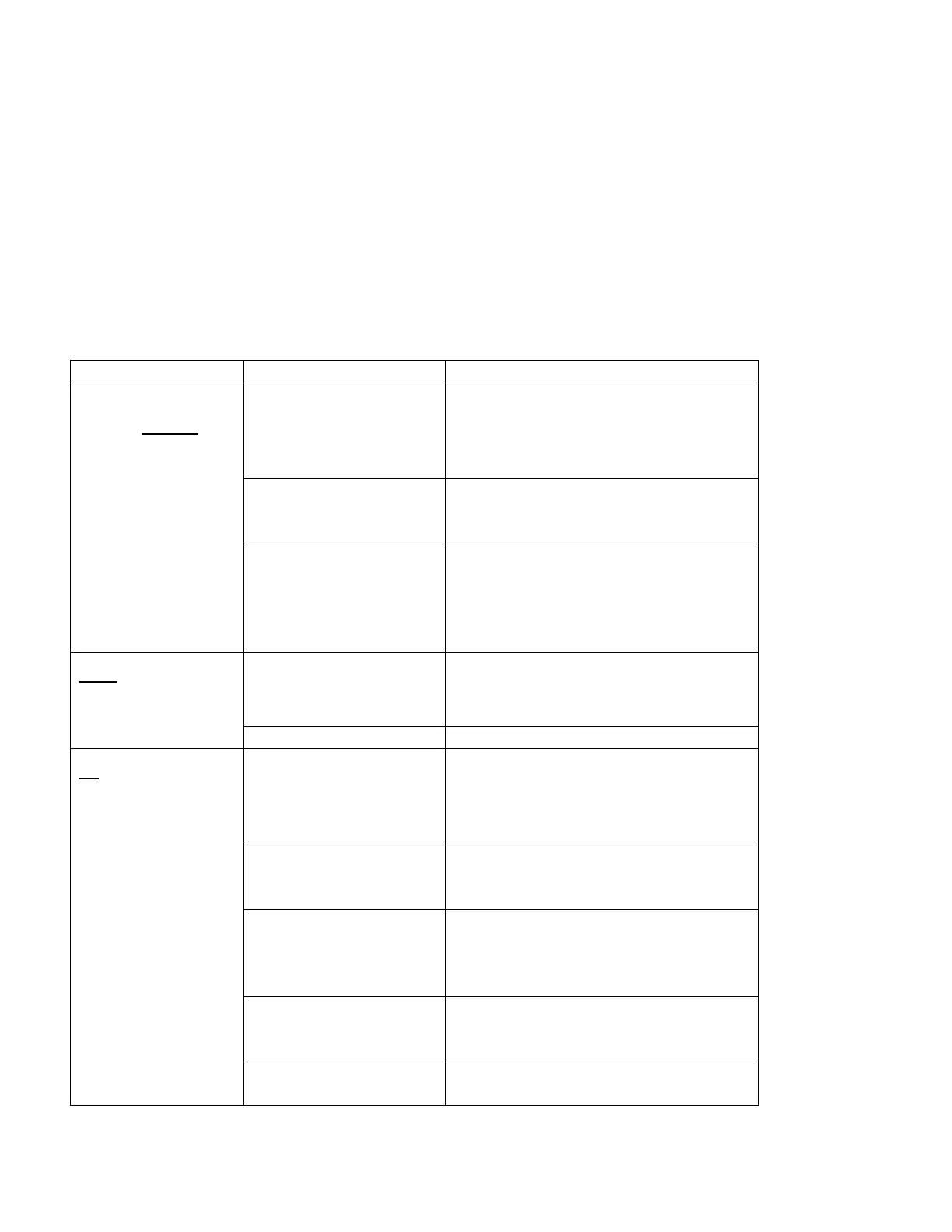
Many problems associated with the SENTRY 1510 or TIM 100/120 can be traced to improper
setup, installation or cabling. The following troubleshooting table and troubleshooting flow charts
will assist the user in identifying and correcting some of the most common problems. Reference
section numbers are included in the corrective action column.
Corrective Action (Section)
Set point read-
back is always
zero
(Tool Interfaced)
Analog ground and
power ground not
connected or common
Connect both analog ground and
power ground. Verify that they are
common on the tool. (5.7.2)
TIM 100/120
parameters incorrectly
configured
Ensure proper parameters are
selected for the model installed. (8)
Sense tube not
connected to process
exhaust or to
SENTRY 1510 sense
line port.
Connect the sense tube to the
process exhaust and to the
SENTRY 1510 sense line port.
(1)
High set point not
being achieved
(low set point ok)
Facility exhaust low or
dampers not fully
open
Open all dampers or increase
facility exhaust. (Error! Reference s
ource not found.)
All set points not
being achieved or
cannot change set
point
TIM 100/120
parameter “STPT
MODE” improperly set
for installation
Set TIM 100/120 parameter to
“Analog” for analog communication
or “Single” for stand-alone or serial
communication. (5.8.2)
(Analog Interface)
Analog interface
improperly installed
Properly install analog interface
cable. (5.7.2)
(Serial Interface)
Serial cable
improperly installed or
address not set
Properly install communication
cable. Adjust TIM 100/120 hex
code to match tool settings.
(5.7.3)
TIM 100/120
parameters incorrectly
configured
Ensure proper parameters are
selected for the model installed. (8)
Install with input and output
properly configured. (5.1)


 To Next Page