© MOBATIME 14 / 120 800652.11
4.3 Display
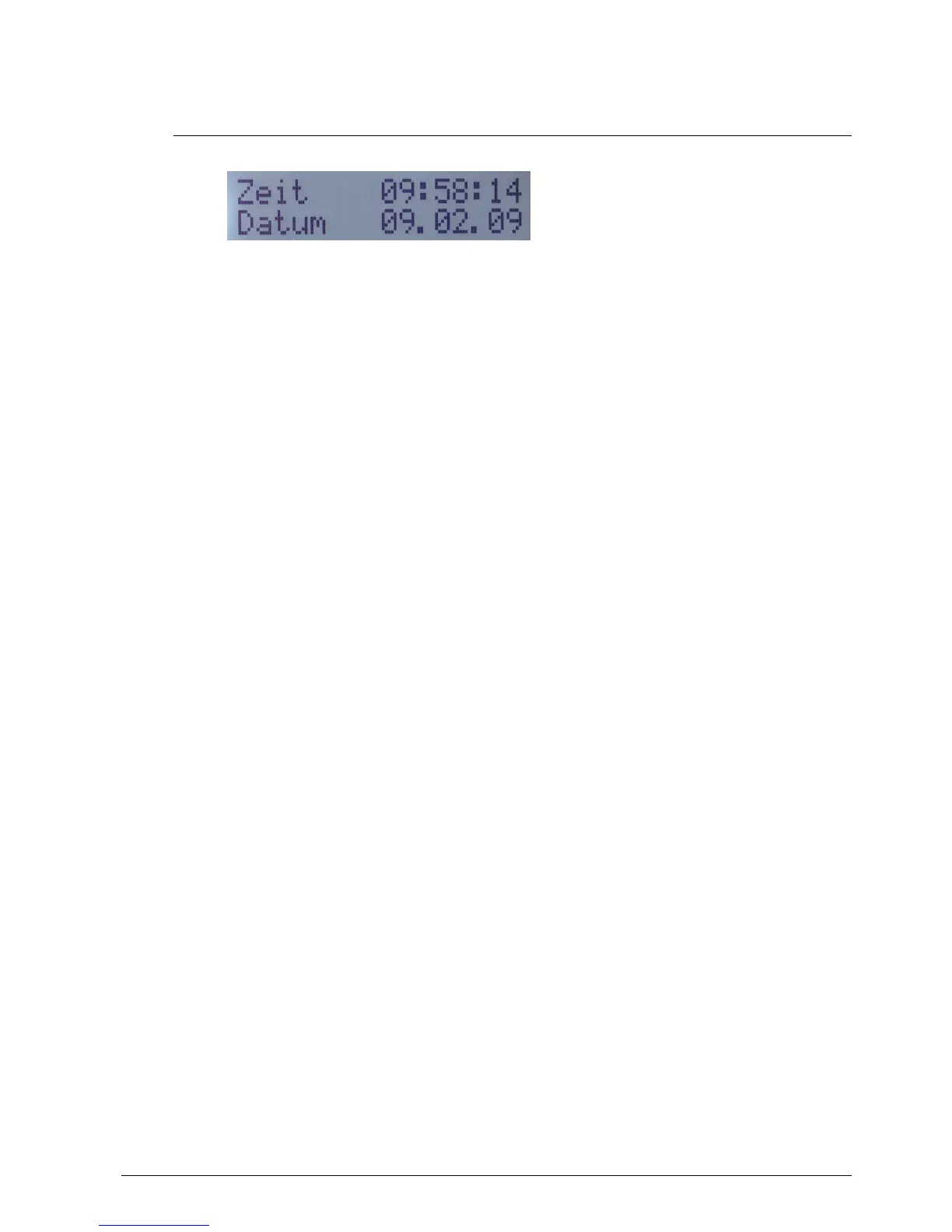
Display showing the current status of the DTS 480x.
Display of: -Time, date
-Current time source
-Stratum of the DTS 480x.masterclock
-Line time of MOBALine / Impulse lines
-Software-Version
-IPv4 address
-IPv6 address
-Alarm summary
-Current alarms
The display can be operated by means of the corresponding “Display“ button:
First press the button briefly: Switch on the background light
Other buttons to press briefly: Scroll through all displays
Press button longer (>3 sec): Change to default display (time and date)
The display changes after approx. 3 min without pressing the button for the default
display and the background light goes off.
If a USB stick has been plugged in, it will be displayed. Should only telegram and/or
program files be copied, this can be activated directly with the button. (Press the button
until the copy process starts).



 To Next Page