© MOBATIME 34 / 120 800652.11
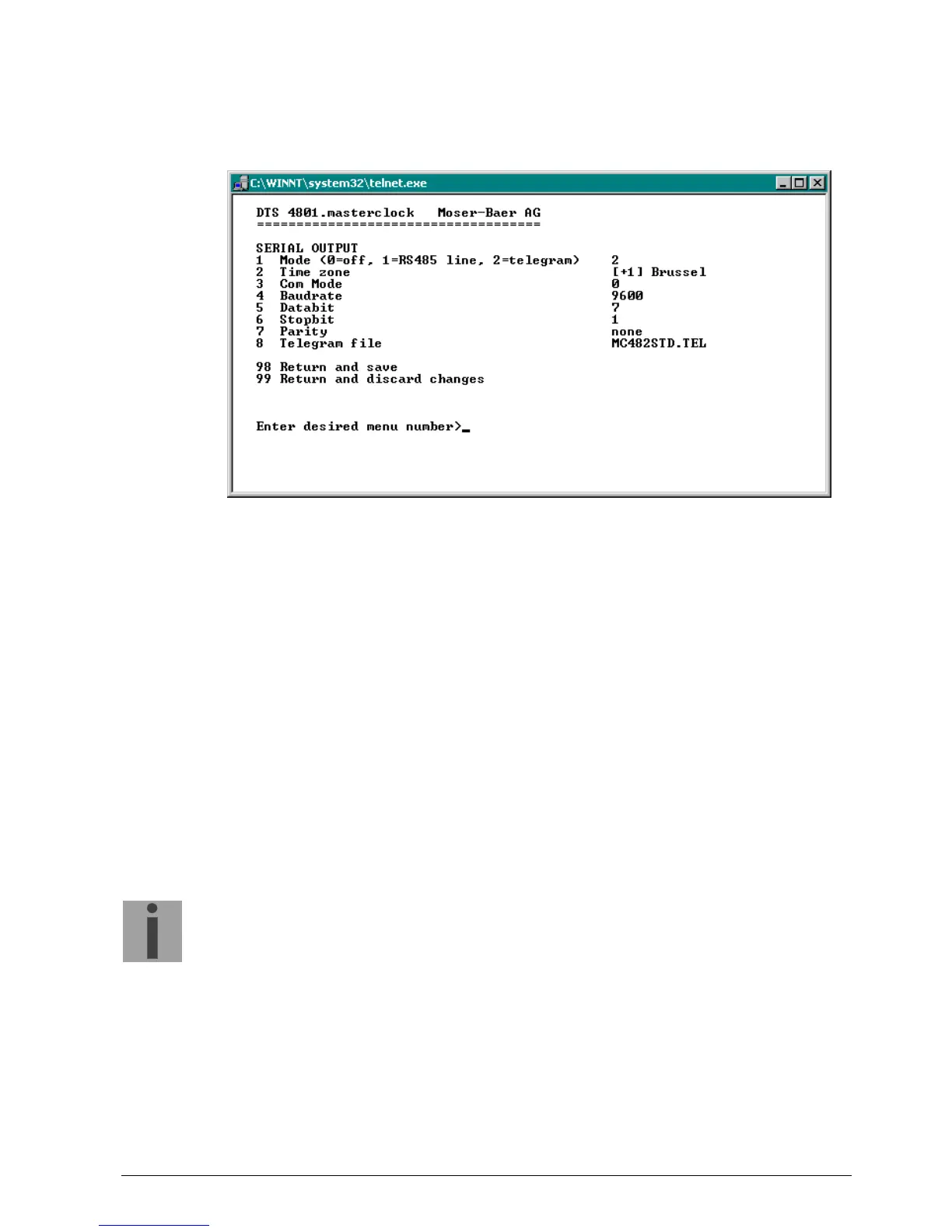
6.5.7 Serial telegrams
Serial telegram output via RS232 and RS485.
(RS485 and NMEA is only available with the DTS 4801)
1. Select mode: Line switched off, RS485 line, serial telegrams, NMEA
(RS485 line and NMEA only with DTS 4801).
2. Select time zone (see chapter “6.5.28 Time zone selection“)
3. Com mode:
0 = off
1 = send
2 = read RS232
3 = read RS485
4 = send and read (read only from RS232)
5 = send and read (read only from RS485)
The modes 2 and 3 (read RS232 and read RS485) are not yet available.
4. Baudrate: 300, 600, 1200, 2400, 4800, 9600, 19200, 38400
5. Data bit: 7 or 8
6. Stop bit: 1 or 2
7. Parity:
8. Selecting telegram file changes to the menu “SELECTION OF FILE“
Important:
To set the parameters, the line type has to be selected first!
The description of the telegram function and the telegram file can be found in Appendix
E Serial Telegrams.



 To Next Page