© MOBATIME 48 / 120 800652.11
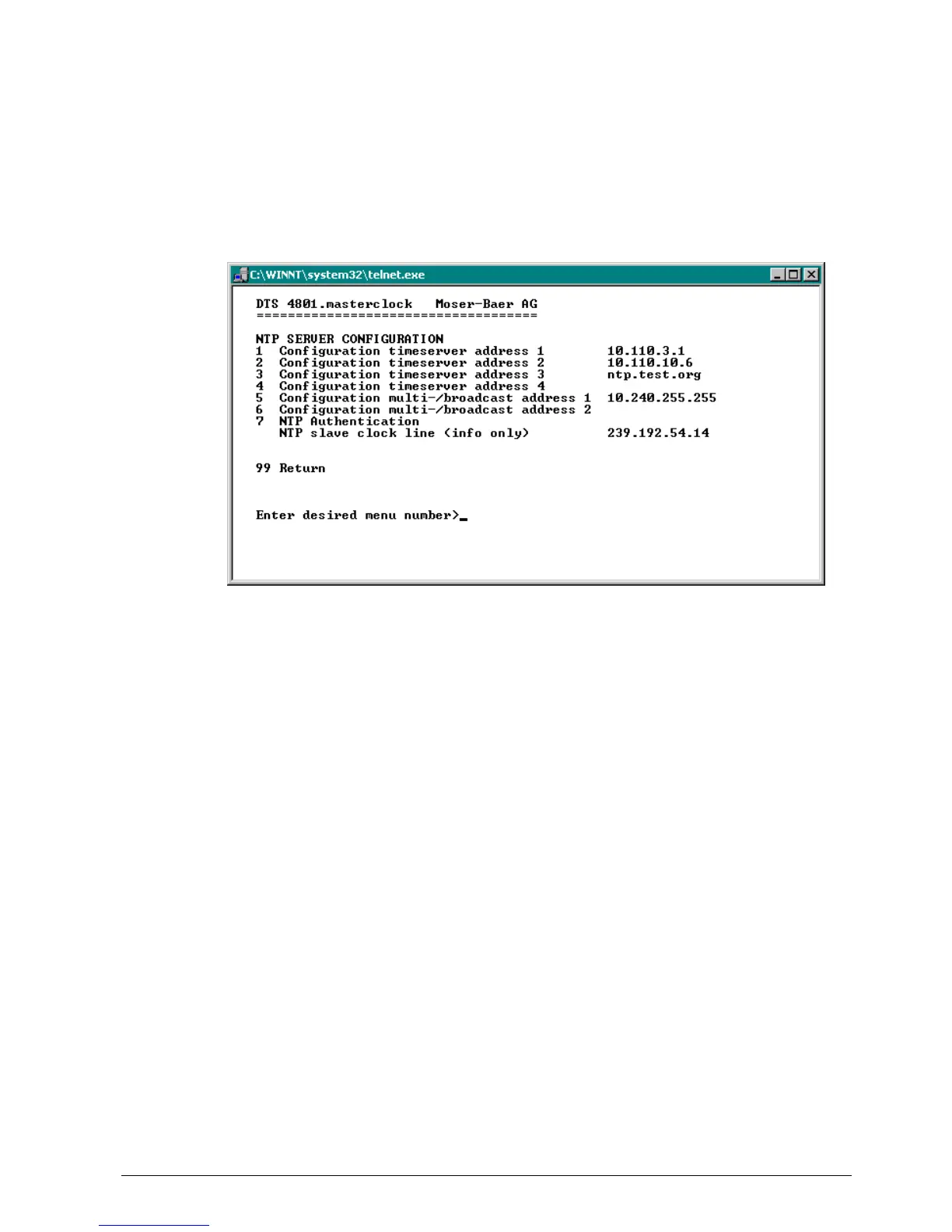
6.5.14 NTP server
NTP can run as server or combined as server/client.
To run NTP as source (NTP as client), in the menu ’2 Configuration’ '2 Time
handling' ’3 NTP Server / NTP Sources’ at least one server has to be set.
The exact behavior of NTP time sources is described in chapter “8.2 Time take-over,
NTP“.
Further 2 multicast or broadcast addresses can be configured:
1.-4. Summary about configured NTP – time sources. Select to configure and display
changes to the menu "ENTRY TIMESOURCE"
5.-6. Summary about configured NTP – broadcast addresses. Select to
configure and display changes to the menu “NTP MULTI- / BROADCAST-
ENTRY“
7. NTP Authentication: Changes to the menu “NTP AUTHENTICATION“
Information about a multicast – address, configured for NTP slave clocks.



 To Next Page