© MOBATIME 17 / 120 800652.11
6 Operation
6.1 General
Operation occurs via a terminal menu or SNMP. SNMP operation is explained in
Chapter “9 SNMP". Operation with the terminal menu takes place either via Telnet,
SSH, or via a serial terminal. The serial terminal is particularly used for the first
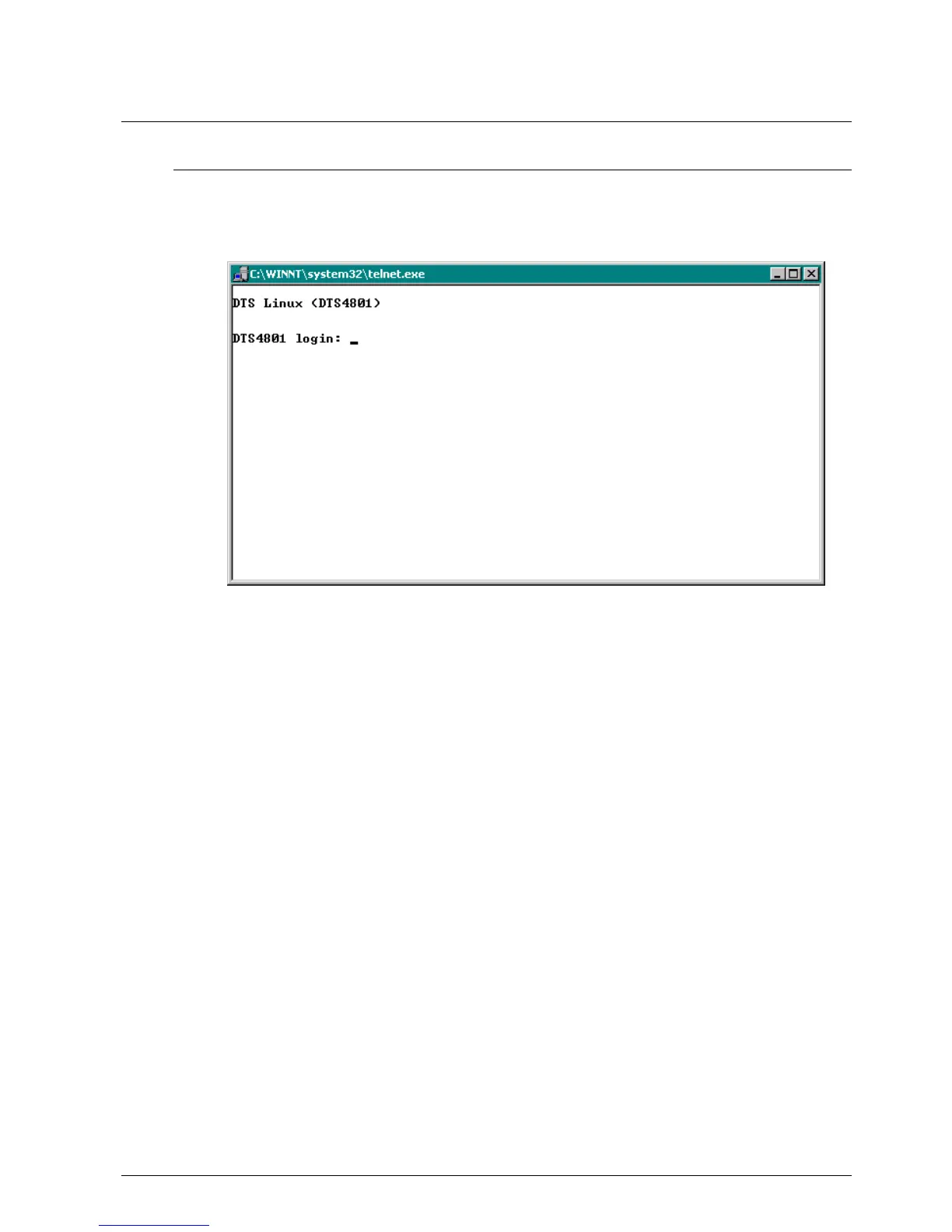
configuration. After a connection has been set up, the login screen is displayed:
To start the menu, dts must be logged in as user. The standard password is dts.
(Changing the password see Chapter “4.4.20 General Settings“).
Only one menu can be open at any time. The first menu started has priority. The menu
is automatically closed after 15 min. without operation, and any possible connection via
Telnet or SSH interrupted.
Backspace:
Backspace must be set to "delete“with the serial terminal:
For example, for HyperTerminal under "File Properties Settings - Backspace
sends DEL" must be selected.
Localecho:
Some terminals (serial or Telnet) do not display the characters entered. It is, therefore,
necessary to switch on the "local echo" in the terminal.



 To Next Page