2 MOUNTING
2.1 Overview of the Camera Versions
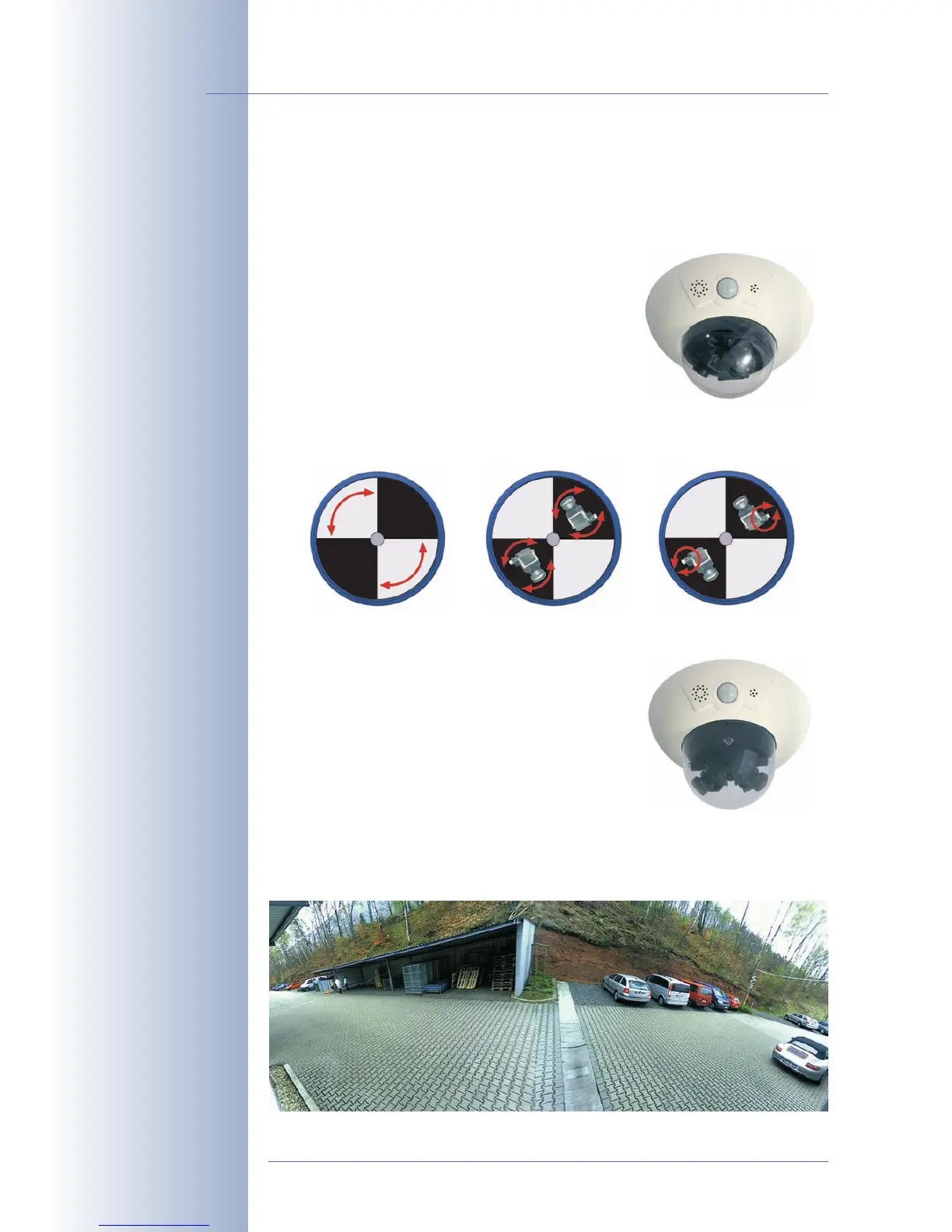
The MOBOTIX D12 is offered in three versions:
• D12D
: The standard version of the D12 can be
used with all MOBOTIX lenses with M14
thread and is available with different combi-
nations of image sensors for daylight (color)
and night images (black & white; see section
2.5,
Installing the Lens Units - D12D Standard
).
Summary: Standard version for all MO-
BOTIX M14 lenses; almost no limitations
when positioning the two image sensors.
• D12D-180°: The panorama version of the D12 has a horizontal field of view of
180° (2x 90° L22 Super Wide-Angle lenses)
and delivers dual Mega images (max.
2560x960 pixels resolution, 960 lines). This
camera is available as a daylight camera
(D12D-180°, 2x color image sensor) or a night
camera (D12D-Night-180°, 2x black & white
image sensors).
Summary: The panorama version with 2x
90° L22, joined dual image and 180° horizontal field of view is the ideal
camera for monitoring the façade of a building.
© MOBOTIX AG • Security-Vision-Systems • Made in Germany
www.mobotix.com • sales@mobotix.com
26/132
D12 Camera Manual Part 1
D12 standard has freely
positionable lens mounts
Façade surveillance with
2x 90° L22 Super Wide-
Angle
Beachten Sie die Hin-
weise zur optimalen Ein-
stellung der Objektive in
Abschnitt 2.13.3!



 To Next Page