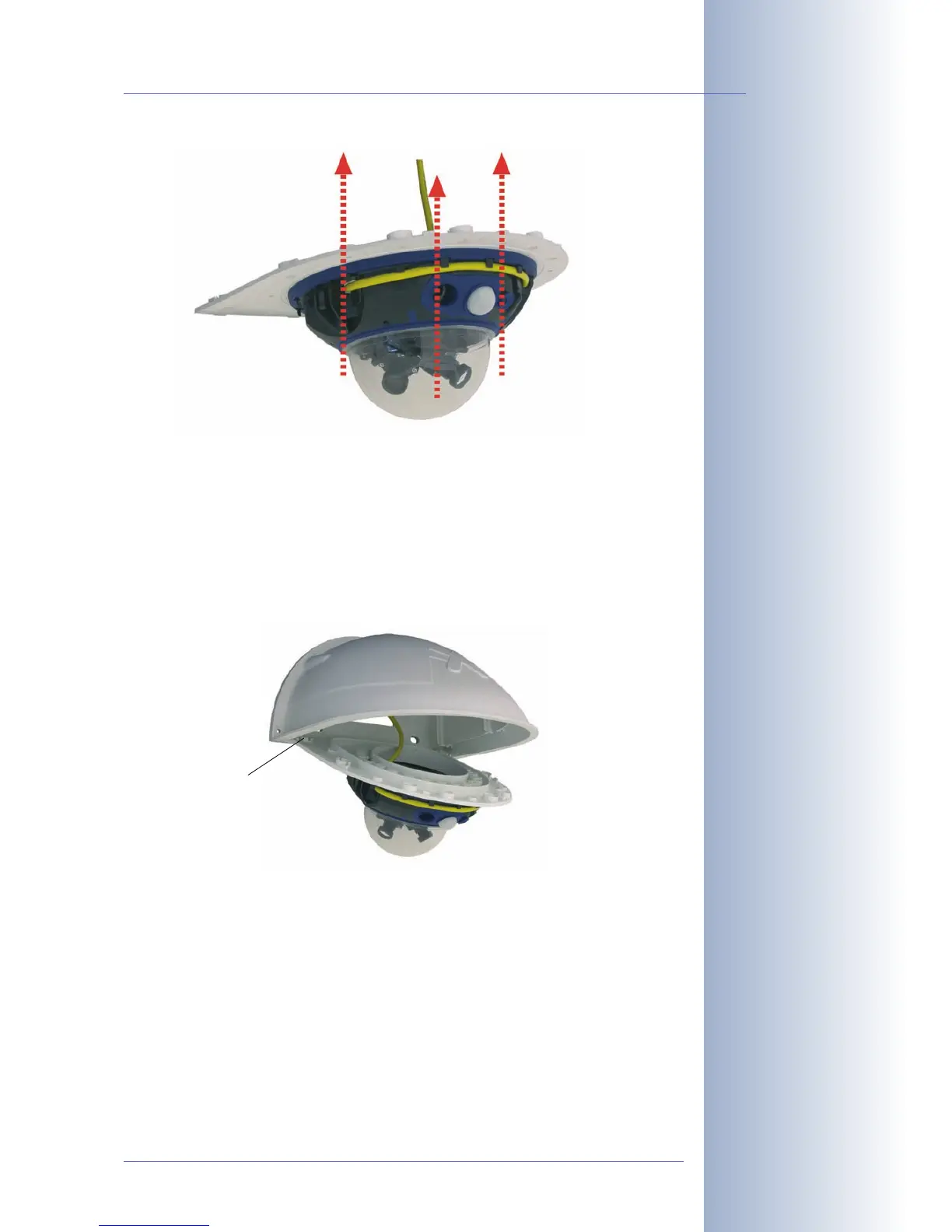
• Make sure that you have properly fastened the three Allen screws
M4x25mm (item4.9).
2.12.5 Connecting the Camera and Mounting the Bottom Plate
• Plug the camera connector cables into the appropriate wall outlets or
adapters.
• Insert the (straight) wall side of the bottom plate into the back of the wall
mount as shown in the figure.
• Push the front of the bottom plate upwards.
• Mount the bottom plate to the wall mount (eight Allen screws M4x10mm;
item4.7) and make sure the screws are all properly fastened.
© MOBOTIX AG • Security-Vision-Systems • Made in Germany
www.mobotix.com • sales@mobotix.com
65/132
D12 Camera Manual Part 1
Mounting the camera on
the bottom plate
Pushing the bottom plate
into the Outdoor Wall
Mount
Max. torque for all
screws: 4Nm
(2.95lbf ft)
Push into slots!



 To Next Page