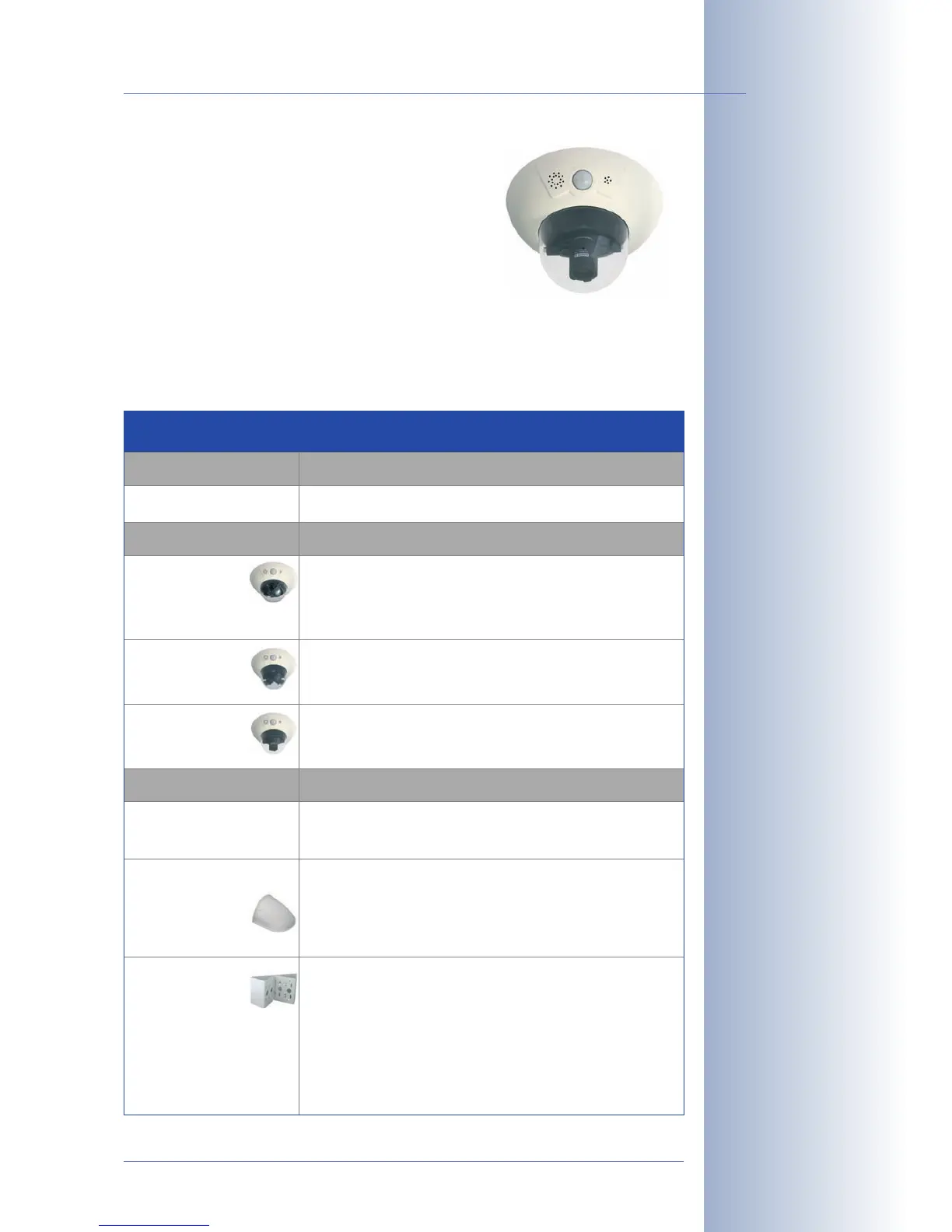
• D12M-CS: The Mono-CS version can be fitted
with any CS-Mount lens (1" thread). This cam-
era is available with a CS-Mount lens (24-
54mm) as a daylight camera (D12M-CS) or a
night camera (D12M-Night-CS). Using
C-Mount lenses is not possible in this camera.
Summary: Version for CS-Mount lenses.
2.2 Directions
In order to facilitate mounting of the camera, please follow the corresponding steps
below:
© MOBOTIX AG • Security-Vision-Systems • Made in Germany
www.mobotix.com • sales@mobotix.com
27/132
D12 Camera Manual Part 1
Light-sensitive Vario CS-
Mount lens with 24–
54mm focal length and
f-stop 1.6– 2.3
Please also observe the
general hints in section
2.15 on mounting the
camera to different sur-
faces!
Directions
Preparatory Tasks
ll camera versions
Sections
2.3: Preparatory Steps
Camera Version
D12D Standard
D12D-180°
D12M-CS
Sections
2.4: Parts, Components and Dimensions -
D12D Standard
2.5: Installing the Lens Units - D12D Standard
2.6: Parts, Components and Dimensions -
D12D-180°
2.7: Parts, Components and Dimensions -
D12M-CS
Installation Type
Indoor installation
Outdoor installation
ith wall mount
Installation on
building corners
or poles
Sections
2.8.1: Mounting Indoor Cameras to a Wall or Ceiling
2.13: Finishing the Installation
2.8.2: Mounting Outdoor Cameras to a Wall
2.9: Delivered Parts of the Outdoor Wall Mount
2.12: Mounting the Camera With Outdoor Wall Mount
2.13: Finishing the Installation
2.8.2: Mounting Outdoor Cameras to a Wall
2.8.3: Mounting Outdoor Cameras to a Wall or Pole
2.9: Delivered Parts of the Outdoor Wall Mount
2.10: Delivered Parts of the Corner and Pole Mount
2.11: Mounting the Corner and Pole Mount
2.12: Mounting the Camera With Outdoor Wall Mount
2.13: Finishing the Installation



 To Next Page