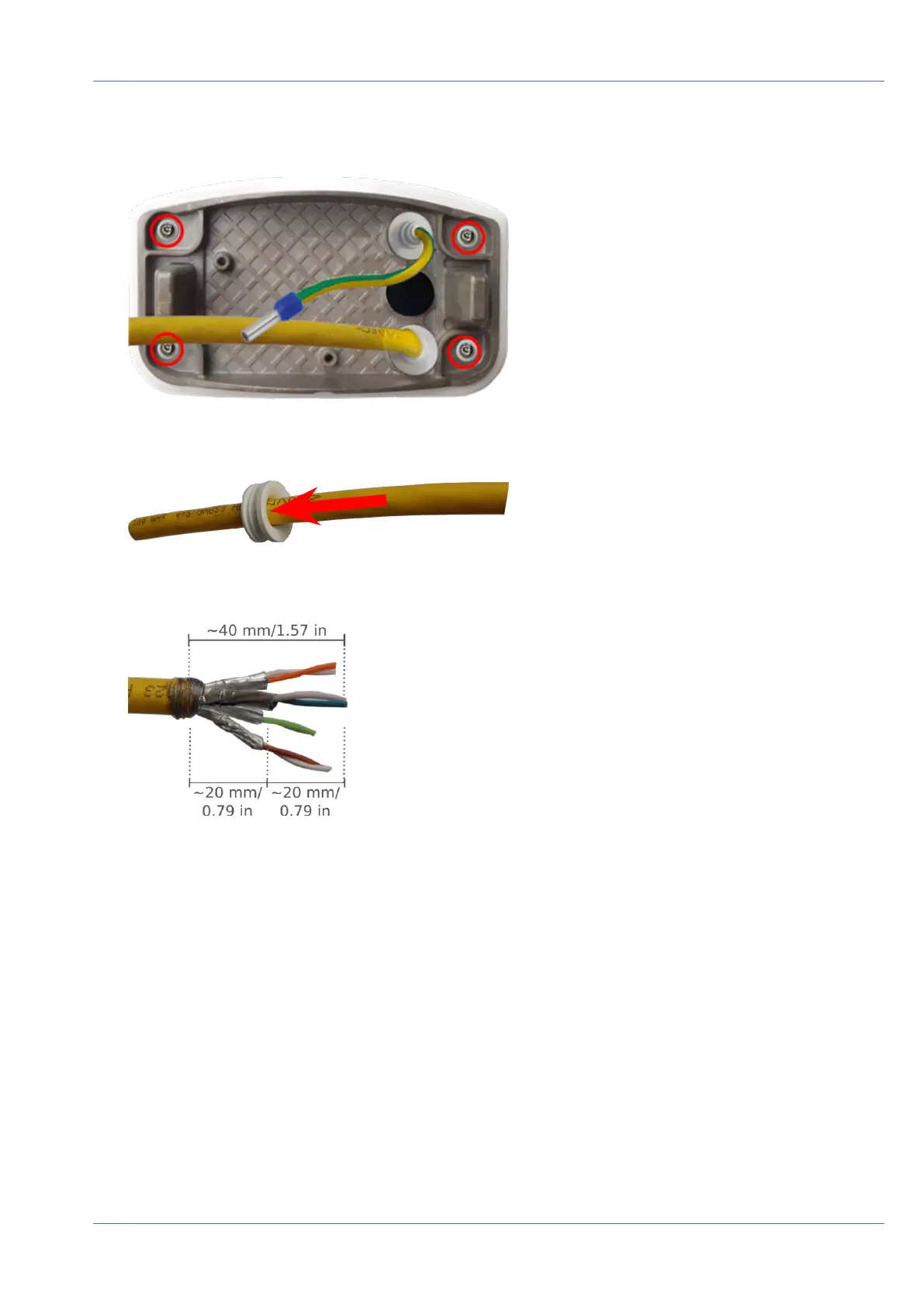
3. Guide the ground wire through the upper cable plug and the network cable through the lower cable plug
of the mounting plate as shown:
Fig. 54: Mounting plate with ground wire and network cable
4. Insert the network cable into the white rubber plug C.5:
Fig. 55: Network cable with rubber plug C.5
5. Remove the insulation from the network cable as shown below:
Mounting
Connecting the camera
74 / 110



 To Next Page