Mounting
Connecting the camera
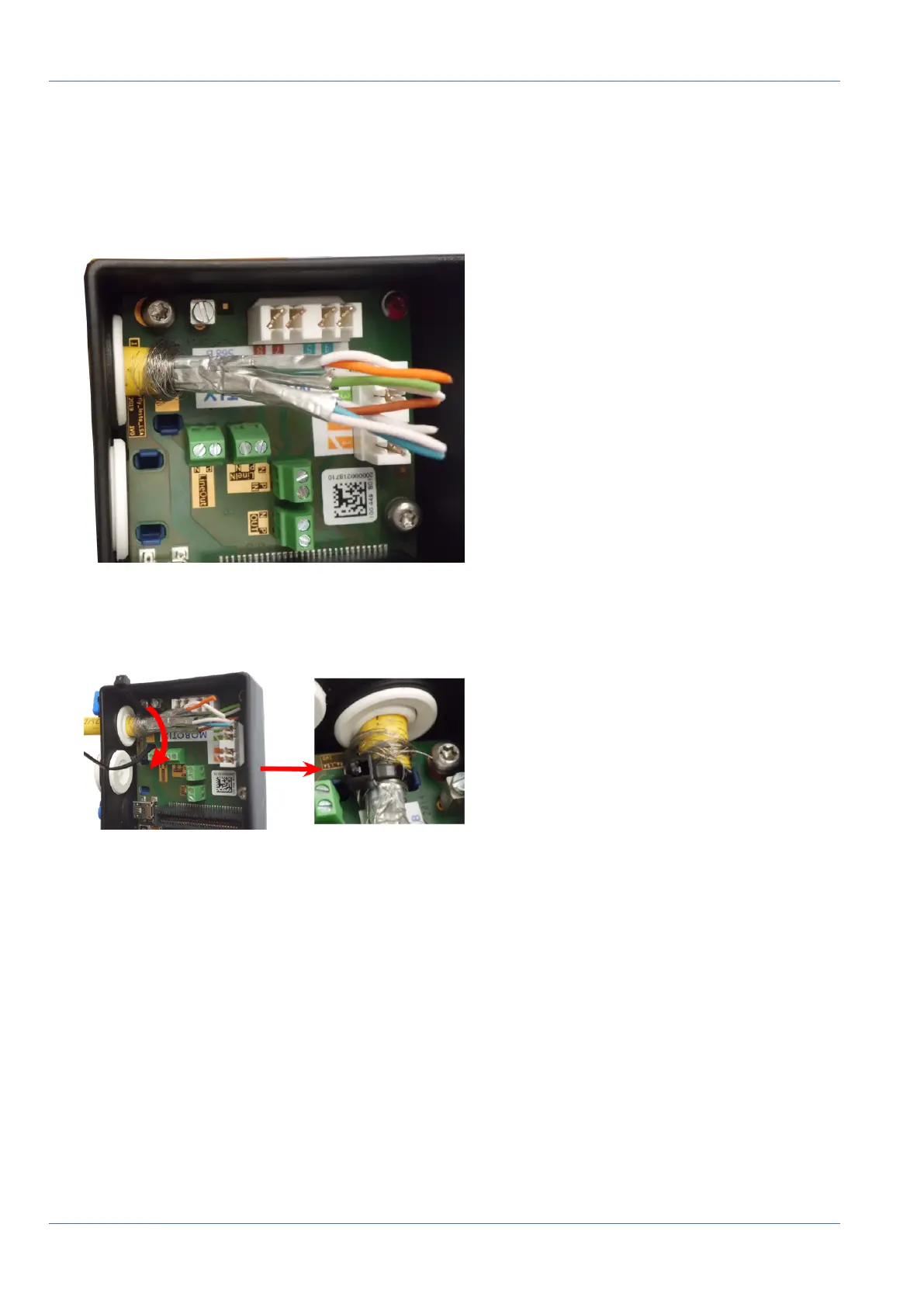
Attach the Network Cable to the Connector Box
1.
Remove the black plug from the left-hand opening (plug ① in Fig. 52: .
2. Insert the network cable into the connector box and make sure the rubber plug is properly seated all
around the opening:
Fig. 56: Network cable inserted, plug properly seated
3. Insert the cable tie into the blue guides and tie down the network cable onto the copper-colored ground
plate:
Fig. 57: Cable tie inserted beneath network cable
75 / 110



 To Next Page