Operating the Camera
Network Settings
MOBOTIX Camera in MxManagementCenter
MxManagementCenter is a video management software for setting up and using the entire video surveillance
system that provides a range of functions for different tasks and user groups. You can download the newest
release of MxManagementCenter from the MOBOTIX website (www.mobotix.com> Support> Download
Center> Software Downloads, MxManagementCenter section).
NOTE! Please refer to the MxManagementCenter help for more information.
Procedure
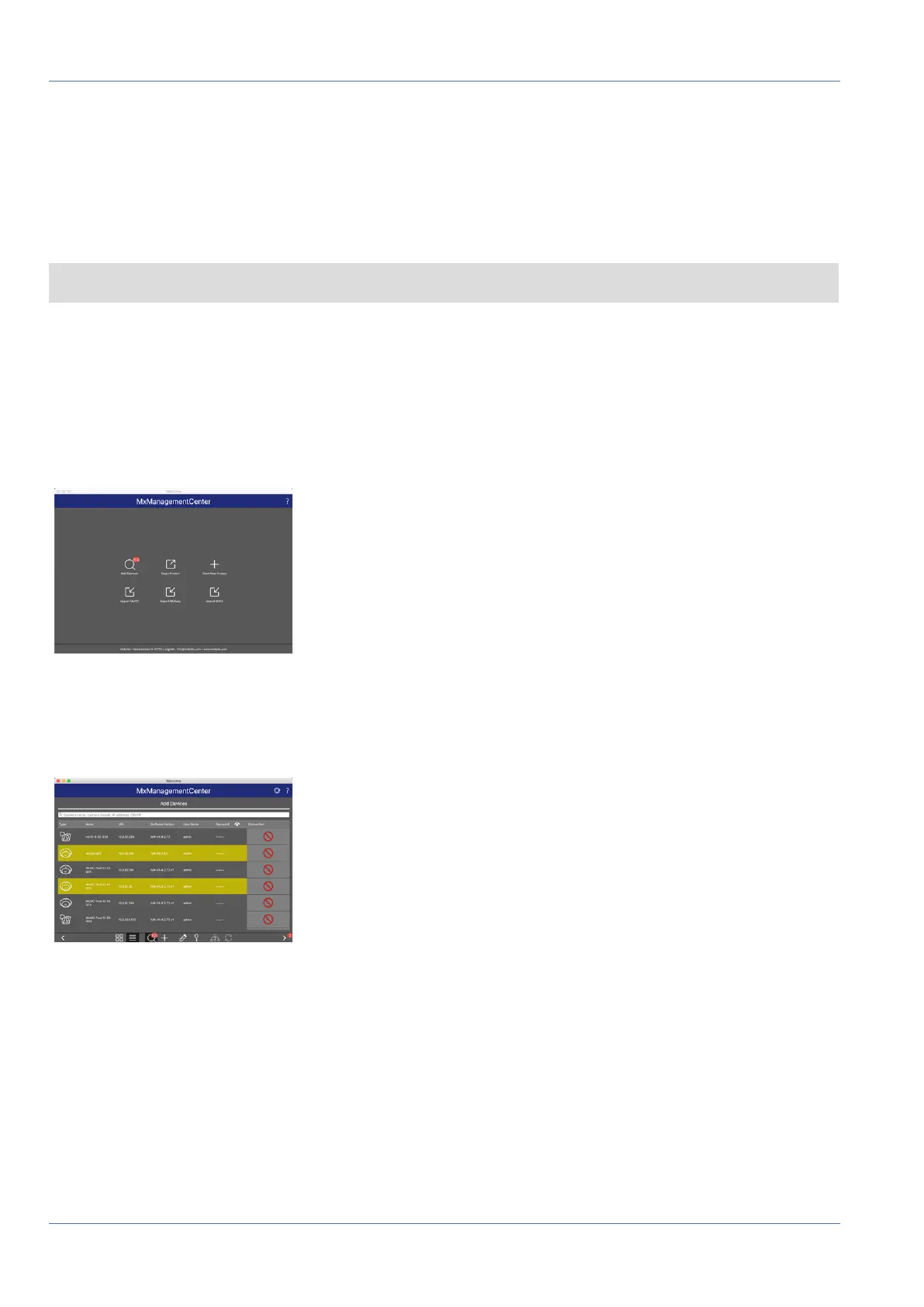
When starting MxManagementCenter for the first time, the configuration wizard opens and automatically
starts searching for MOBOTIX cameras. The number of found cameras is shown as a counter next to the Add
Devices icon . This number is updated automatically if the number of MOBOTIX cameras on the network has
changed (i.e., by connecting new/disconnecting existing cameras).
Fig. 79: Start screen of the MxManagementCenter
1. Click on Add Devices. The cameras are displayed either in a list or as tiles. Use the List and Tile buttons
to change the display mode.
Fig. 80: Cameras as list
The application automatically monitors and displays the operating status of all cameras using corresponding
icons.
95 / 110



 To Next Page