78
Q26 Camera Manual: Installation
Notes
Use the drilling template available for downloading from www.mobotix.com (valid for
both 0° and 10° On-Wall Sets).
Make sure that the drilling template is not scaled or adjusted to the paper size when
printing the PDF le (enlarged or reduced).
The maximum torque for all screws is 1 to 1.2 Nm.
Required Parts
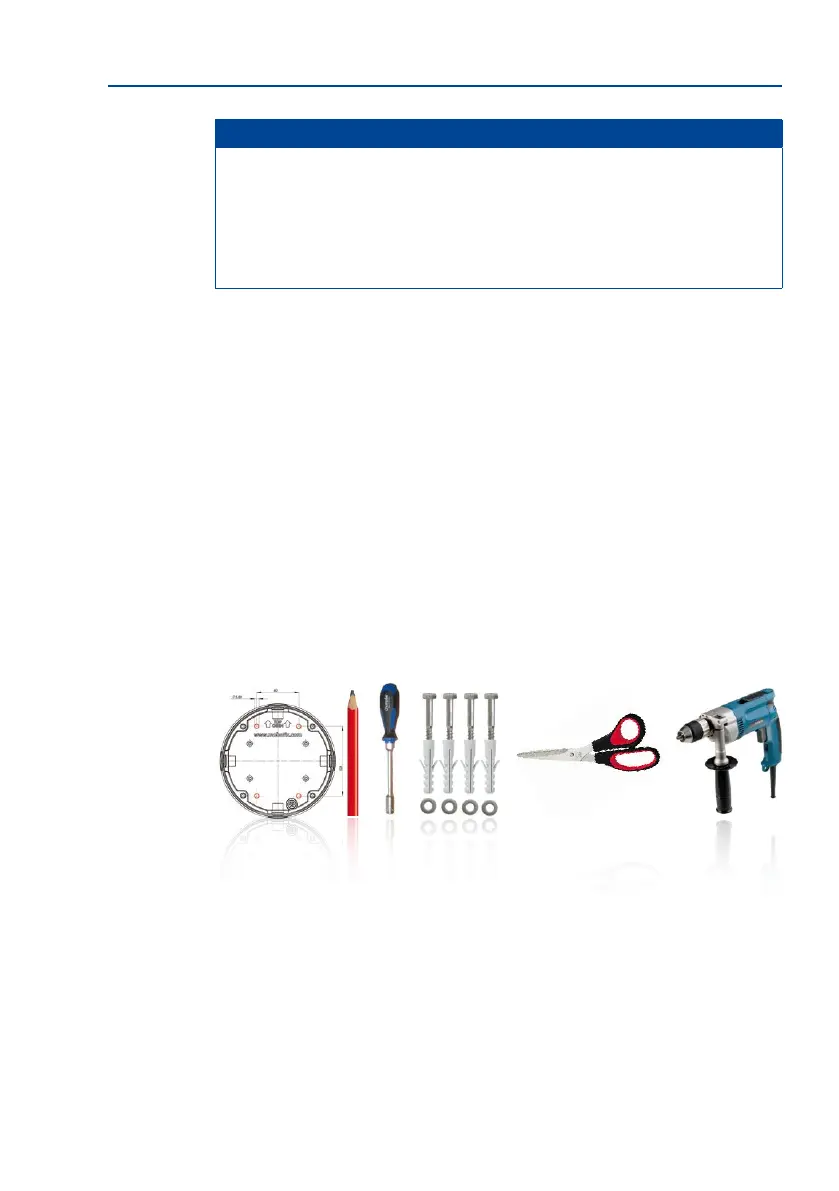
Please check that all components supplied with the On-Wall Set are present in the original
packaging rst. The following additional tools are required for installation:
• Suitable materials for ceiling/wall installation: 4 wood screws incl. screw anchors
and washers (e.g. from the original camera packaging).
• Screwdriver
• Power drill for screw anchor holes needed for ceiling/wall mounting
• MOBOTIX Drilling Templates (available for downloading from www.mobotix.com)
• Scissors to cut out the template
• Pen to mark the drill holes
• Materials and tools needed to connect the pre-installed MOBOTIX network cable in
the camera with the on-site network cable.
• So cotton cloth to clean the front of the lens



 To Next Page