6. CONFIGURATION
28
5. Depending on the selection (SHORT or LONG) one of two different menus will open (these
menus are the same for the standard cycles), i.e.:
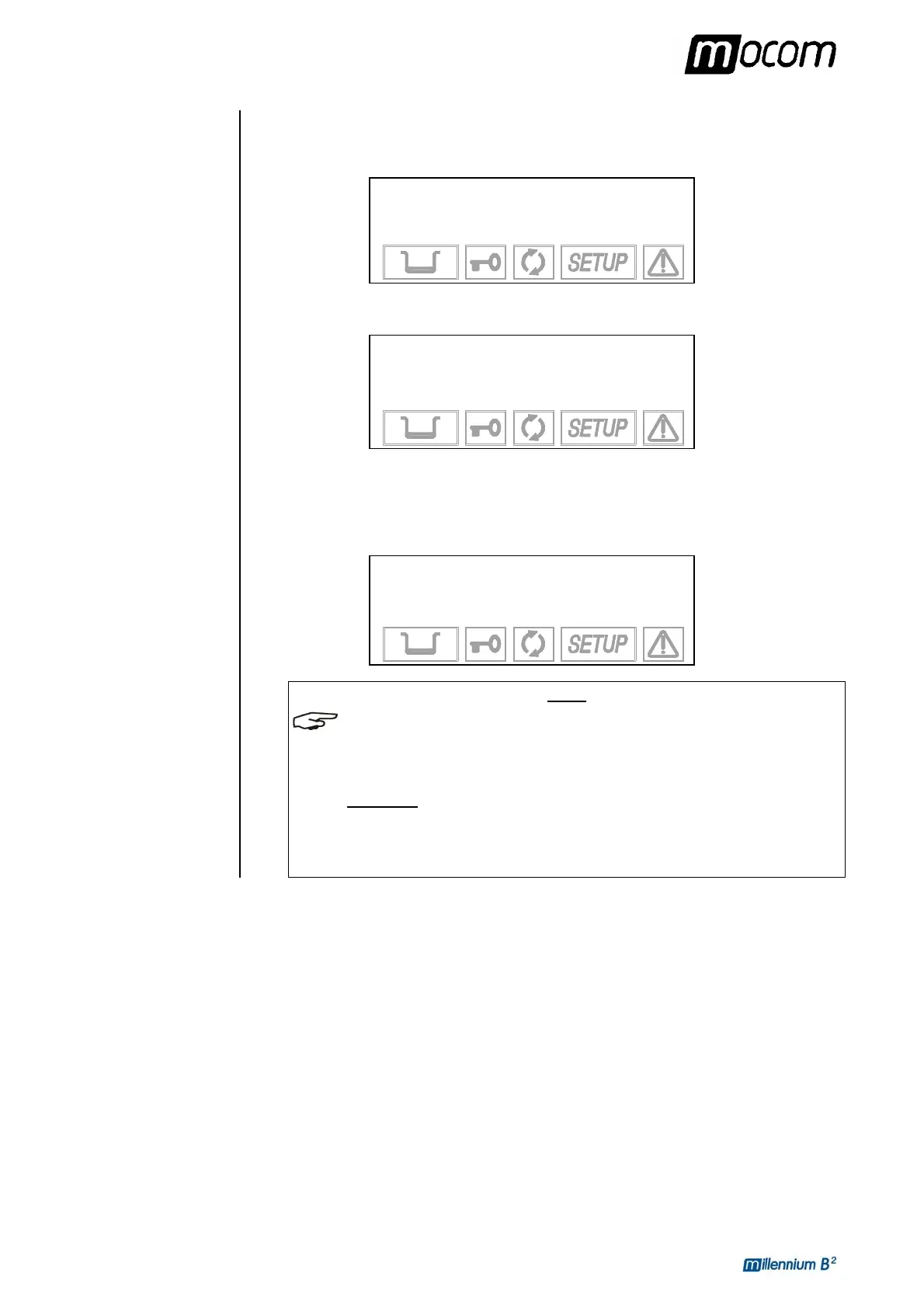
In SHORT mode the following is displayed:
→ STANDARD DRYING +
FAST DRYING ↑
EXIT ↓
-
In LONG mode the following is displayed:
→
STANDARD DRYING +
INTELL. DRYING ↑
EXTRA DRYING ↓
EXIT -
For the choice criteria, refer to the instruction of page 26.
Whenever the CUSTOM program is already present in another position, the selection
is not accepted. The following warning appears on the display, along with a beep:
THIS PROGRAM IS
ALREADY PRESET
NOTE
THE SELECTION CAN BE CHANGED AT ANY TIME BY FOLLOWING THE PROCEDURE
DESCRIBED ABOVE
.
T
HE LIST OF AVAILABLE PROGRAMS, THEIR SCREENS AND THE CHARACTERISTICS OF
STERILIZABLE MATERIALS
(IN RELATION TO THE PROGRAMS) ARE CONTAINED IN
APPENDIX B (PROGRAMS).
A
CCESS TO A CUSTOM CYCLE DOES NOT REQUIRE A PASSWORD. NONE OF THE
COMBINATIONS POSSIBLE IN THE CUSTOMIZATION PHASE CREATE ANY RISKS OR
DANGERS OF INJURY TO THE OPERATOR OR DAMAGE TOT HE DEVICE
.



 To Next Page