Sterilizers SUPREME - FUTURA - CLASSIC (17-22-28)
- TECHNICAL MANUAL
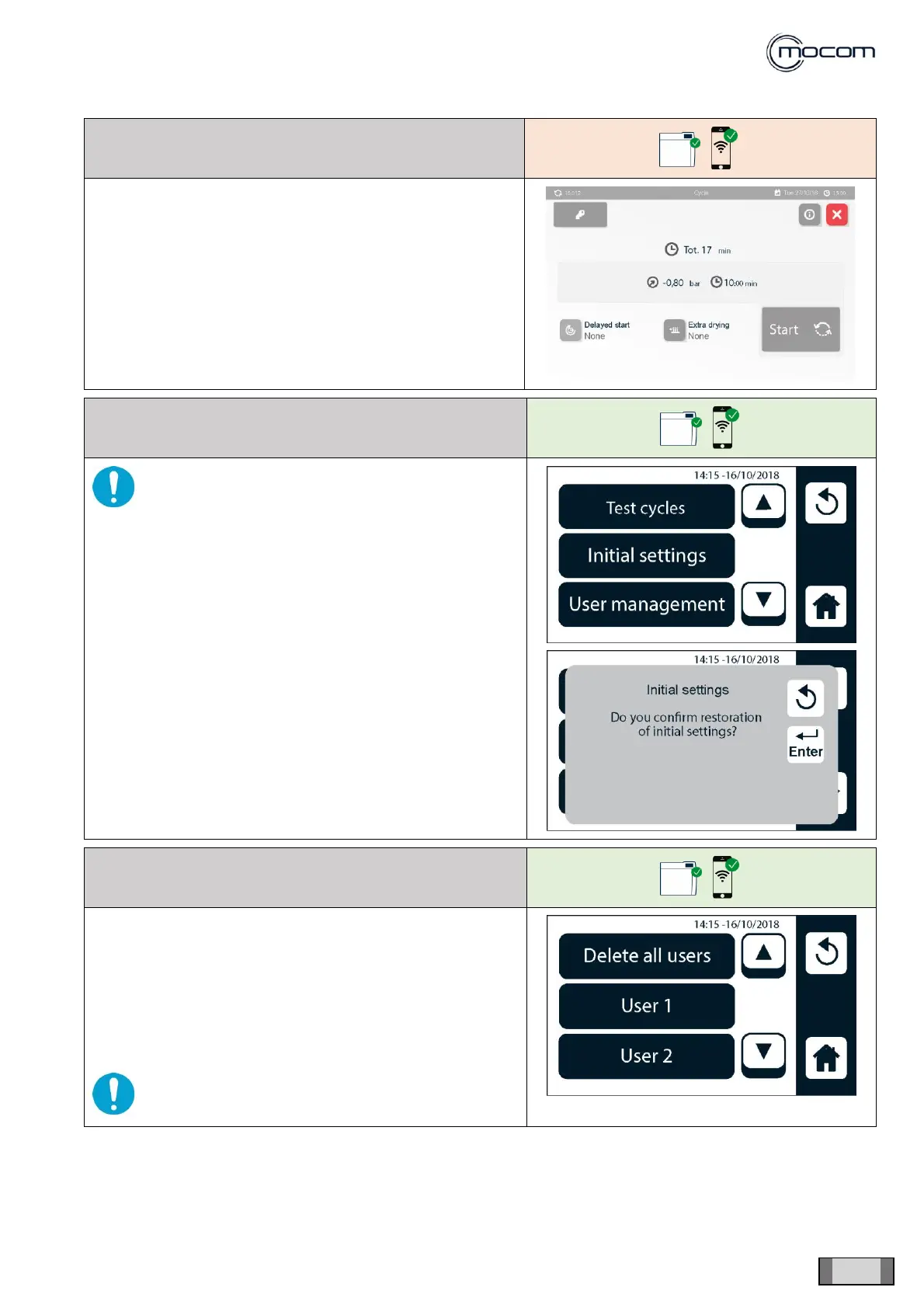
Select EMPTYING CYCLE to eliminate any residual water
from the circuit.
WARNING: confirming the reset will delete any
custom settings for use and all data and cycles.
The set language will not be changed.
Select USER MANAGEMENT to display the user list
management screen, normally used by the dental surgery’s
personnel.
The login password is not requested to users, including the
administrator, when operating from the SERVICE/USER
MANAGEMENT menu.
It is possible to apply modifications, delete users, add users,
change authorisations.
WARNING: the changes made, if confirmed,
cancel the previous configuration



 To Next Page