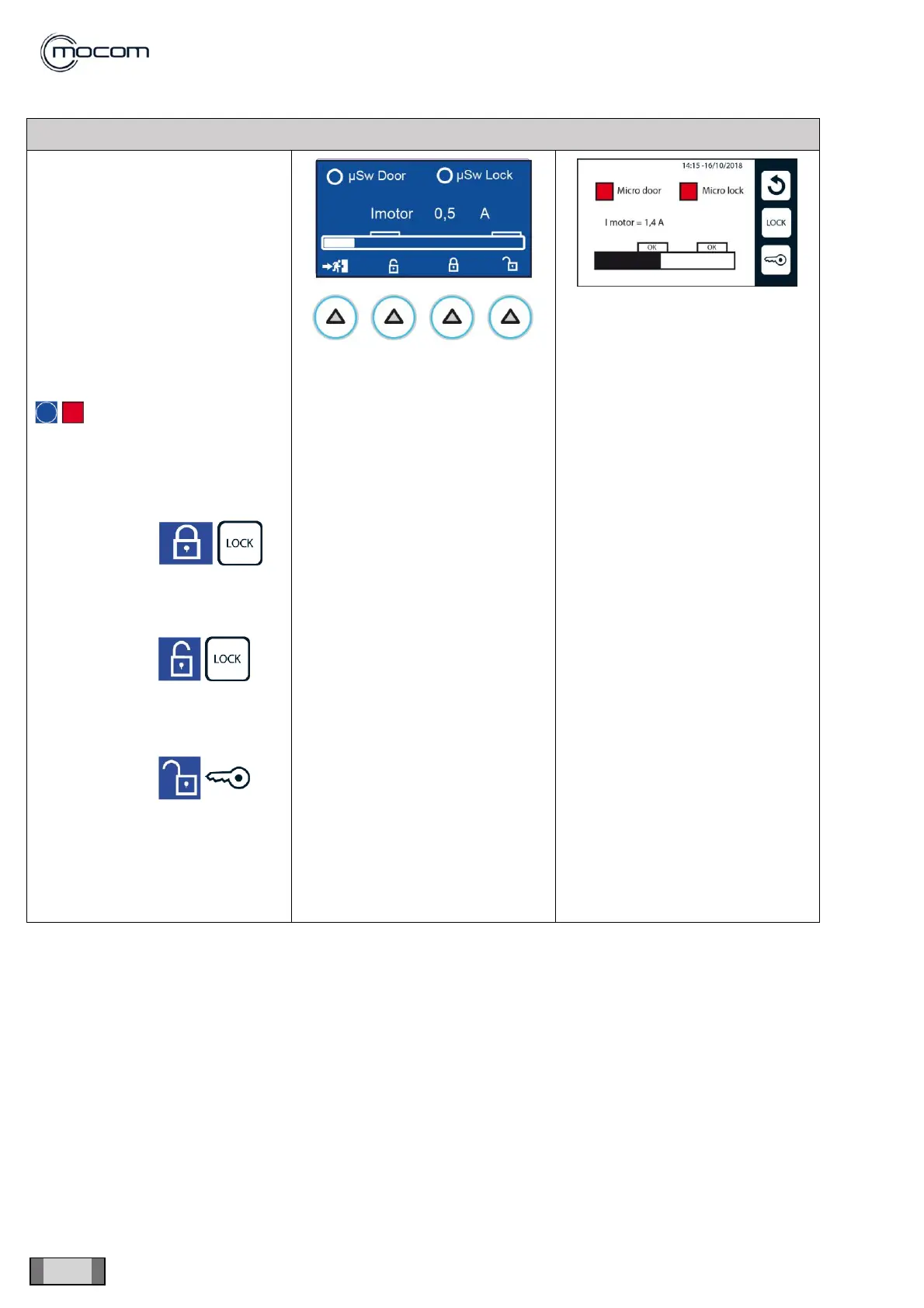
From DOOR menu:
- manually press the actuator pin
of the door manual closing
microswitch
- detect the activation of μSw door
indicator
- close the door and detect the
activation of μSw door indicator
and of μSw lock indicator
For both microswitches, the
indication shows:
- with command
activate the door lock
- after locking, the I motor indicator
should read 3.4/3.8 A.
- with command it is
possible to unlock the door,
moving it to the closing position,
keeping the 2 microswitches
active
- with command it is
possible to open the door
unlocking the 2 microswitches
With the door open, μSw door and
μSw lock must be disabled, with I
motor indicator = 0.5A- 0.7A



 To Next Page