Installing the MX101 Customer Side Scanner 8 - 5
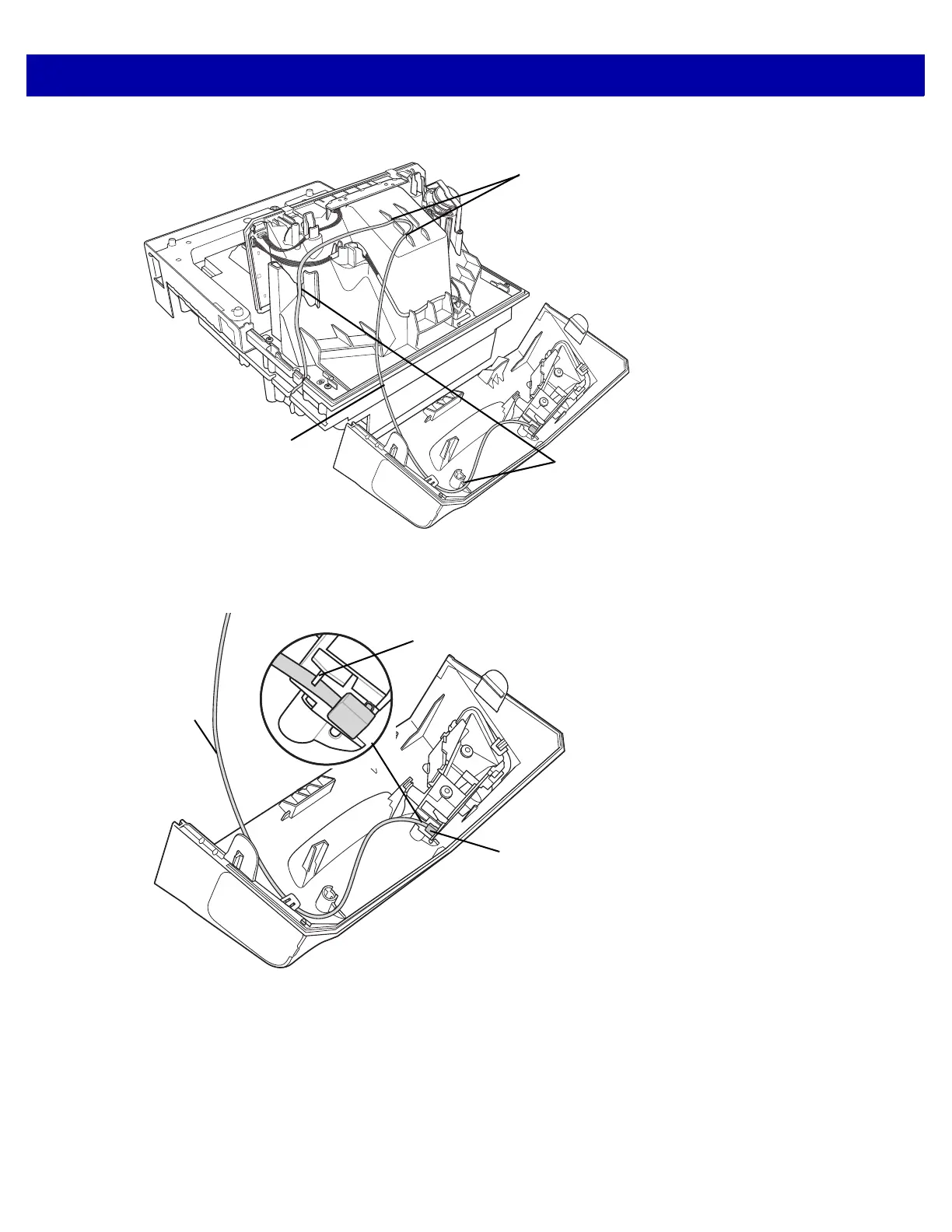
9. Route the cable, looping through the right side cable slots as shown below. (Cable wire should be tight.)
Figure 8-8
Routing the Cable
10. Connect the cable to the micro USB port at the bottom of the scan module. Ensure the cable is clipped into
the scan module plastic directly below the USB port.
Figure 8-9
Connecting the Cable to the Micro USB Port
Cable Slots
Service Loop
Cable Slots
Micro USB Port
Service
Loop
Scan Module Cable














 To Next Page