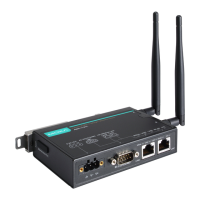
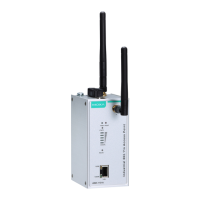
AirWorks AWK-1137C Web Console Configuration
Ignore Jammed IP
Setting Description Factory Default
Disable All transmission will be suspended if one IP address becomes
unresponsive. Transmission will only resume when all hosts
have responded.
Disable
Enable Data transmission to the other hosts will not be suspended if
one IP address becomes unresponsive.
This field specifies how an unresponsive IP address is handled when there are simultaneous connections to the
serial port.
Destination Address 1 to 4
Setting Description Factory Default
IP address and port
(e.g., “192.168.1.1”
and “4001”)
This field specifies the remote host(s) that will access the
attached device. At least one destination must be provided.
This field supports the use of domain names and names defined
in the host table.
IP Address: Empty
Port: 4001
ATTENTION
In TCP Client mode, up to 4 conn
ections can be established between the serial port and TCP hosts. The
connection speed or throughput may be low if any one of the four connections is slow, since the one slow
connection will slow down the other 3 connections.
Designated Local Port 1 to 4
Setting Description Factory Default
1 to 65535 This field specifies the TCP port number that will be used for
data transmission with the serial port.
0
Connection Control
This field specifies how connections to the device are established and closed.
Setting Description Factory Default
Startup/None The connection will be opened as the AWK-1137C starts up.
The connection will only be closed manually.
Startup/None
Any Character/None The connection will be opened as soon as a character is
received from the
attached device. The connection will only be
closed manually.
Any Character/
Inactivity Time
The connection will be opened as soon as a character is
received from the attached device. The connection will be
closed if no data is received for the time spe
time.
DCD On/DCD Off The TCP connection is opened when the DCD (data carrier
detect) signal is on, and closed when the DCD signal is off.
DCD On/None The TCP connection is opened when the DCD signal is on. The
connection will only be closed manually.
Packet Length
Setting Description Factory Default
0 to 1024
This field specifies the maximum amount of data that is allowed
to accumulate in the serial port buffer before sending.
0: Packet length is disregarded and data in the buffer will be
sent as specified by the delimiter settings or when the buffer is
full.
1 to 1024: Data in the buffer will be sent as soon it reaches the
specified length.
0


 To Next Page
 Loading...