USER MANUAL NOVAcompact
MRU GmbH, D-74172 Neckarsulm
6.5. Operation temperature
If the analyzer has been stored at low temperatures, it will require some time to equilibrate to
the ambient temperature before being switched on. If it does not equilibrate, condensation will
occur inside the analyzer!
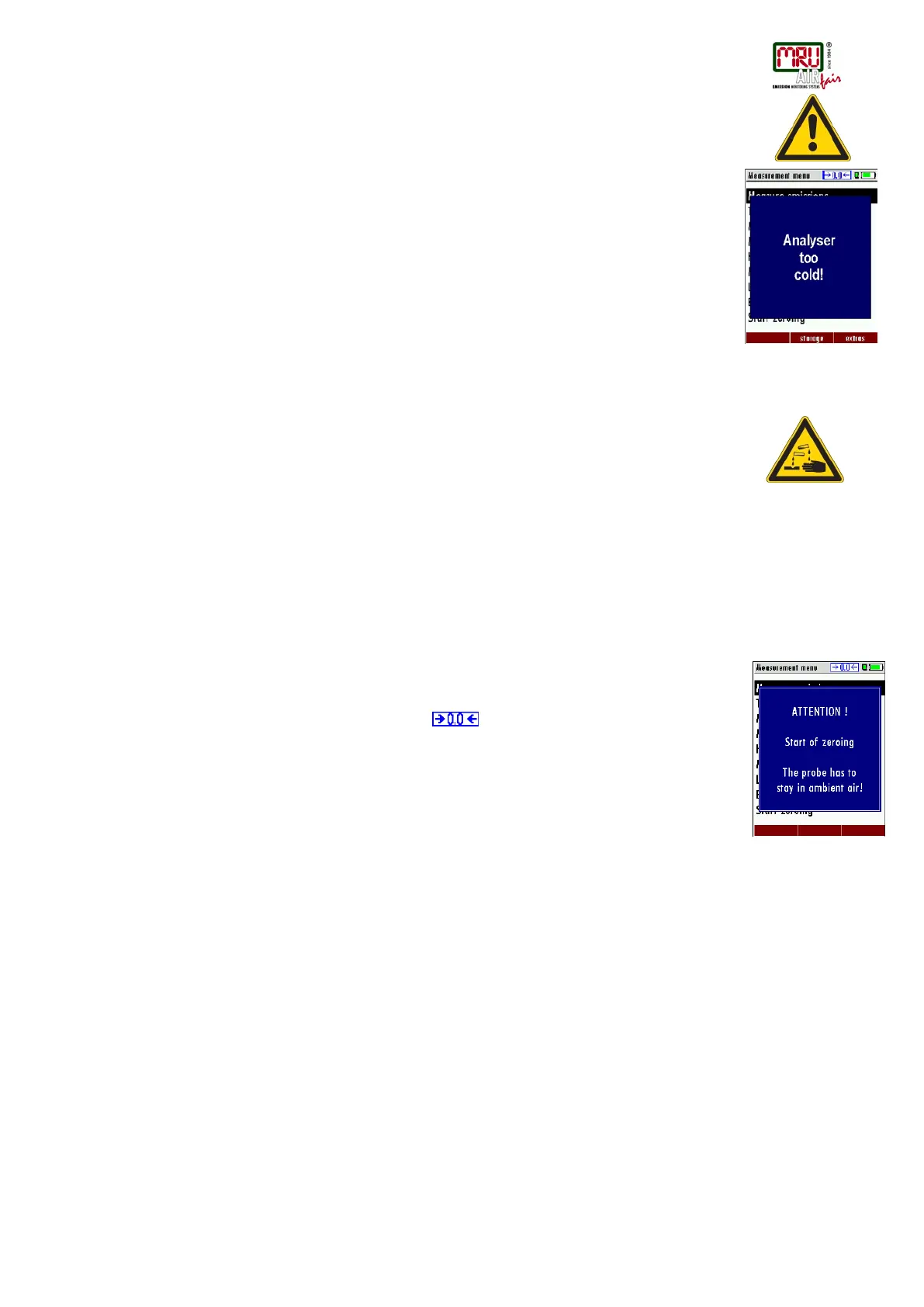
If the temperature is out of its operation range, you will see the following messages on the
display.
Once one of these messages appears you will not be able to use the analyzer, it will give an
acoustic signal until it has reached the specified operation temperature between +5°C and
+45°C.
6.6. Condensate separator
The condensate separator must be checked before and after each measurement!
Please check if the condensate separator must be emptied and if the star filter is still white.
White = good for measurement dark = replace
6.7. Connectors and leak tightness
• Check all push on connectors for proper fit.
• Check all hoses, hose connectors and the condensate separator.
• Start separate instrument tightness test (see chap. 9.4)
6.8. Power ON and zeroing
Press the ON key. The analyzer will start zeroing without any further action from the user.
The probe shall NOT be installed in the stack during zeroing!
While the analyzer is zeroing you will see a blinking
symbol in the task bar indicating
the progress of zeroing.
Once the zeroing cycle is finished the analyzer is ready for measurement.
If any defective sensors will be detected during the zeroing cycle you will get an error message
on the display.
Repeating the zeroing
The zeroing can be repeated at any time as long as the probe is not inside the stack. In the
main menu you select “Zeroing”, and after the displayed message press the OK key.



 To Next Page