USER MANUAL NOVAcompact
MRU GmbH, D-74172 Neckarsulm
8.4. Data transfer via SD Card (option)
The data exchange format is CSV. A character-separated values (CSV) file is a simple text
format for a database table. Each record in the table is one line of the text file. Each field value
of a record is separated from the next by a character. NOVAcompact uses a semi-colon ‘;’ as
value separator (other implementations use sometimes a comma). Implementations of CSV can
often handle field values with embedded line breaks or separator characters by using quotation
marks or escape sequences. CSV is a simple file format that is widely supported, so it is often
used to move tabular data between different computer programs, for example
Microsoft
Excel™ or Access™, that support the format. Also other computer programs offer this type of
interface because it is widely spread and easy to use.
The following functions are available from Software Version 1.11 and higher:
• Import of Sites
• Export of Sites
• Export of Flue Gas Measurements
• Export of Differential Pressure Measurements
Import of Sites
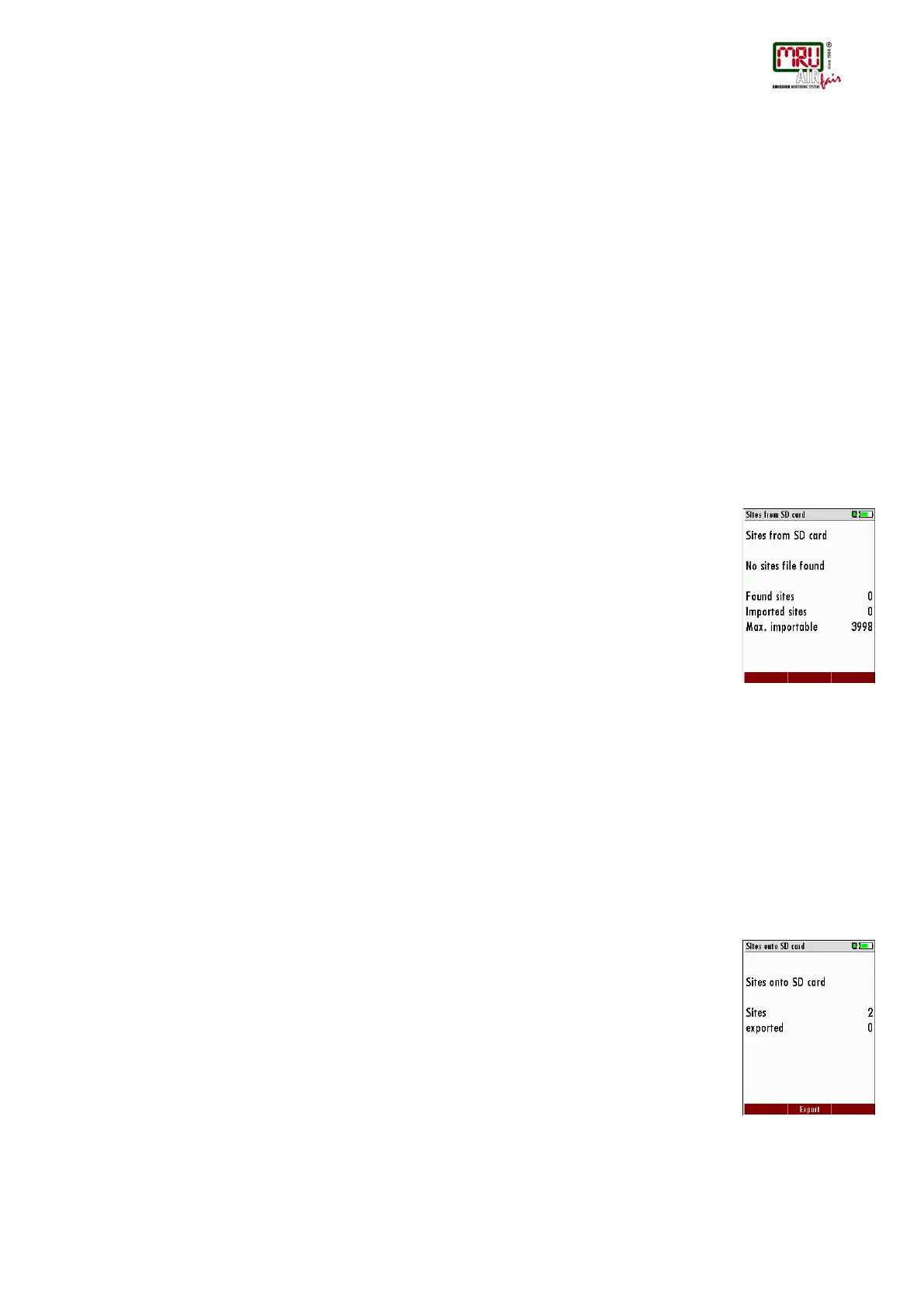
With this function you can Import Sites which have been created on a computer or another
Analyzer.
The File name must have the name “anlagen.csv“ (anlagen = german for sites) . The file has no
column heading that means that the first line already has user data. Each line has a minimum of
9 columns (with 8 semi-colons) and the first field in the line will be the site number. All data will
be imported as long a site number is available. Per field a maximum of 24 characters will be
imported, too long words will be cut off.
Example file with 8 valid sites (4 with 9 lines and 4 with less lines):
A1-Z1;A1-Z2;A1-Z3;A1-Z4;A1-Z5;A1-Z6;A1-Z7;A1-Z8;A1-Z9
A2-Z1;A2-Z2;A2-Z3;A2-Z4;A2-Z5;A2-Z6;A2-Z7;A2-Z8;A2-Z9
A3-Z1;A3-Z2;A3-Z3;A3-Z4;A3-Z5;A3-Z6;A3-Z7;A3-Z8;A3-Z9
A4-Z1;A4-Z2;A4-Z3;A4-Z4;A4-Z5;A4-Z6;A4-Z7;A4-Z8;A4-Z9
A5-Z1;A5-Z2;A5-Z3;A5-Z4;;;;;
A6-Z1;A6-Z2;;A6-Z4;;;;;
A7-Z1;;;A7-Z4;;;;;
A8-Z1;;;;;;;;
Example file with 2 invalid sites (1 with not enough fields and 1 with missing site number):
A1-Z1;A1-Z2
;A1-Z2;A1-Z3;A1-Z4;A1-Z5;A1-Z6;A1-Z7;A1-Z8;A1-Z9
Export von Anlagen
This function can be used for an analyzer back up or if you wish to supply the analyzer
information to a computer program or another analyzer. This is very handy if you have made
some modifications inside the analyzer (site) for example if you have modified the phone
number of a customer and this modification needs to be updated in the computer software, or if
a second analyzer needs to have the same site information.
The File format ist the same as described above„Import of Sites“.
Only the file name is different, the file name will be ‚ANLxxxxx.csv’, in which the xxxxx are
continuing 5 digit numbers with leading zeros. If the file must be imported into another analyzer,
the file must first be renamed into “anlagen.csv”.
Export of Flue Gas Measurements
This function is used to export the measurements from the analyzer to a computer program.



 To Next Page