USER MANUAL
compact
MRU GmbH, D-74172 Neckarsulm
4. First use of the Analyzer
After the analyzer has been inspected and is ready for start up it can be switched on and
personalized settings can be entered. These settings can be changed at any time.
4.1. Analyzer ready for operation
• Unpack the analyzer, read the complete manual
• The analyzer was shipped completely assembled, in working condition and ready for
operation. It is recommended that the analyzer is thoroughly inspected for
completeness and damage.
• Recommendation: charge the batteries for 8 hours prior to use.
• Check/Change date and time
4.2. Analyzer settings
The “Settings” menu allows configuring some instrument specific parameters.
• Display-brightness
• Brightness of the condensate separator LED
• Selection of the device languages
• Selection of the country specific parameters like fuel types, calculated values etc.
• Helpful hints activated
• Keyboard beeper activated or deactivated
Display-brightness, depending on temperature
and also on the personal judgement of the user,
at 20°C a value of ca. 50% is normal
Language option Select device languages
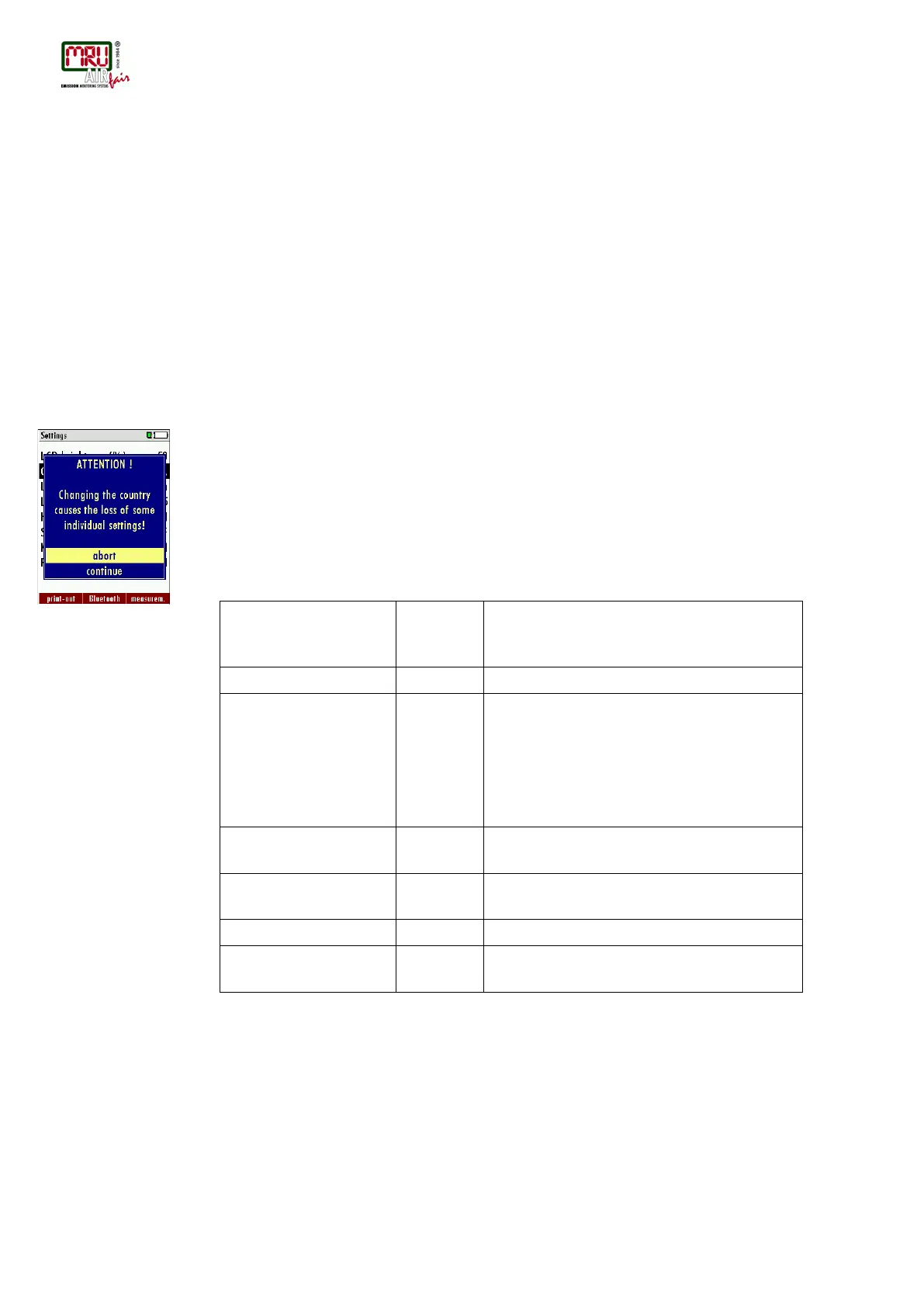
By changing the country the O2 reference
values settings are lost. The fuel list is reset.
Similarly, country-specific defaults and
methods of measurement are selected as a
result.
Change the brightness of the condensate
separator LED
Helpful hints activated or deactivated
(explanation below)
Keyboard beeper activated or deactivated
Power-on logo ON / OFF Logo will be show during power-ON of the
analyzer



 To Next Page