USER MANUAL
compact
MRU GmbH, D-74172 Neckarsulm
9. EXTRA / Settings
The analyzer is delivered in a standard software configuration which should cover most needs.
However, there are many ways to tailor the settings to your individual needs if required. The
possibilities are highly flexible and individual adaptable.
Use the variable possibilities to adapt your analyzer to your own needs and customize the
measurement menu, the measurement window, the printer out put and many other features.
Usually this is something you will do once you receive the analyzer, once you have adapted
your analyzer you will most probably don’t make much changes in future, but you can when
ever you need and want to do so.
After you have made any changes in the configuration, you should switch off the analyzer to
save all the changes that have been made. Next time that you start up the analyzer, all changes
will have been made.
9.1. Maintenance adjustment menu
If you enter a wrong pin code you will be exited into the “Extra Menu” again.
Please contact MRU GmbH if you need the Pin Code for your analyzer.
Press the Enter key if you should have landed in this menu by accident and you will be exited
into the “Extra Menu” again.
9.2. Manufacturer default settings
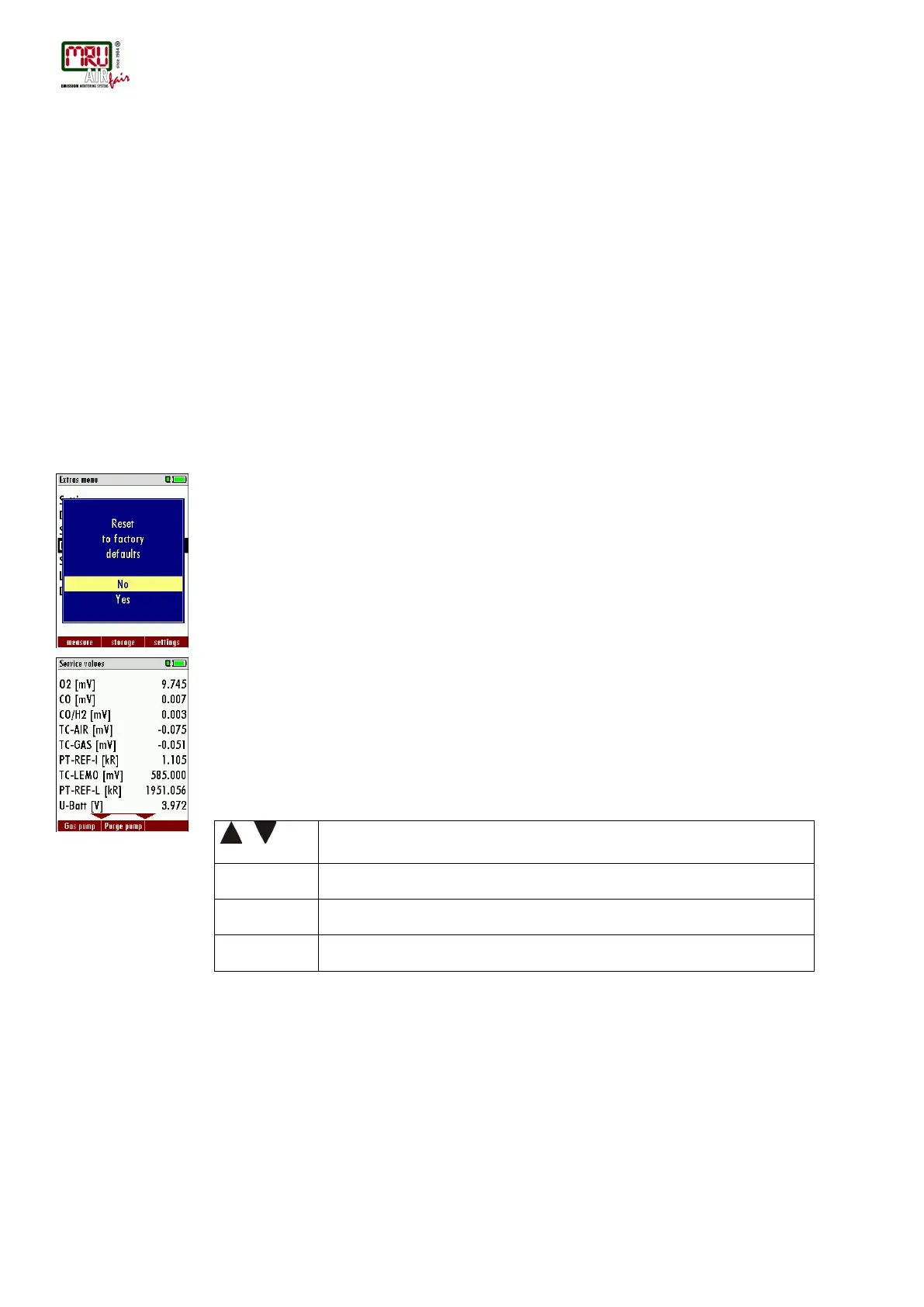
The analyzer will be reset to original delivery settings.
Be aware that your configurations will be deleted, such as:
CO-ppm limits
Fuel type list activation
Measurement window selection
and others.
9.3. Service values
Should your analyzer display an error message after zeroing (for example: „O2-Sensor not
OK"), then you can use the Service value menu to get detailed information about possible
defects. In this menu you will see all service values of the sensors and also other parameters.
In case of a defect contact the MRU service department. The MRU service technician will ask
you about these values or he will ask you to send them by fax or email.
,
Function test gas pump (on / off)
Function test purge pump (on / off)



 To Next Page