Description
ALTAIR 5X/ALTAIR 5X IR
22
GB
2.4 Viewing Optional Displays
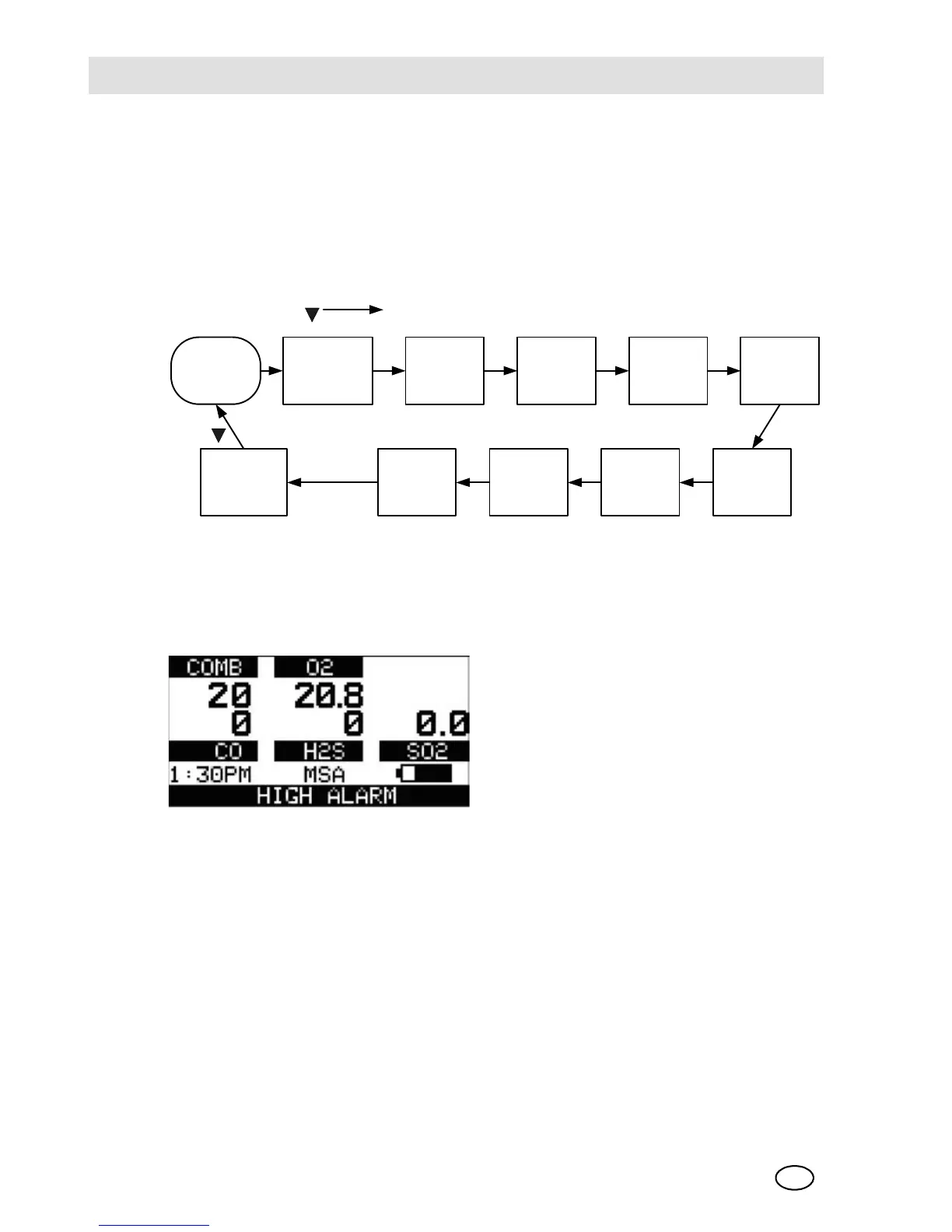
The Main Screen appears at device turn-ON.
Optional displays can be viewed by pressing the button to move to the screen as
indicated by the "soft key".
[For the monochromatic display the name of the page is displayed, for the colour
version it is represented by an icon.]
Bump Test [BUMP page]
This page allows the user to perform an automated Bump Test on the device. To
perform the test, the [YES] button is pressed.
See chapter 3.7 for details on performing the Bump Test.
If the button is pressed, the Bump Test is not performed, and the display shows
the next page in the sequence [PEAK].
If the button is pressed, the Bump Test is not performed, and the display reverts
back to the normal MEASURE page.
PEAK * MIN STEL *
1
TWA *
1
BUMP TEST ?
DATE
LAST CAL
DATE *
CAL DUE
DATE *
MOTION
ALERT
STATUS *
WIRELESS **
MAIN
MEASURE
PAGE
Advance on
Advance on
ON/OFF
Advance on
* IF ENABLED
** IF WIRELESS IS INSTALLED
1
NOT VALID FOR ALL SENSORS
* 1



 To Next Page