ALTAIR 5X/ALTAIR 5X IR
GB
59
4.3 Replacing the Battery
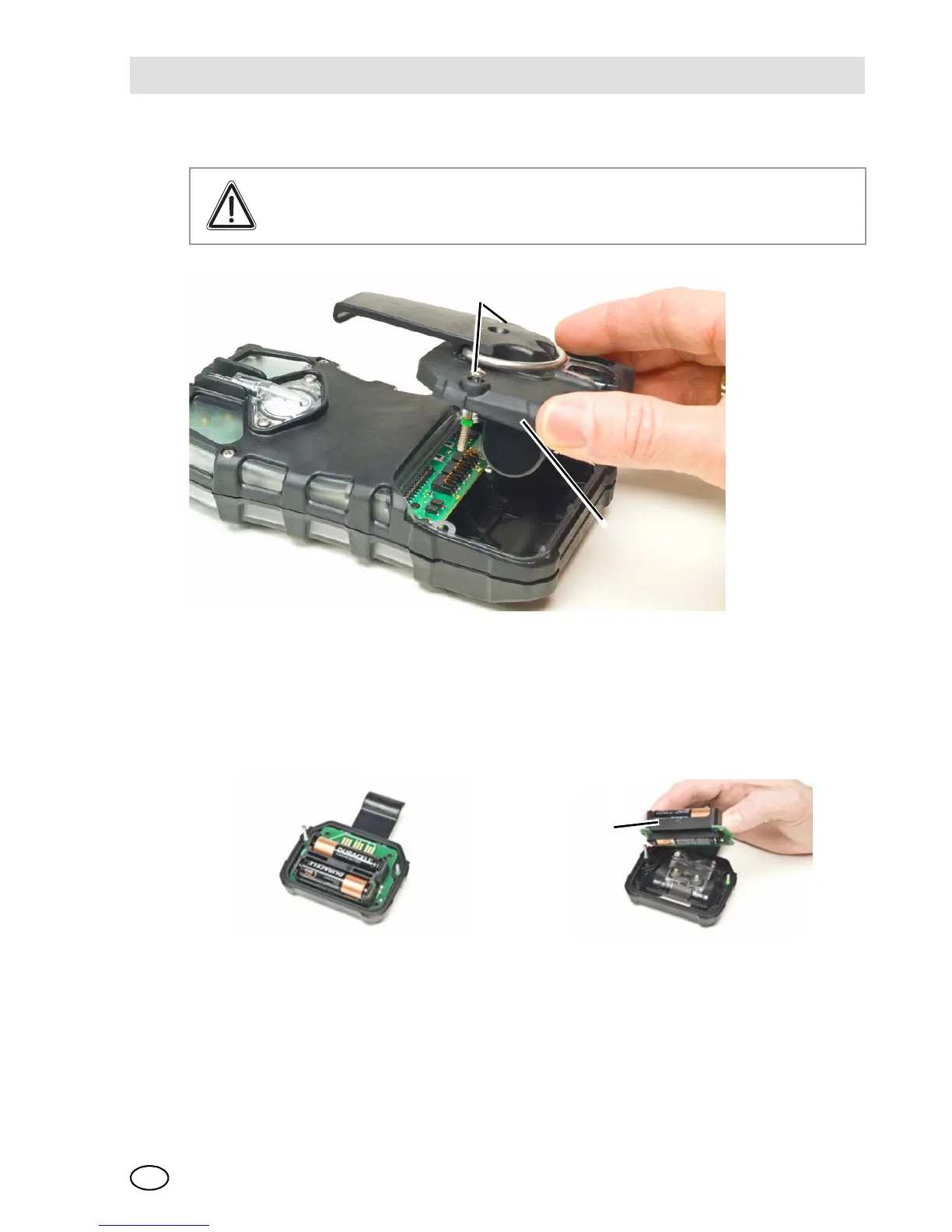
Fig. 12 Battery Replacement
(1) Unscrew the two captive screws on the rear of the device.
(2) Pull the battery pack out of the device by gripping the sides and lifting it up and
away from the device.
Fig. 13 Battery Replacement
(3) For alkaline battery packs [ALTAIR 5X only]:
Remove the battery holder circuit board from the pack door.
Replace the 3 cells, using only those listed on the label.
Warning!
Never replace the battery in a hazardous area.
1 Captive screw 2 Battery pack
1 Battery holder



 To Next Page