ALTAIR 5X/ALTAIR 5X IR
GB
37
3.3 Measurement Mode [Normal Operation]
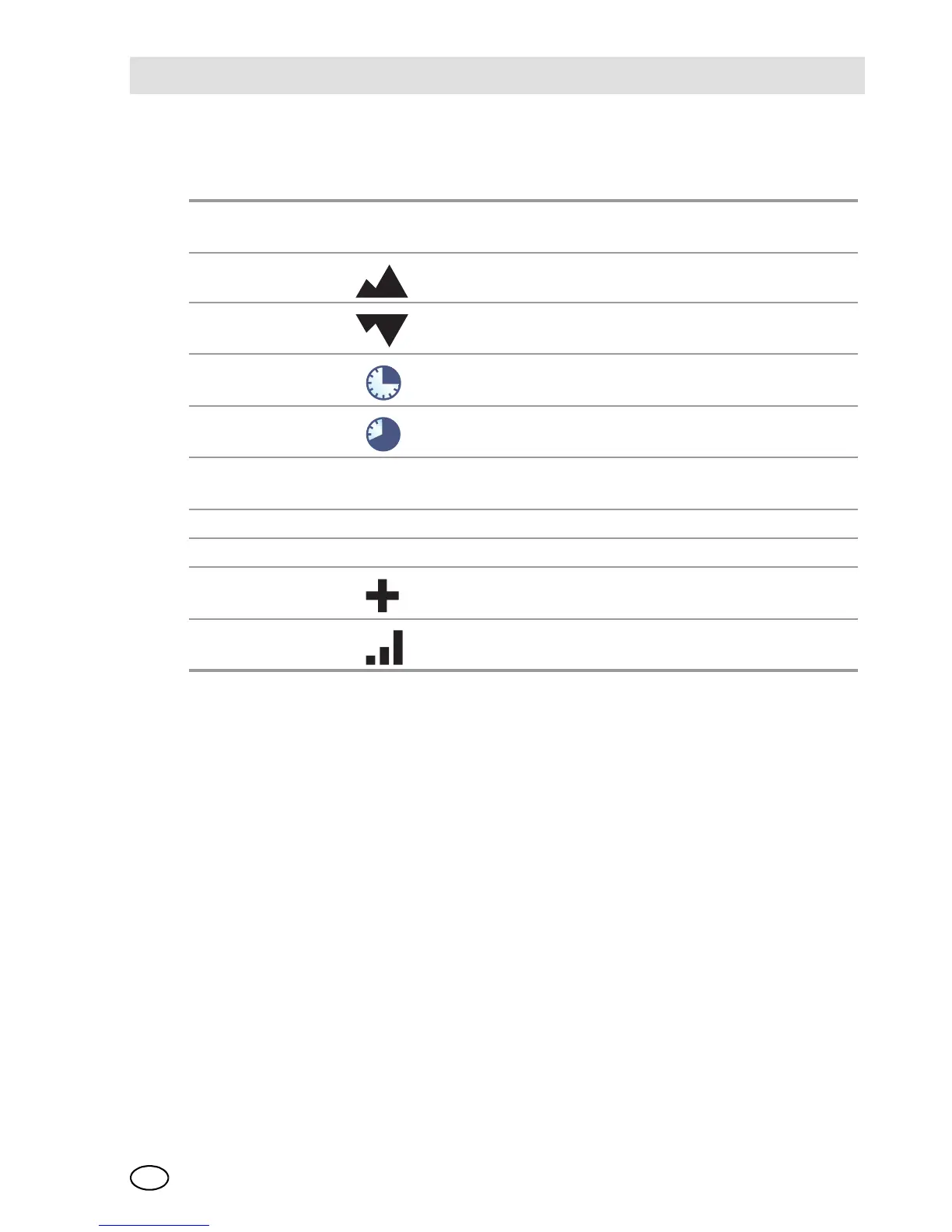
The following options pages can be executed from the Normal Operation screen:
* The display of these pages can be de-activated through MSA Link software
For further information see chapter 7.
BUMP page
[ALTAIR 5X only]
This page allows user to perform a Bump Test on in-
stalled sensors
Peak Page* This page shows the peak readings for all sensors.
Min Page This page shows the minimum readings for the oxy-
gen sensor.
STEL Page* This page shows the calculated STEL readings of the
instrument.
TWA Page This page shows the calculated TWA readings of the
instrument.
Date Page This page shows actual date settings of the instru-
ment.
Last Cal Date This page shows the date of the last calibration.
Cal Due* This page shows the set date for the next calibration.
Motion Alert This page allows the Motion Alert Feature to be acti-
vated or deactivated.
Wireless This page allows the Wireless communication to be
activated or deactivated.



 To Next Page