Maintenance
ALTAIR 5X/ALTAIR 5X IR
56
GB
3.9 Shutdown
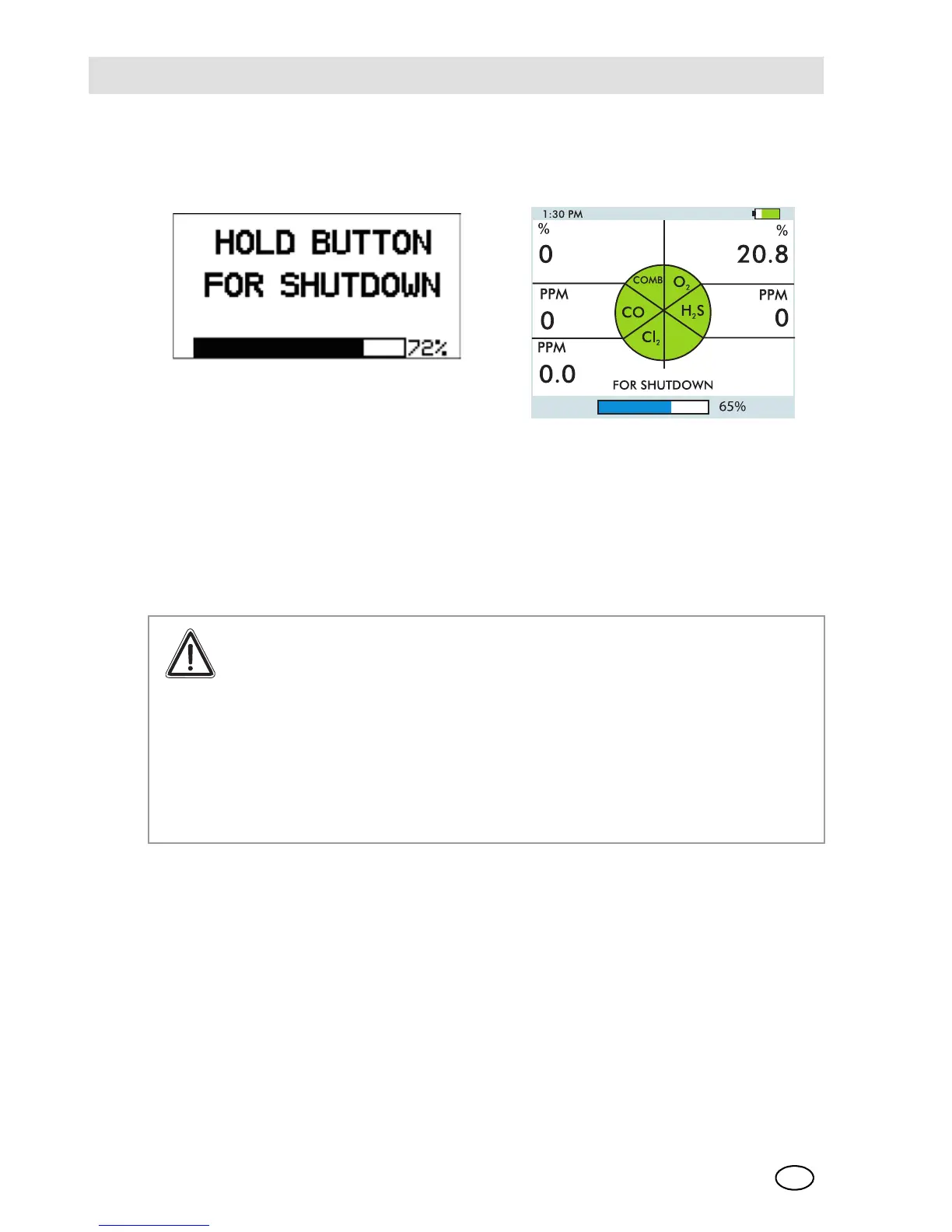
For shutdown press and hold the ON/OFF button.
Fig. 11 Shutdown
The device displays a blinking "HOLD BUTTON FOR SHUTDOWN" and a progress
bar shows the user how much longer to hold the button to complete the shutdown.
4 Maintenance
If irregularities occur during operation, use the displayed error codes to determine
appropriate next steps.
Warning!
Repair or alteration of the device beyond the procedures described in
this manual or by anyone other than a person authorised by MSA, could
cause the unit to fail to perform properly. Use only genuine MSA replace-
ment parts when performing any maintenance procedures described in
this manual.
Substitution of components can seriously impair performance of the unit,
alter intrinsic safety characteristics or void agency approvals. Failure to
follow this warning can result in serious personal injury or death.



 To Next Page