ALTAIR 5X/ALTAIR 5X IR
GB
39
Calibration Setup
The Calibration Options menu allows the user to:
- modify the calibration cylinder settings [CYLINDER SETUP]
- enable/disable calibration due and to set the number of days
[CAL DUE OPTIONS]
- enable/disable the option to show the last cal date at turn on and
[LAST CAL DATE]
- enable/disable the option for password protected calibration [CAL PASSWORD]
Press:
- the button go to next page
the button to go previous page
the ON/OFF button to enter setup.
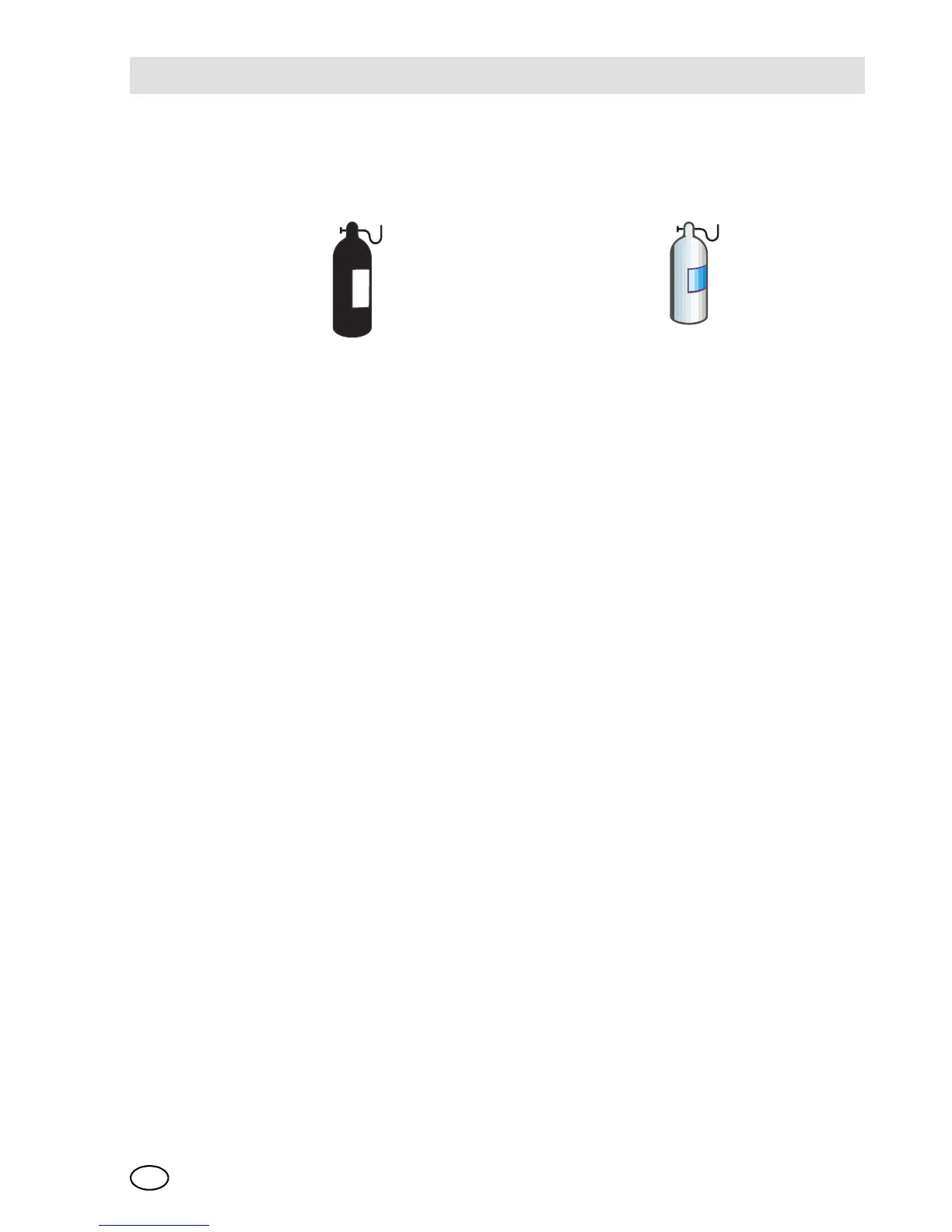
Setting Calibration Cylinder
This option has a dialog similar to the span calibration dialog.
The display shows all active sensors.
(1) Press the ON/OFF button to enter setup.
The screen for the first calibration cylinder displays.
(2) Press
the or button to change the value.
the ON/OFF button to confirm the setup.
With this confirmation the device automatically moves to the next cylinder setting.
(3) Repeat the sequence for changing the required settings for all necessary gas
values.
After the last setting is performed, the device returns to the
Calibration Options menu.
Monochrome display Colour display
CALIBRATION OPTIONS CALIBRATION OPTIONS



 To Next Page