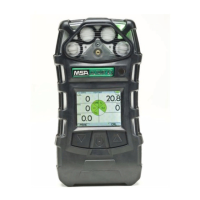
ALTAIR 5X/ALTAIR 5X IR
GB
51
Zero Calibration
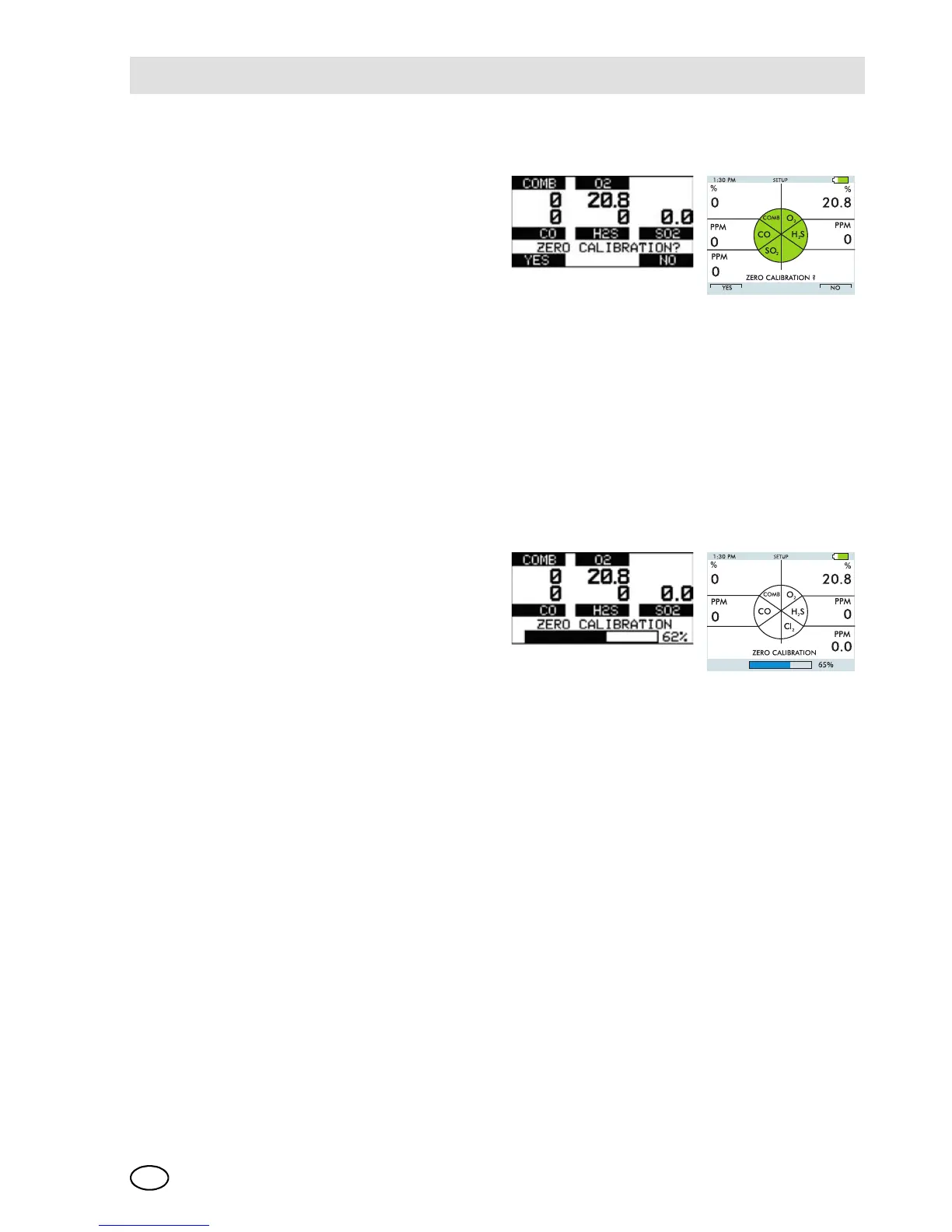
(1) Press the button in Normal
Measurement page.
ZERO screen displays.
To skip the ZERO procedure and move
directly to the span calibration proce-
dure, push the button. If no button is
pushed for 30 seconds, the device
prompts user to perform a SPAN cali-
bration before device returns to the
Normal Measurement page.
To perform ONLY a Fresh Air Setup at
this time, press the button. The device
then performs a Fresh Air Setup as de-
scribed in chapter 3.2. When the Fresh
Air Setup is complete, the device re-
turns to the normal Measure screen.
(2) Press the button to confirm the
ZERO screen, i. e. to execute
zero calibration.
The message "SENSOR RE-
FRESH" displays, followed by
the message "ZERO CALI-
BRATION".
The "REFRESH" message
does not appear if a catalytic
combustible sensor is not in-
stalled.
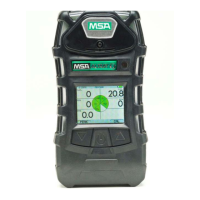
ZERO calibration starts.
A progress bar shows the user
how much of the calibration
has been completed.
During the first moments of a ZERO
calibration, the combustible sensor
reading may be replaced by a moving
display of dashed lines [- - ]. This is
normal.


 To Next Page