Operating job computer on the field
Using foam markers
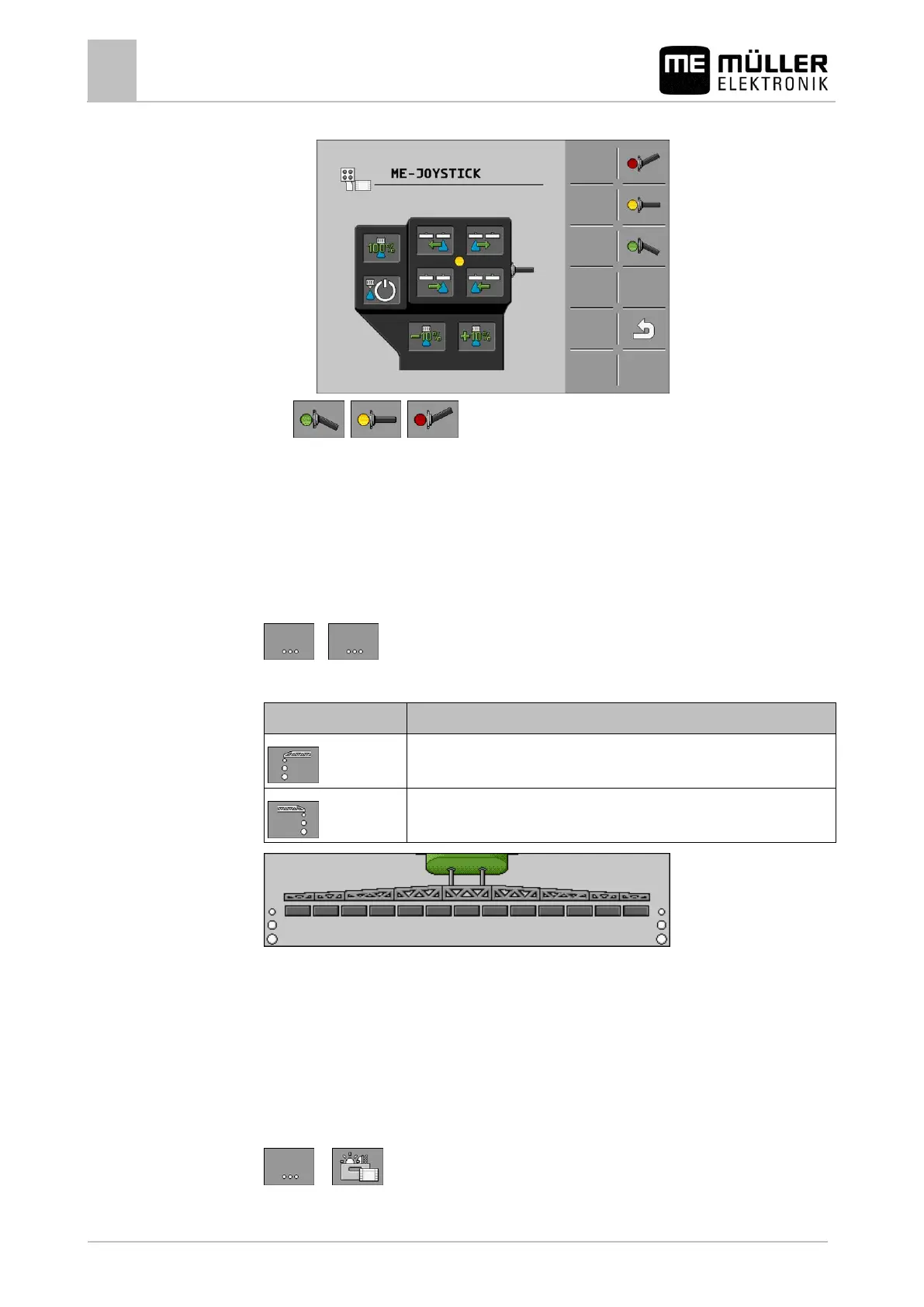
⇨ The button assignment appears:
3. , , - Press to view the assignment on each level.
4. You can also activate the Preview mode [➙ 47].
Using foam markers
Foam markers produce foam that can be applied by the field sprayer driver on the field at the ends of
the boom. The driver can then drive parallel to the foam.
To access the controls:
>
Use the following function keys to operate the function:
Switches the left foam marker on and off.
Switches the right foam marker on and off.
Foam marker activated on both sides of the boom
Operating additional functions
Additional functions are manufacturer-specific functions. They can only be activated or deactivated by
pressing a button.
All functions are in the additional screens.
To access the controls:
or



 To Next Page