Operating job computer on the field
Regulating the drop size with AIRTEC
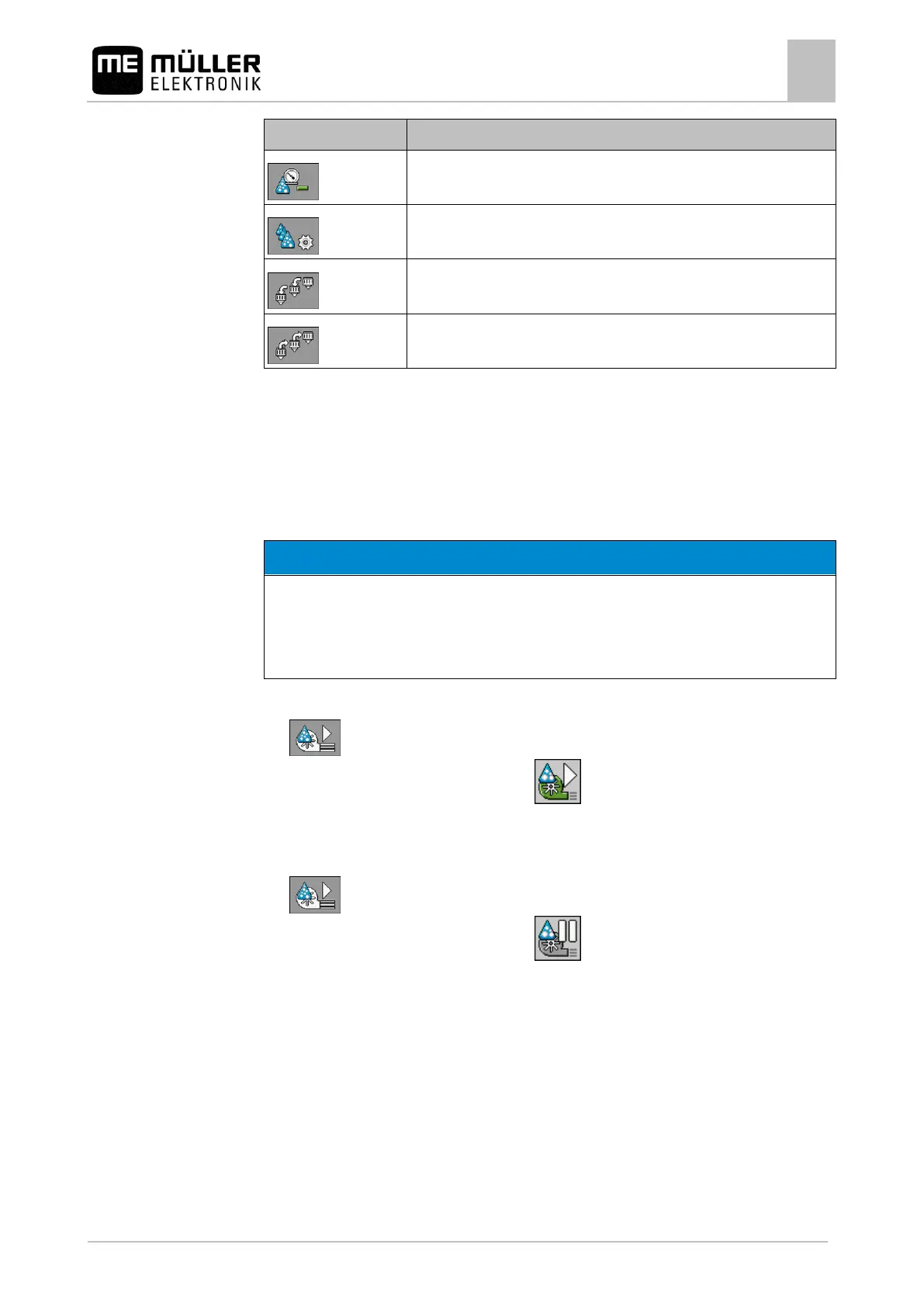
Calls up the screen with settings.
Switching the air compressor on and off
The system works with two types of compressors:
▪ Compressor on the field sprayer - is switched on and off by the job computer using a function
button.
▪ Compressor on the tractor
Liquid in the compressed air system
Damage to the compressed air system
◦ Only switch the air compressor off when the AIRTEC nozzles are not installed. If AIRTEC
nozzles are installed, the air compressor must be activated.
To switch the air compressor on:
1. - Press.
⇨ This icon appears on the work screen:
⇨ Air compressor will be switched on.
To switch the air compressor off:
1. - Press.
⇨ This icon appears on the work screen:
⇨ Air compressor will be switched off.
AIRTEC in automatic mode
In automatic mode, select the drop size that you want to achieve. The air pressure is adjusted so that
this drop size is reached.
AIRTEC nozzles are installed.
AIRTEC is configured. [➙ 81]
Air compressor is on.



 To Next Page