Basic control principles
Screen structure
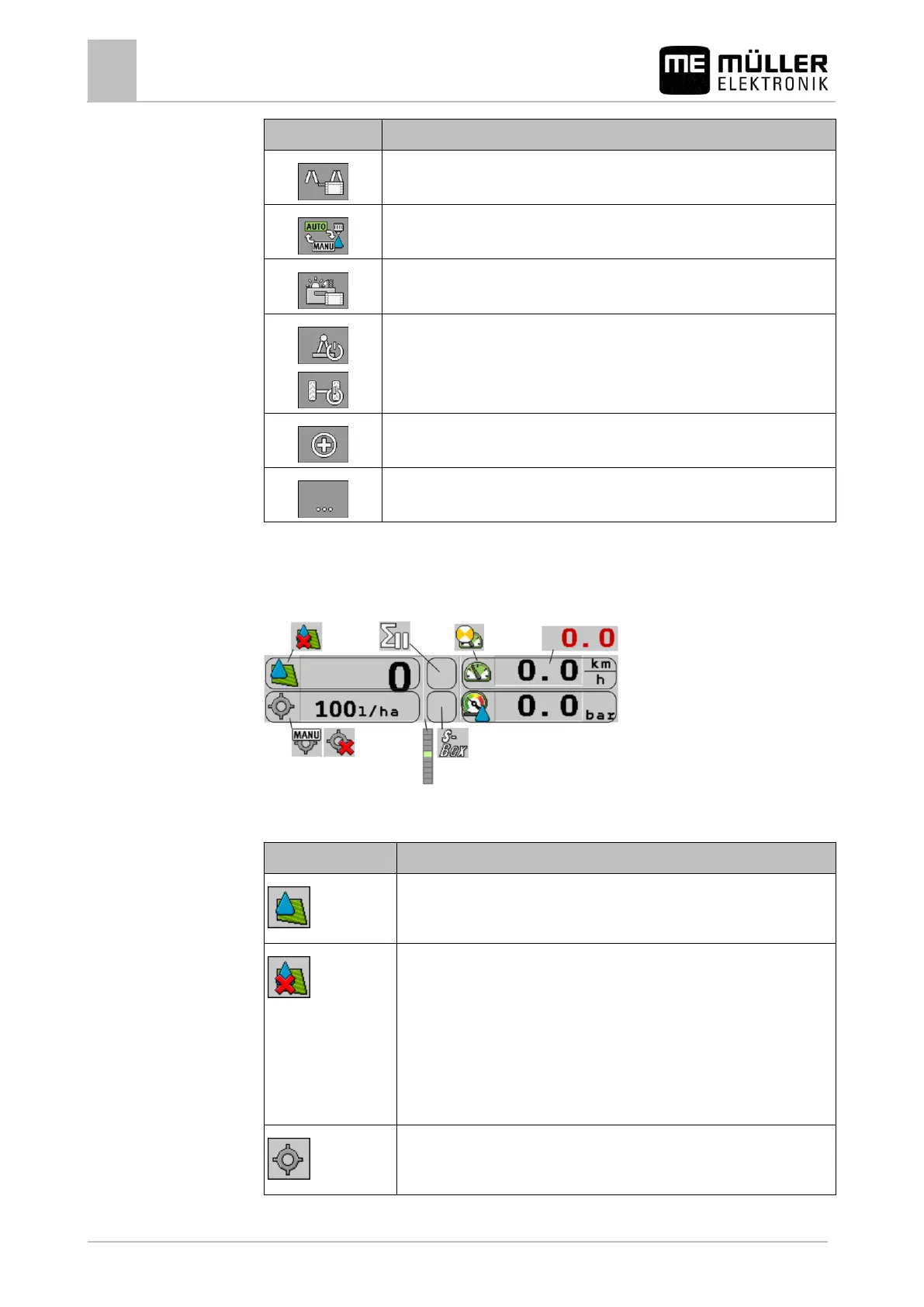
Opens the "Boom Folding" screen.
Switches between manual and automatic regulation of the application rate.
Opens a screen with additional functions.
Starts and stops the drawbar steering (or stub axle steering).
Switches between two levels of icons.
Shows the next page with function icons.
Spray data area
The following information is shown in this area:
Selected icons in the spray data area
Depending on the configuration, the following icons may appear:
The application rate will be automatically regulated.
The current value (current application rate) appears next to it.
No flow. The main valve cannot be opened because one of the
requirements has not been fulfilled:
- Speed slower than "Sprayer off below" [➙ 55]
- Section status
- Set rate out of reach.
- SECTION-Control has terminated the application
The application rate will be automatically regulated.
The target rate appears next to it.



 To Next Page