Chapter 6—Using the Software
MultiVOIP® Voice/Fax over IP Gateways 127
Downloading Firmware
1. The MultiVOIP Configuration program must be off when invoking the Download Firmware command. If it is
on, the command does not work.
2. To use the Download Factory Defaults command, go to Start | Programs | MultiVOIP x.xx | Download
Firmware.
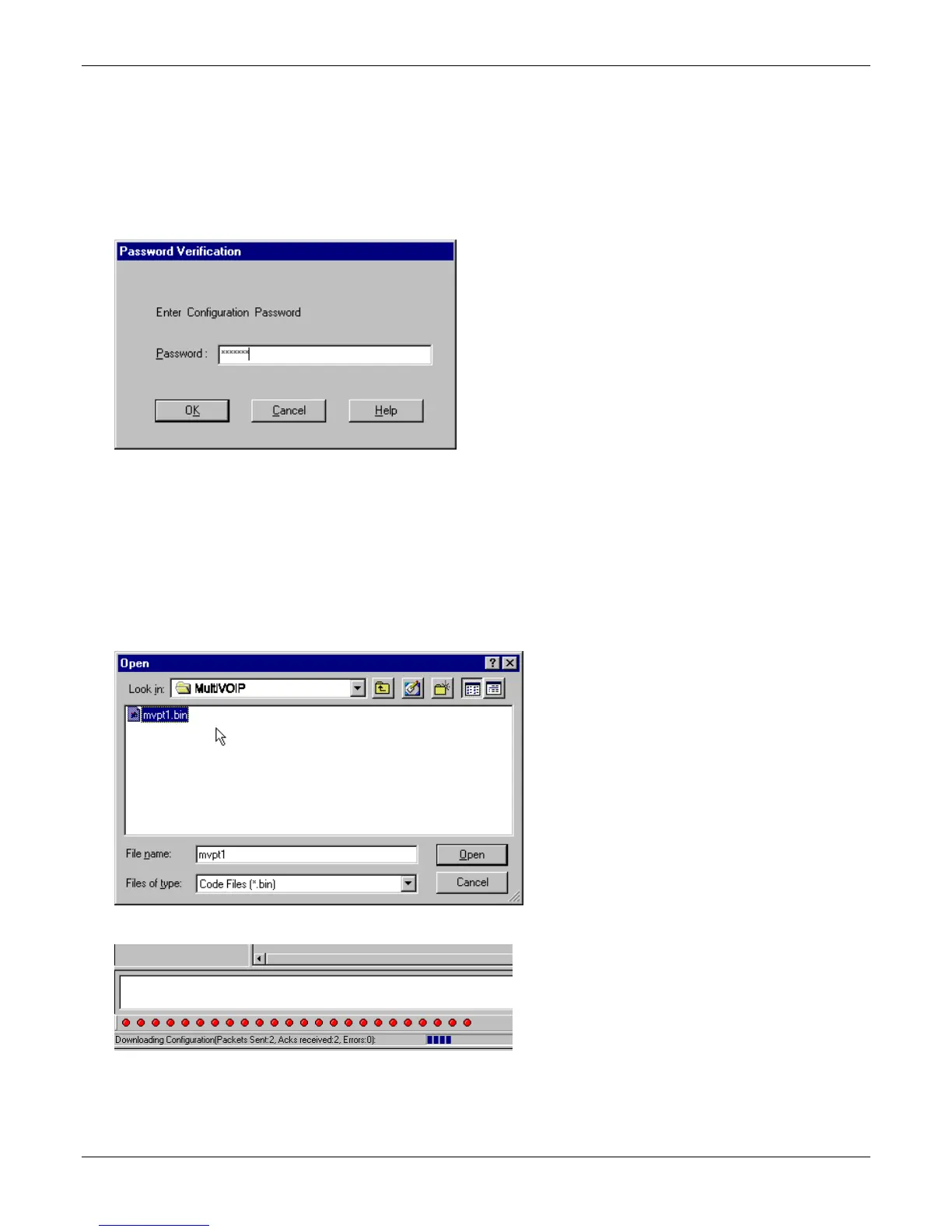
3. If a password is established, the Password Verification dialog box opens.
Type the password and click OK.
4. The MultiVOIP x.xx Firmware screen appears saying “MultiVOIP [model number] is up. Reboot to Download
Firmware?”
Click OK to download the firmware.
The “Boot” LED on the MultiVOIP lights up and remain lit during the file transfer process.
5. The program locates the firmware “.bin” file in the MultiVOIP directory. Highlight the correct (newest) “.bin”
file and click Open.
6. Progress bars appear at the bottom of the screen during the file transfer.
The MultiVOIP’s “Boot” LED turns off at the end of the transfer.
The Download Firmware procedure is complete.



 To Next Page