Chapter 6—Using the Software
136 MultiVOIP® Voice/Fax over IP Gateways
3. Install FTP Client Program or Use Substitute. Install an FTP client program on the controller PC. You can use
FTP to transfer files by using a web browser with a local Windows browser. This approach is somewhat
clumsy because it requires use of two application programs rather than one. It also limits downloading to
only one VOIP unit at a time. With an FTP client program, multiple VOIPs can receive FTP file transmissions
in response to a single command (the transfers may occur serially however).
Although Multi-Tech does not provide an FTP client program with the MultiVOIP software or endorse any
particular FTP client program, adequate FTP programs are readily available under retail, shareware and
freeware licenses. (Read and observe any End-User License Agreement carefully.) Two examples of this are
the “WSFTP” client and the “SmartFTP” client, with the former having an essentially text-based interface and
the latter having a more graphically oriented interface, as of this writing. User preferences vary.
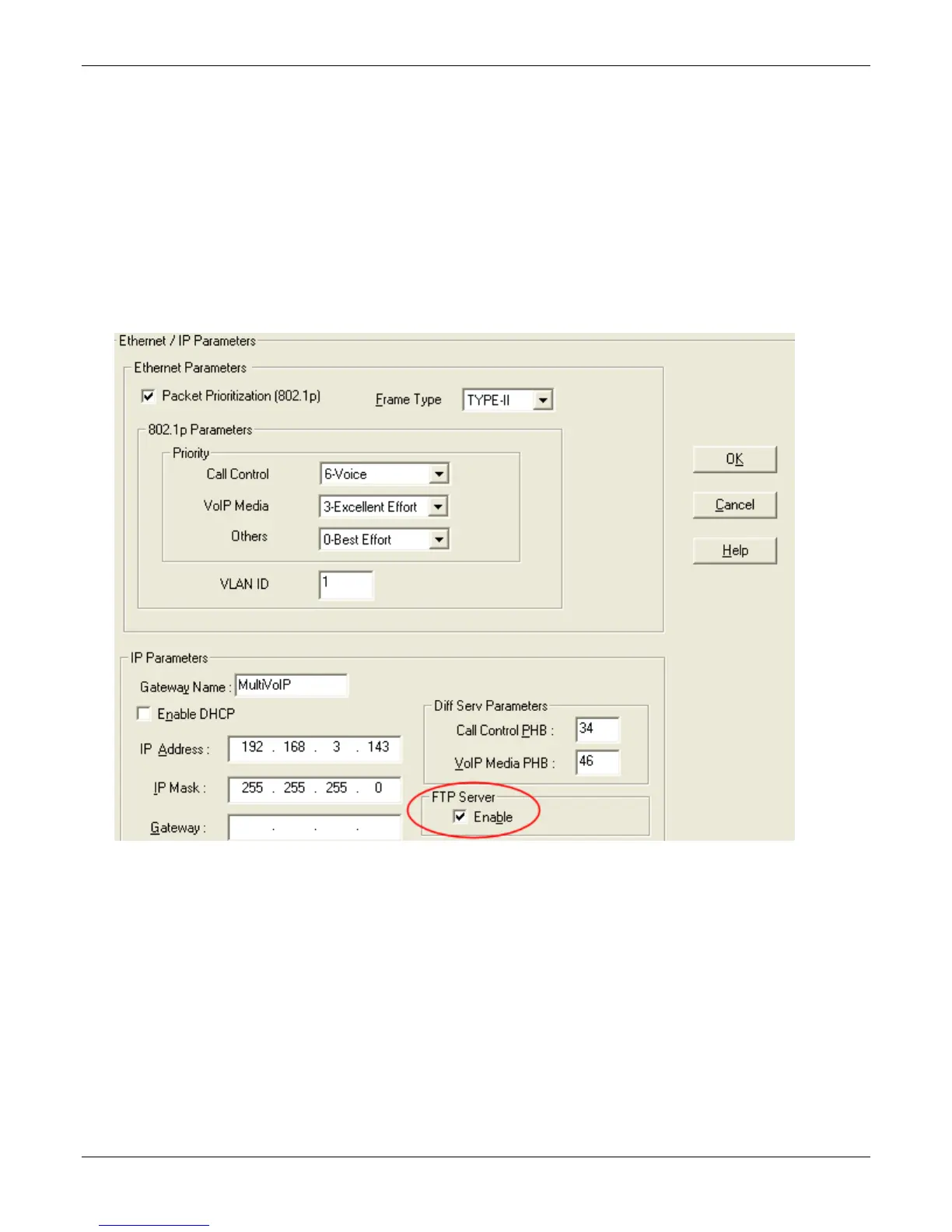
4. Enable FTP Functionality. Go to the IP Parameters screen and click FTP Server: Enable.



 To Next Page