© Munters AB, 2020 124
11
Appendix D: Trio Cell Modem Installation
This document details how to install and configure a cell modem in a Trio unit lacking this device.
•
Prerequisites
•
Installation
11.1
Prerequisites
•
Supported Devices
•
Required Software
•
Internet Access
11.1.1
S
UPPORTED
D
EVICES
Trio Display Card Version 1.1.0 or above supports the modem.
•
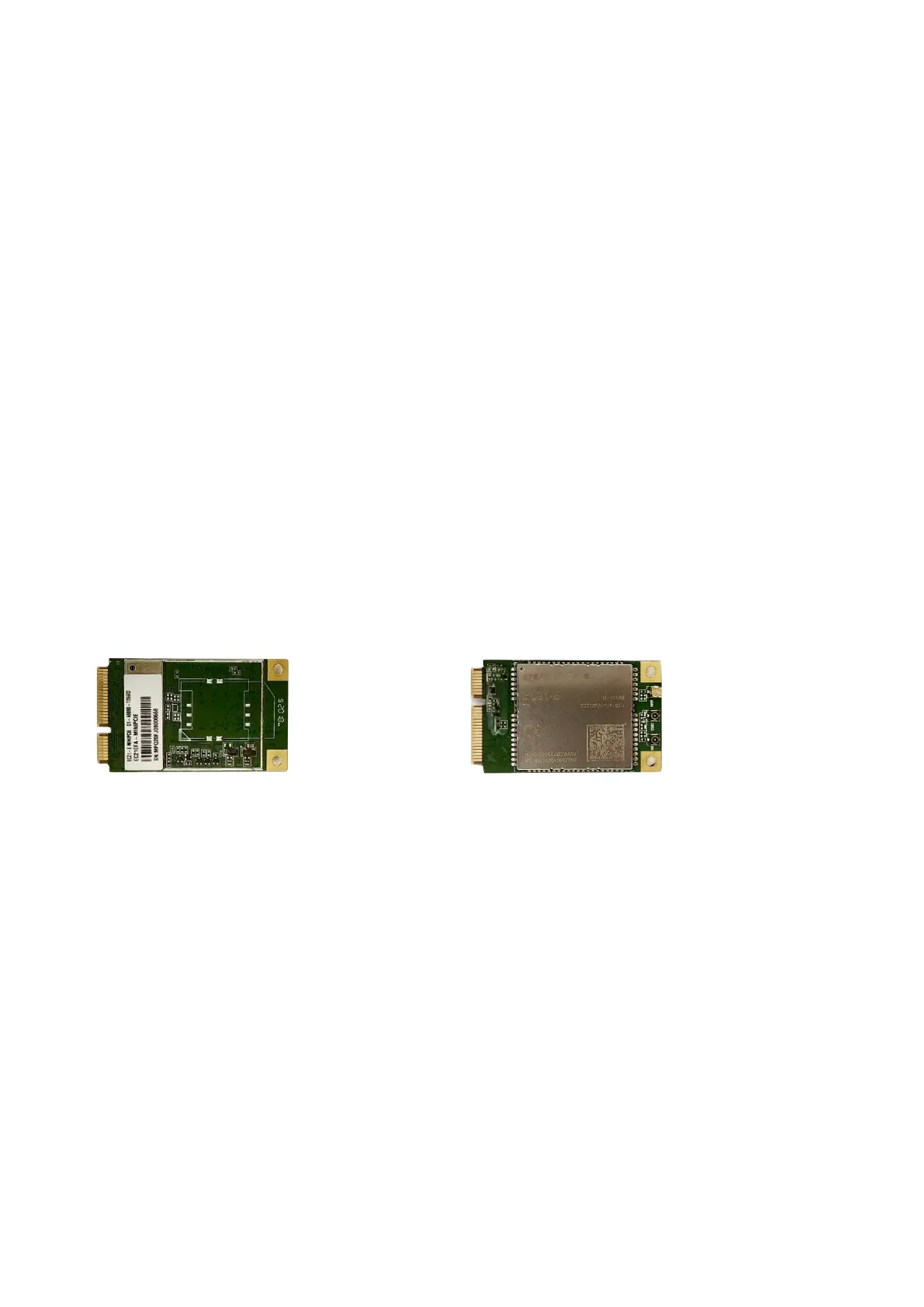
Order: 940-99-00049 Trio GLOBAL LTE CELL MODEM & EXTERNAL ANTENNA.
•
For Trio Display Board versions 1.0 or lower, contact Customer Success.
Figure 39: SIM 940-99-00049 Front and Back
11.1.2
R
EQUIRED
S
OFTWARE
Trio cell modem requires the following software installations:
•
Image Version 1.5. Consult with a Munters technician on how to install the image.
•
Software Version 5.0 or higher. Upgrade this software via the Trio Software Upgrade screen.
11.1.3
I
NTERNET
A
CCESS
Trio has a priority system for internet access:
1. LAN connection
2. WIFI
3. Cell modem
If a LAN connection is available, Trio automatically connects to the web via the LAN only, even if the unit
supports WIFI or a cell modem connection. If there is no LAN, Trio uses WIFI. Trio will only use the cell
modem when the first two options are not available.



 To Next Page