MAINTENANCE MANUAL
VCE-MM-02
20
Maintenance
This chapter deals with component replacement and maintenance of the ValueCut Cutting Plotter. It
gives detailed step-by-step instruction on how to replace or adjust the components of this machine.
Components Replacement and Belt Tension Adjustment
Removing the Front, Back, End and Top Covers
The following steps are those involved in removal of the front, back, end and top covers.
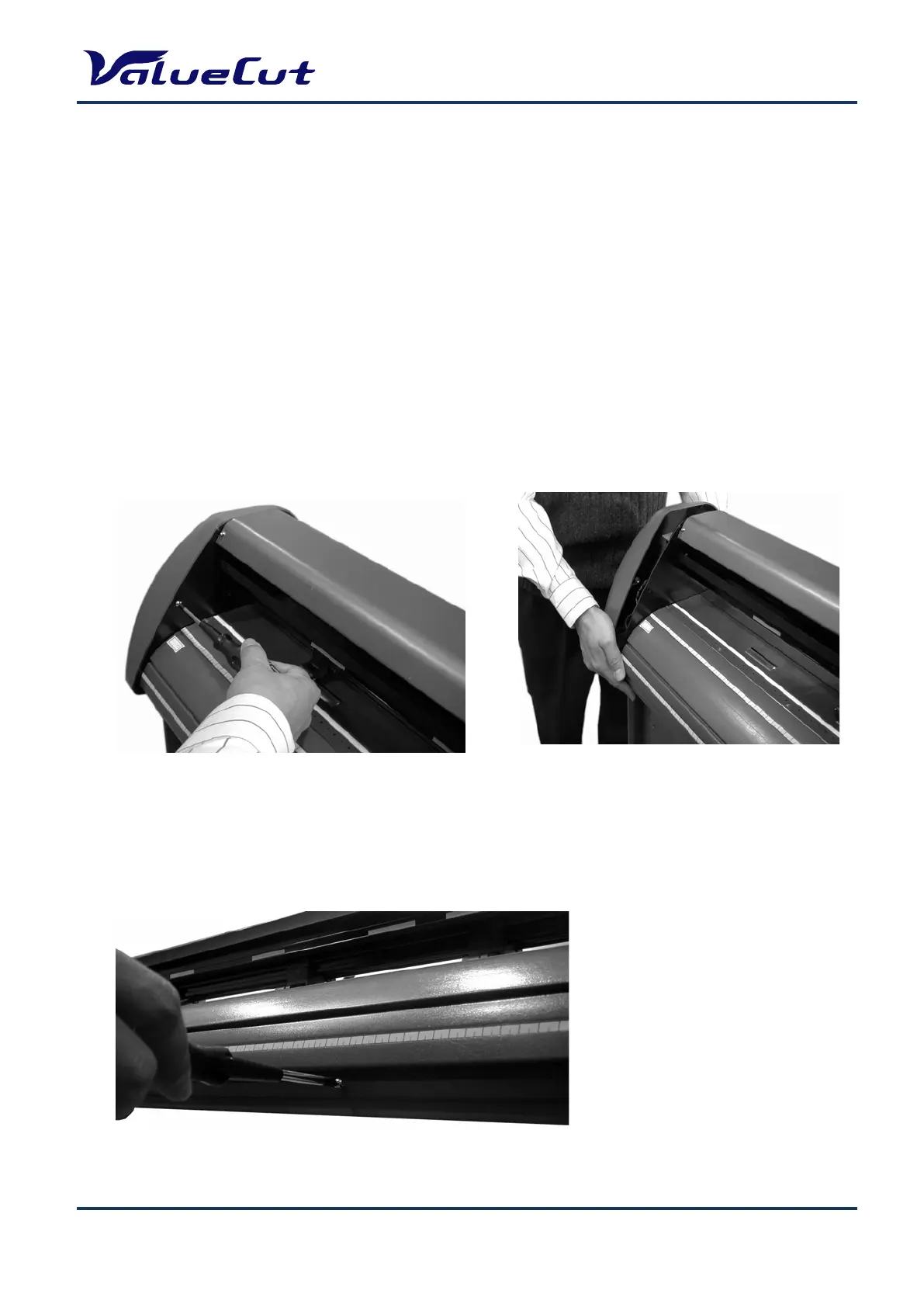
To Remove the End Covers:
To Remove the Front and Back Covers:
1. Remove the end cover screws.
2. Put equal pressure on both sides of the
End Cover and pull to remove.
1. Unscrew the 7 Front Cover and 7 Back Cover screws











 To Next Page