MAINTENANCE MANUAL
VCE-MM-02
32
Firmware Upgrade
When you change the Main board, it is necessary to upgrade firmware to latest version. This is done
as follows:
Note1: A main board is required to be pre-programmed with a loader in order to become flash able for
firmware uploading.
Note2: Normally, before a new spare main board is ready to ship, a loader or even a firmware
(smallest size of ordered model series) will be uploaded first on it. In case of functionality
problem happening due to incorrect firmware version, please verify if the existing firmware
on this main board is the desired one. A new program called (Firmware Upgrade) is a tool for
users to easily upgrade firmware, followed by the steps listed below.
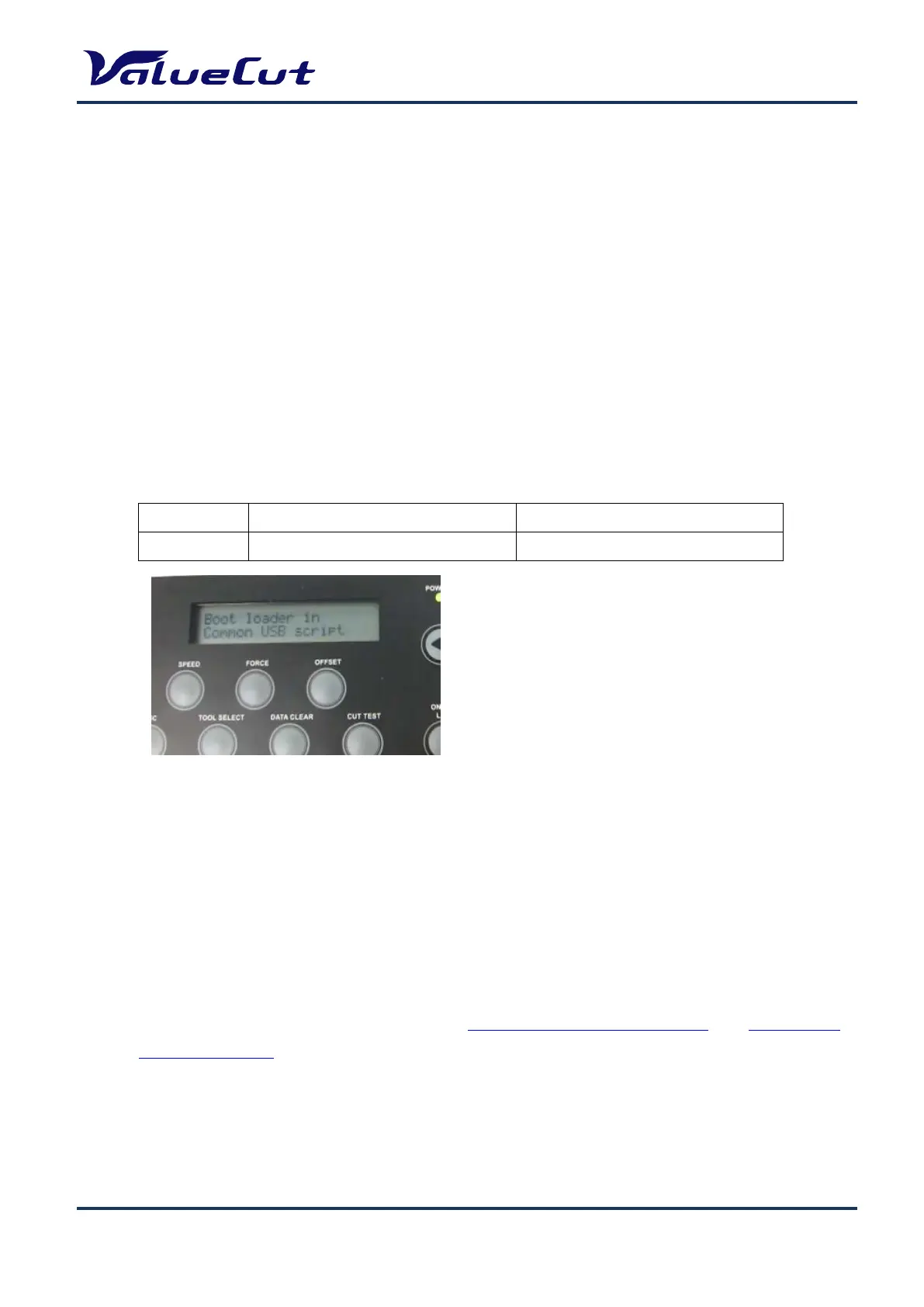
Port to use USB port Serial port
Operation [Down] key + Power on [CUT TEST] key + Power on
Note: After firmware installation, please perform initialize the setup information and re-enter the
setup information.
Note: Write down all the setting values before performing initialization. Re-enter the values again
from the panel after initialization is done. (“AAS Offset X/Y” and “Scale Length/Width” values
will be backed-up, so resetting will not be required.)
1. Press indicated buttons by different port transmission
listed on the table and open a "ValueCut File Uploade".
2. Select a desired firmware and port on "ValueCut File
Uploader" dialogue box, then press START for uploading.
3. When update of the firmware is completed, machines
reboot with a normal mode automatically.











 To Next Page