MUTOH Status Monitor
Installation Wizard Operation Manual
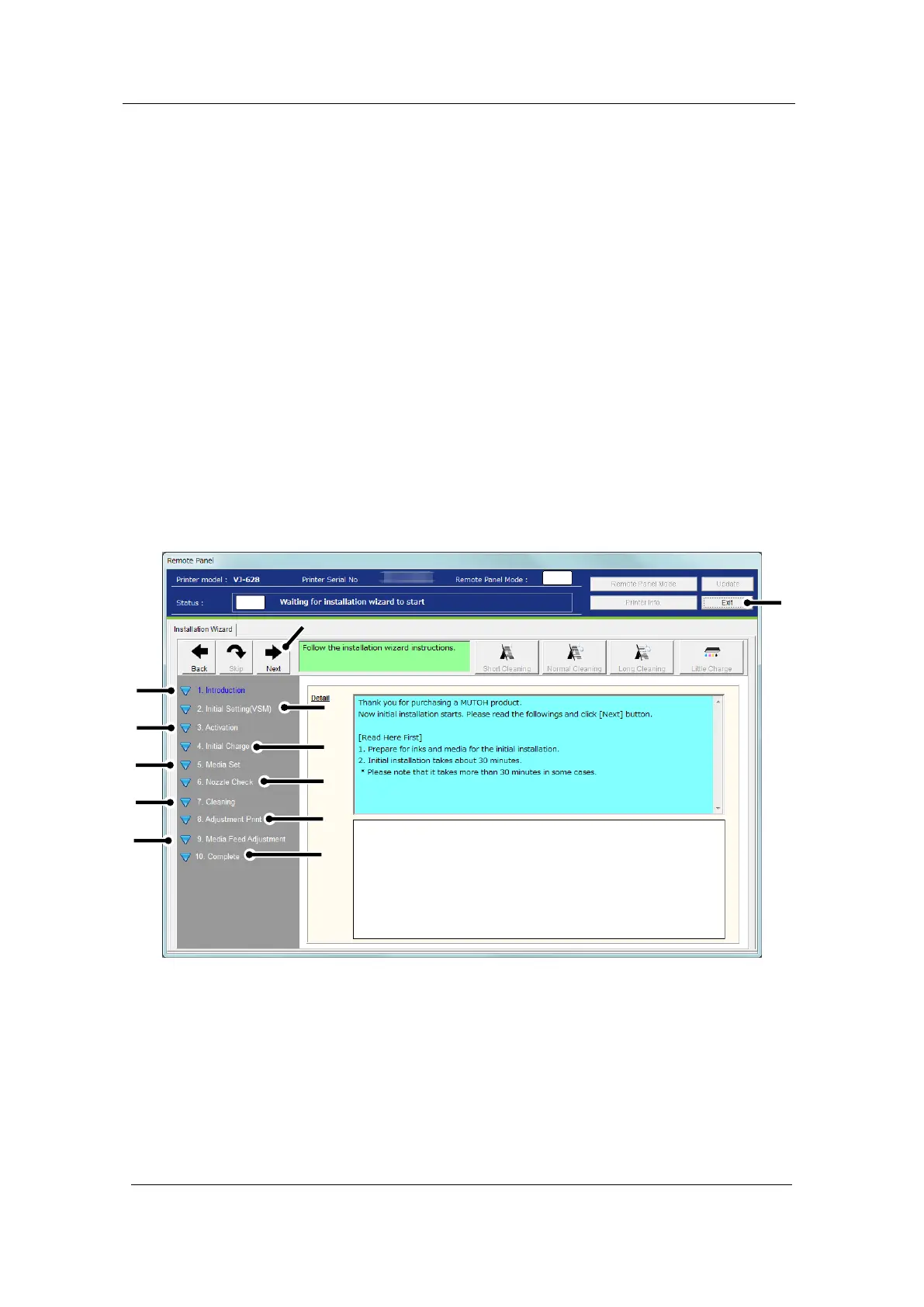
3 Installation Wizard
The Installation Wizard launches depending on the printer status and guides you through
the printer initial installation process after the printer registration.
3-1 Launching Installation Wizard
The Installation Wizard launches if any of the following conditions apply;
1. The MSM initial setting has not been completed.
2. The printer activation has not been completed
3. The initial ink charge has not been performed.
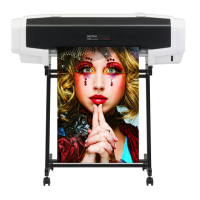
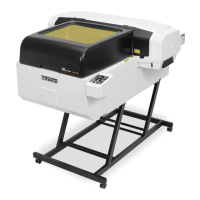
1). Main Menu for VJ-628/628X/628MP













 To Next Page